


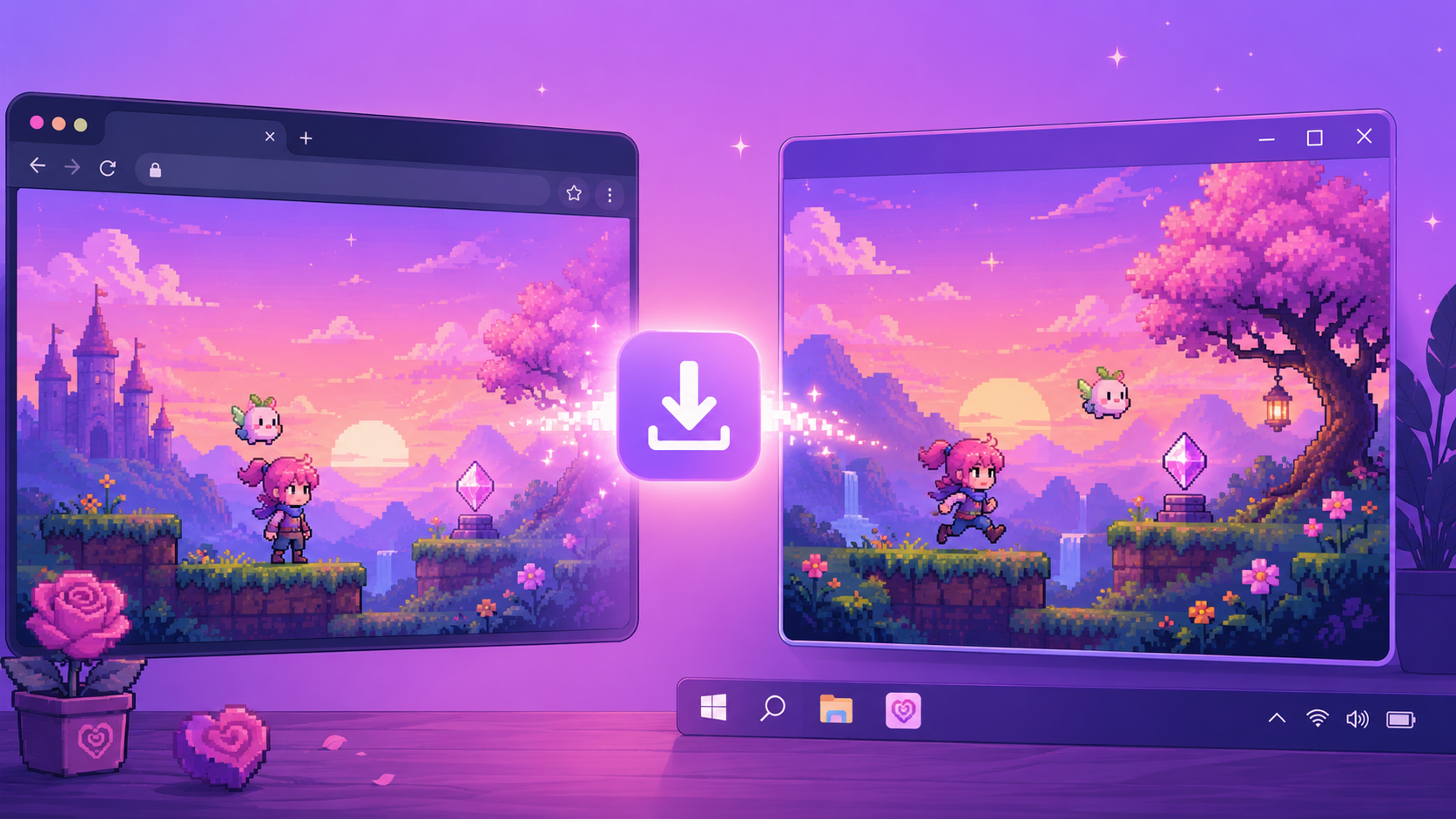
You built a game on Rosebud. It runs in the browser, anyone with the link can play it, and you can keep iterating with AI by your side. That's been the journey so far. Not anymore.
You can now download your Rosebud project as a Windows executable — a real .exe file you can run on your PC, hand to a friend on a USB stick, or wrap into a Steam release. This guide is the map of the whole flow: how the download works, what arrives in your inbox, how to launch your game on Windows, and how to take the next step toward a commercial release.
If you're new to all of this, start here. Each section links to a more detailed guide.
What "Download as Windows EXE" actually means
When you click the Download button in your Rosebud project, two things happen.
First, we package your project into a Windows executable. That includes your game's code, assets, and a lightweight runtime that lets your game run as a native Windows app instead of inside a browser tab.
Second, we email you the zip file. Because builds can take a few minutes and the files can get chunky, we don't make you stare at a progress bar. When your build is ready, it lands in the inbox you signed up with.
You don't lose access to your project on Rosebud. The web version keeps working exactly as it did. The download is an additional artifact, not a replacement.
Heads up: the Windows download and Steam export are available on Rosebud's paid plans — they aren't part of the free tier.
→ Full step-by-step: How to Download Your Rosebud Game as a Windows EXE
What's in the zip
When you unzip the file we email you, you'll find your game's executable, the supporting files it needs to run (assets, audio, runtime libraries), and an editable copy of the project source.
Two things to know. Keep the folder intact — the .exe expects its sibling files, so don't drag the .exe out of the folder and try to run it standalone. And the first launch may take a few seconds longer than later launches. Windows is checking the file. That's normal.
Running your game on Windows for the first time
Most of this is unzip-and-double-click. There's exactly one gotcha worth knowing about: Windows SmartScreen.
Because the executable isn't signed by Microsoft, Windows will show a blue "Windows protected your PC" warning the first time you run it. This is not a virus warning. It's Windows being cautious about any unsigned app, including builds from solo indie devs.
To get past it: click More info, then click Run anyway. You only need to do this once per machine.
→ Full step-by-step: How to Run Your Rosebud .EXE on Windows
Why run your game locally?
The web version works great. So why bother with a desktop build?
A few reasons creators have told us matter. It feels real — a native window with your game's name in the title bar hits differently than a browser tab. It runs offline, which is great for demos, travel, and conventions. You can hand it to people on a USB stick or via Dropbox, and they can play without knowing what Rosebud is. And it's the on-ramp to Steam. Steam doesn't accept browser-only games, so a Windows build is the first step toward a commercial release.
→ Full breakdown: Why Run Your Rosebud Game on Your PC?
From a .exe to a real release
Once you have a working Windows build, you have a real piece of software. Where you take it next is up to you.
Hand it to friends and playtesters first. The simplest distribution: zip it, share the link, get feedback.
Put it on itch.io. itch.io is the standard indie hosting platform. Free, no gatekeeping, accepts pay-what-you-want. You can be live in under an hour.
Publish to Steam. Steam is where the audience and the money are. It also has a more serious onboarding process — a $100 Steamworks fee, store page assets, age rating disclosures, and a review period before you go live. Worth it if you're serious about a commercial release.
→ Full guide: From Rosebud to Steam — Publishing Your AI-Made Game
Troubleshooting
If the email didn't arrive, check spam, then check that the email on your Rosebud account is correct. Build emails are sent to the address you signed up with.
If SmartScreen blocked the file and won't let you past it, some corporate machines lock down SmartScreen completely. Try a personal machine.
If antivirus flagged the .exe, unsigned executables sometimes get false-positive flags. Add an exception for the folder, or scan the file with VirusTotal for peace of mind.
If the game opens then crashes, usually the folder structure got disturbed. Re-unzip the original file into a fresh folder.
FAQ
Is the Windows download included on every plan? No. The Windows .exe download and Steam export are available on Rosebud's paid plans — see the pricing page for details. The free tier keeps your project running in the browser.
Mac and Linux? Windows first. We're listening on Mac and Linux — let us know in the Discord if that matters for you.
Can I modify the code after I download it? Yes. The zip includes editable project source. You can open it in your code editor, change things, and rebuild.
Do I own the game? Yes. You own what you make on Rosebud. The download just makes that ownership more tangible.
Will my web version stop working? No. Downloading the .exe doesn't affect your web project at all.
What to do next
If you've got a project you're proud of and you're on a paid plan, hit Download and try it out. Just want to play it on your own machine? You're done. Want to share it with people? Try itch.io. Want to sell it? Start the Steam onboarding now — the review process takes a few weeks.
We'll keep updating this guide as the download flow evolves. If something here is unclear or you hit a snag we didn't cover, drop us a note in the Discord.

Andi Bucescu
Andi is the Head of Marketing at Rosebud, where she writes about the intersection of AI, creativity, and brand storytelling. She explores how generative AI is reshaping marketing strategies and creative workflows, with a focus on making complex technology accessible and cutting through the noise of modern campaigns. Her perspective is informed by undergraduate research on effective social media content and consumer psychology.