


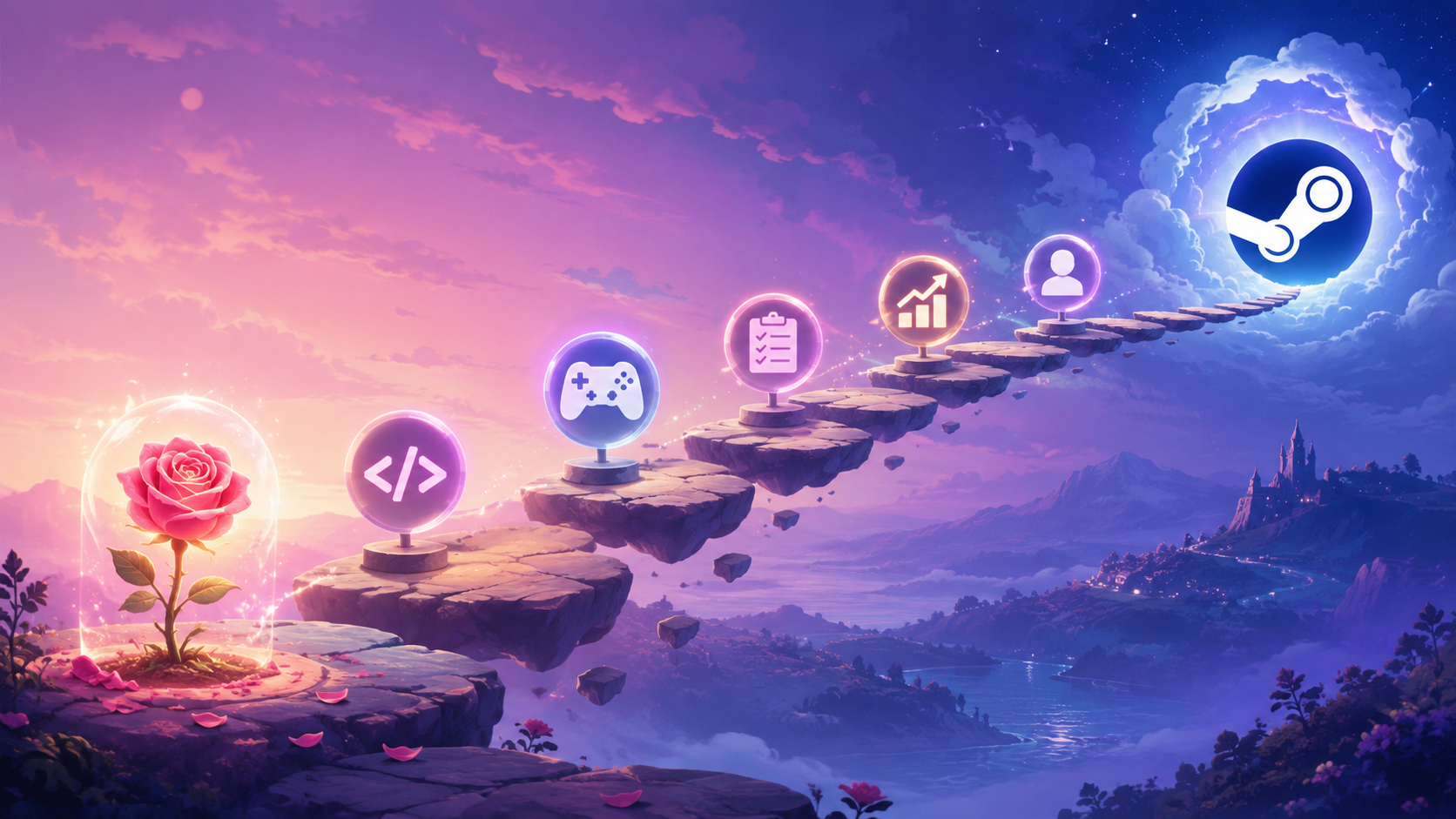
You have a Rosebud game and a Windows build. You're ready to sell it. Steam is the obvious next step.
This guide walks through what going on Steam actually means: the costs, the timeline, the gates, and the order of operations. It's specifically written for Rosebud creators — your game is built quickly with AI, and you're probably figuring out the Steam pipeline as you go.
First: do you have a Windows build?
Steam doesn't accept browser-only games. You need a downloadable executable, which Rosebud provides via the Windows EXE download. That feature is on Rosebud's paid plans — if you're still on the free tier, upgrading is step zero of going commercial. Once you have the .exe, the rest of this guide applies.
Is your game ready for Steam?
Quick honesty check before you go further. Steam's bar isn't huge, but there is a bar.
Your game needs to be a complete experience. Not necessarily a long one — Steam has plenty of two-hour games. But it should have a start, a clear progression, and an ending or definitive loop. "A prototype I made on Rosebud" isn't ready. "A focused 90-minute experience" is.
Your game needs a working Windows build. That's the .exe Rosebud generates. Make sure it runs cleanly on a fresh Windows machine, not just yours. See How to Run Your Rosebud .EXE on Windows for the first-launch checklist.
Your game needs a clear pitch. Steam shoppers decide whether to buy in seconds. You need a name, a tagline, a few good screenshots, and a short video.
If you're not there yet, itch.io has a much lower bar and is a great middle step. We'll cover that at the end.
What Steam actually costs
$100 application fee per game. Steam's spam filter. You pay it once per game when you set up a new Steamworks page. You get most of it back after your game crosses $1,000 in sales.
30% revenue share. Steam takes 30% of every sale. After $10M lifetime sales they drop to 25%, then 20% past $50M — numbers most indie creators won't hit.
Tax forms. You'll fill out tax interview forms. Steam withholds US tax for non-US sellers unless your country has a treaty.
That's the Steam side. On the Rosebud side, the prerequisite is being on a paid plan to access the Windows download and Steam export. No additional per-game Rosebud fees beyond the plan itself.
The timeline
Roughly, from "I want to publish on Steam" to "my game is live":
Steamworks account setup: same day
Tax and bank info verification: 1 to 3 business days
Store page assets ready: 1 to 4 weeks
Build uploaded and tested: 1 to 3 days
Mandatory store-page-live waiting period: 14 days before launch
Plan for 4 to 6 weeks minimum between starting the Steam process and being live on the store.
The order of operations
1. Create your Steamworks account at partner.steamgames.com. Use an email you'll keep for years; this becomes your business identity on Steam.
2. Fill out the partner agreement and tax forms. This unlocks the ability to create products. Submit early — verification takes 1 to 3 business days.
3. Pay the $100 application fee for your game. Create your first app in the Steamworks dashboard.
4. Build your store page. This is where most of your time goes. You need a name, a 30-character short description, a longer description, at least 5 screenshots, a header capsule image, and ideally a trailer video.
5. Upload your build via SteamPipe. SteamPipe is Steam's content delivery tool. You'll install it locally, point it at your unzipped Rosebud build folder, and run a script that uploads your game to Steam's servers.
6. Wait for store page review. Steam reviews your store page presentation — sizes, descriptions, asset specs.
7. Set your release date and price. This goes live on your store page and starts the 14-day mandatory waiting period.
8. Submit your game for technical review. Steam runs an automated review of your build, checking for launch crashes and basic Steam integration.
9. Wait out the 14-day period. Use this time to build wishlists, send screenshots to press, post on social, get friends to try the demo.
10. Launch day. Hit the release button. Your game goes live.
What's specifically different for a Rosebud creator
A few things to know if your game was built with Rosebud.
Steam doesn't care that your game was built with AI. Steam's content rules apply to what's in your game — no copyrighted IP without rights, no hate content, etc. — not how it was made. AI-generated content is fully allowed as long as it doesn't infringe on copyrights.
You'll need to disclose AI use. Steam's "AI Generated Content" disclosure on the store page asks you to describe how AI is used. Be honest and brief: "This game was built with the Rosebud AI platform, which generates code and assets based on developer prompts. All output was reviewed and edited by the developer."
Your build is your build. Steam doesn't care that the .exe came from Rosebud rather than Unity or Unreal. As long as it runs, it's fine.
When itch.io is the better first step
If you're not sure your game is Steam-ready, publish on itch.io first. The benefits: free to set up (no $100 fee), you can list pay-what-you-want or charge a fixed price, you keep 90 to 100% of revenue, you can have your game live in under an hour, and itch has its own audience that loves discovering indie games.
A common path: ship on itch first, get feedback, polish, then move to Steam. Some games stay on itch permanently — there's no rule that says you have to graduate.
What to do next
Ready to start? Read the deeper guide: Setting Up Steamworks for Your First Indie Game.
If you're not ready for Steam yet: polish your Rosebud project until it's actually fun to finish, ship a build on itch.io, get a handful of players, iterate. When you're confident, come back here and start the Steam onboarding.

Andi Bucescu
Andi is the Head of Marketing at Rosebud, where she writes about the intersection of AI, creativity, and brand storytelling. She explores how generative AI is reshaping marketing strategies and creative workflows, with a focus on making complex technology accessible and cutting through the noise of modern campaigns. Her perspective is informed by undergraduate research on effective social media content and consumer psychology.