


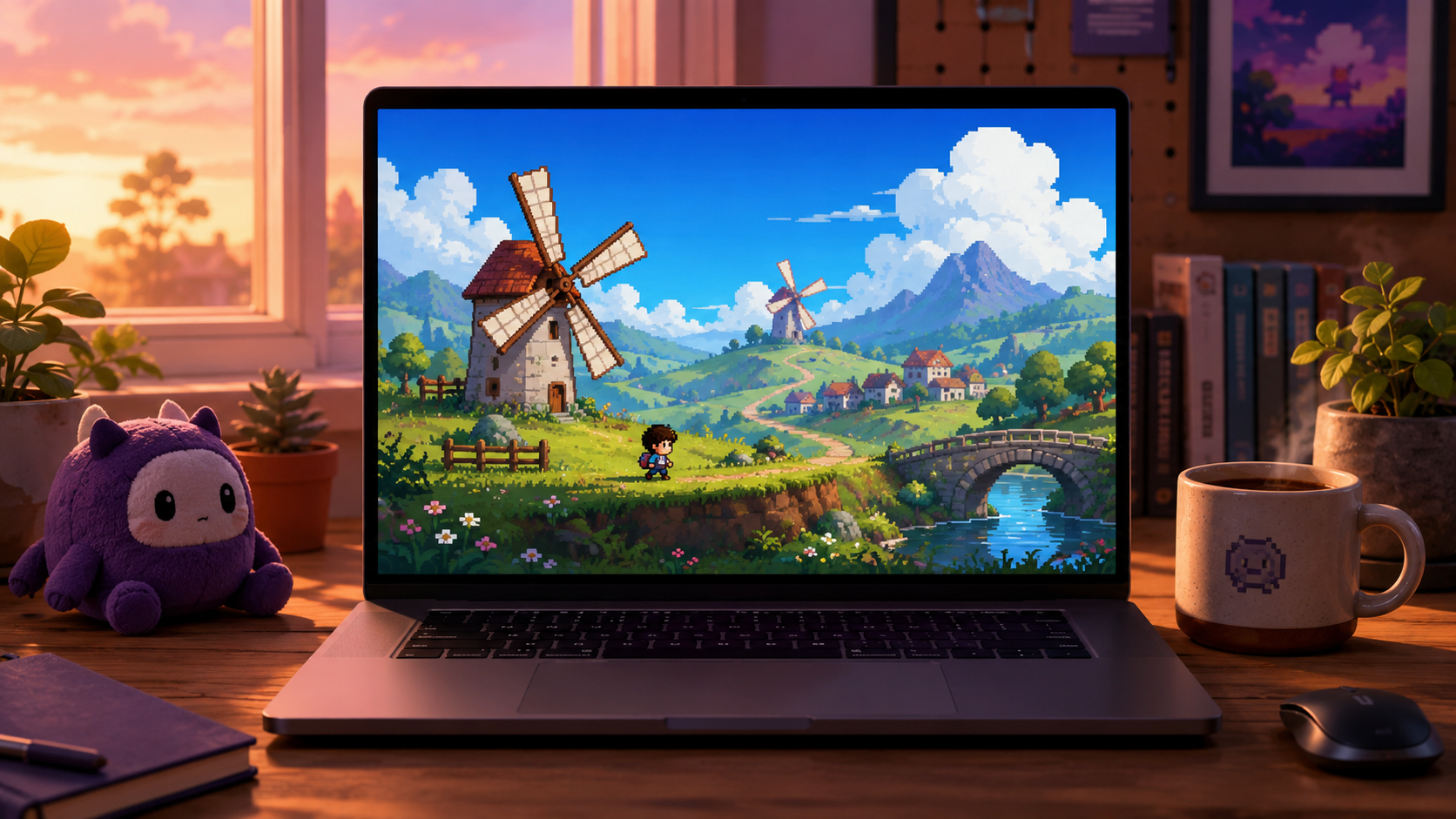
Your game on Rosebud already runs in the browser. Anyone with the link can play it on any device. So why would you bother downloading it as a Windows .exe?
The web version is the right starting point for almost everyone. But there's a moment in most creators' projects where the desktop build becomes the right move. Here's when, and why.
1. It just feels real
The first time you double-click your game's .exe and a native window pops up with your game's name in the title bar — that hits different. The browser tab version is a draft. The .exe is a thing.
That feeling matters more than it sounds. A native build changes how you talk about your game, how you show it to people, and how seriously you take the next round of polish.
2. It runs offline
Browser games need a connection. Desktop builds don't. That matters in three concrete situations.
Demos at events. Wifi at conventions, game jams, and meetups is unreliable at best, hostile at worst. A laptop and a USB stick with your .exe is the most reliable demo setup that exists.
Travel. Long flights, train rides, basements with bad reception — your players want to keep playing. Browser games don't survive that. Desktop builds do.
School and office machines. Some networks block game sites. A standalone .exe doesn't care.
3. You can hand it to people
The fastest way to get someone to play your game is to remove every step between "interested" and "playing." A Rosebud link is fine — but it requires the person to trust the link, wait for the page to load, understand what Rosebud is, and not get distracted.
A zip file with a .exe in it is one click of trust and one double-click to play. People who would never sign up for an AI tool will happily run a game a friend gave them.
4. It's a real piece of software you own
The .exe sitting in your downloads folder is yours. You can copy it, archive it, sell it, give it away, modify the source code, or never touch it again. It doesn't depend on any service staying online.
Rosebud isn't going anywhere — but having a self-contained, redistributable copy of your work is part of what it means to actually own what you create.
5. It's the on-ramp to Steam
Steam doesn't accept browser-only games. itch.io accepts both, but desktop builds get downloaded and remembered. Game-of-the-Year lists, Steam Next Fest, and storefronts everywhere assume your game runs natively.
If you have any commercial ambition — selling a few copies on itch, doing a Steam Early Access, getting picked up by a publisher — the Windows build is the first step. The rest of the path opens up only once you have an .exe to point at.
When the web version is still the better choice
To be clear: not every game wants to be a desktop build.
Quick prototypes and game jams are better as browser links. Anyone can click and play; you don't need them to trust an unsigned executable.
Games meant to be embedded — in a portfolio site, a Substack post, a Twitter card — need to live on the web.
Games meant for kids' devices — Chromebooks, school iPads — usually can't run desktop .exes anyway.
Run both. The desktop build doesn't replace the web version on Rosebud. It sits alongside it.
What downloading your game actually gives you
When you hit Download on a Rosebud project, you get an email with a zip containing the executable, the supporting files it needs to run, and the editable project source. So you also walk away with the code, not just the binary. That's worth knowing if you ever want to fork the project, share the source with a collaborator, or just learn how Rosebud built what it built.
One important note on access: the Windows download and Steam export are available on Rosebud's paid plans — they aren't part of the free tier. If your game is already past the prototype stage and you're thinking commercial release, upgrading unlocks both.
→ How to download: How to Download Your Rosebud Game as a Windows EXE
→ How to run it: How to Run Your Rosebud .EXE on Windows
→ Going commercial: From Rosebud to Steam — Publishing Your AI-Made Game

Andi Bucescu
Andi is the Head of Marketing at Rosebud, where she writes about the intersection of AI, creativity, and brand storytelling. She explores how generative AI is reshaping marketing strategies and creative workflows, with a focus on making complex technology accessible and cutting through the noise of modern campaigns. Her perspective is informed by undergraduate research on effective social media content and consumer psychology.