


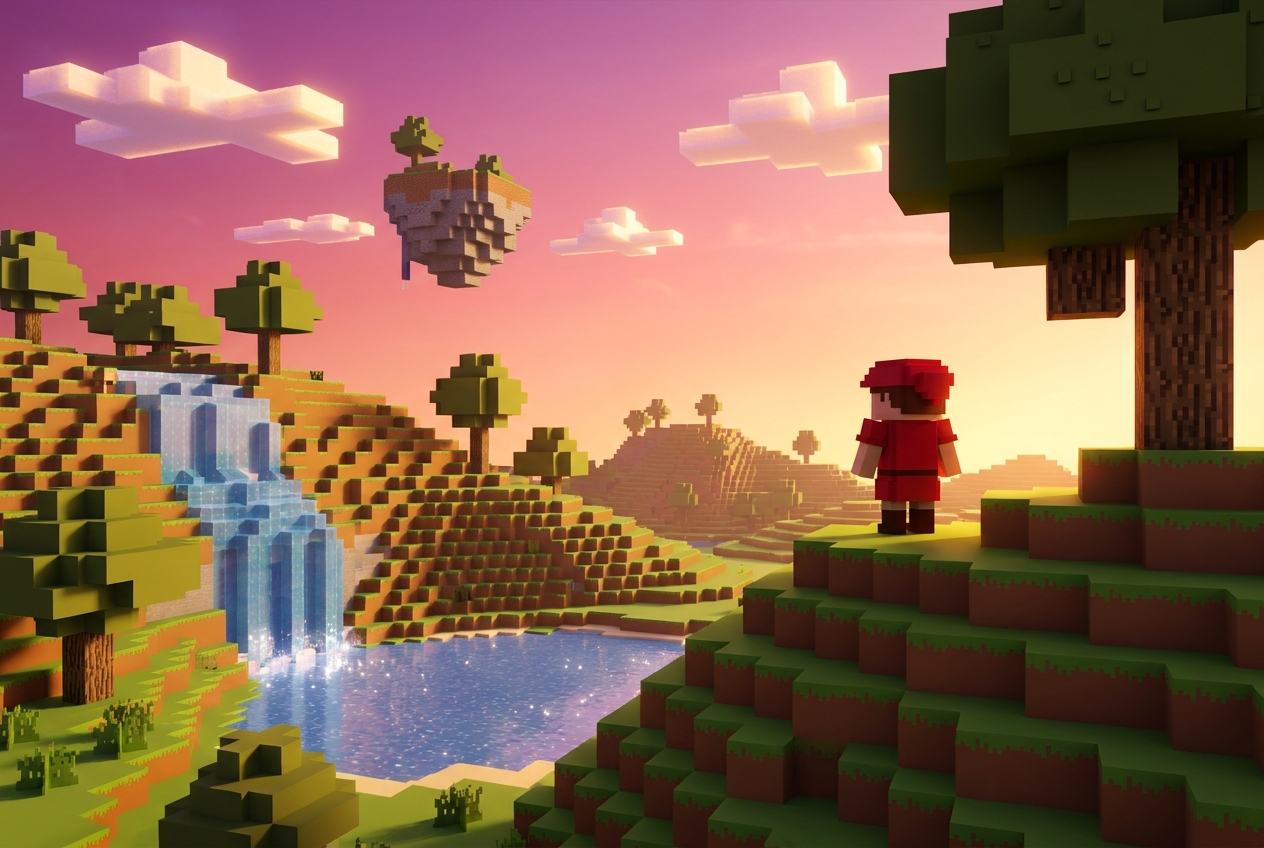
How to Make a Minecraft-Style Game in 2026: The Complete No-Code Guide
A quick definition up front
A Minecraft-style game is a game built from cube-shaped blocks (voxels) that players can place, break, and combine to shape the world. The genre is defined by three properties: a block-based world, sandbox-style creative freedom, and procedural generation that makes every playthrough feel new.
If you want the shortest possible answer: you can now make one in your browser in about 10 minutes using AI. Keep reading for the full guide.
Part 1 — Why Minecraft-style games are a big deal in 2026
Minecraft is still the best-selling video game of all time — over 300 million copies sold and 180 million monthly active players as of 2026. But the more interesting story is everything happening around Minecraft:
- Hytale launched into early access in January 2026 after seven years of development, bringing a modern voxel RPG to PC.
- Hytopia — the browser-based voxel UGC platform — has crossed 2.5 million downloads and 1.93M minutes played, with creators earning real revenue through a 5% royalty model.
- Oasis AI went viral in late 2024 by generating a playable Minecraft-like world frame-by-frame from a neural network.
- Teardown and Timberborn 1.0 (March 2026) continue to prove that voxel aesthetics can produce breakout indie hits.
The voxel genre isn't nostalgic — it's the most active creative sandbox in gaming right now. And the barrier to entry has collapsed.
Part 2 — What changed: vibe coding, AI, and browser-first tools
Three things happened between 2023 and 2026 that rewrote what it takes to make a Minecraft-style game:
- Vibe coding (Collins Word of the Year 2025) — describing software in natural language and having AI generate the code. For games, this collapses weeks of engine work into minutes of prompting.
- Browser-native 3D — WebGPU and mature WebGL engines (Babylon.js, Three.js) now run voxel worlds in a browser tab with no install, no Steam, no account.
- AI asset generation — text-to-3D models, AI textures, AI music, and AI NPCs mean you can populate a world without a single artist on staff.
The result: you don't need C++, a game engine install, or even a Steam account to build something Minecraft-inspired. You need a browser and a prompt.
Part 3 — The 5 ways to build a Minecraft-style game
Here's an honest look at every major option in 2026:
- Unity + voxel asset — C# required, weeks to first playable, export only, $2,200+/yr.
- Godot + godot_voxel — GDScript/C++, days to weeks, export only, free (MIT).
- GDevelop (3D + no-code) — visual logic, days, browser via HTML5 export, free + Cloud tier.
- Hytopia SDK — TypeScript, hours to days, browser-playable on Hytopia, free + revenue share.
- Rosebud AI — plain English, minutes, browser-native, free tier plus paid plans, end-to-end AI.
Recommendation matrix:
- You know C#/C++ and want maximum control → Unity or Godot
- You want a voxel MMO with built-in monetization → Hytopia SDK
- You want to describe a game in English and play it in your browser → Rosebud AI
This guide focuses on the last one because it's the only path that requires no code at all.
Part 4 — What's actually running under the hood
Rosebud's voxel mode is powered by the Noa voxel engine — the same open-source engine Mojang used to build the official browser version of Minecraft Classic for the game's 10th anniversary. Noa renders through Babylon.js and handles chunking, meshing, physics, and block lighting out of the box.
This matters because it means your voxel game inherits a proven, production-tested engine.
Part 5 — Step-by-step: build your first Minecraft-style game in Rosebud AI
Step 1 — Pick a voxel template to fork
Rosebud ships with five voxel starter templates:
- Voxel First-Person RPG Template — 18,000+ forks. The default pick.
- Voxel Horror Template — dark, atmospheric, mystery-driven.
- Voxel Desert Template — arid biome.
- Voxel Alien Planet Template — sci-fi, otherworldly.
- Voxel Forest Template — dense woodland, classic Minecraft vibe.
Click any template → Remix → it opens in the editor as your own project.
Step 2 — Describe the game you want
Open the prompt panel and describe what you want in plain English. Good first prompts:
- "Make the world snowy with pine trees and wolves that chase the player at night."
- "Add the ability to mine diamond blocks that give the player a speed boost for 10 seconds."
- "Change the sky to a pastel sunset and make the terrain more mountainous."
Rosie — the built-in AI — writes the code, modifies the world, and hot-reloads your game.
Step 3 — Add mechanics layer by layer
Rather than one giant prompt, stack smaller ones:
- Movement feel — "Make jumps feel floatier and add a double jump."
- Combat — "Add zombies that spawn at night and drop XP when defeated."
- Progression — "Add a crafting menu with a sword, pickaxe, and shield."
- World rules — "Make the world infinite and procedurally generated with three biomes."
- Polish — "Add a day/night cycle that takes 20 minutes to complete."
Step 4 — Generate custom assets with AI
The Assets tab has built-in AI generation plus direct integration with third-party tools:
- Tripo3D — text-to-3D model, officially integrated with Rosebud.
- PixelVibe — sprite sheets and 2D art for UI elements.
- Character Creator — AI NPC generation.
- AI Skyboxes — prompt-generated environment skyboxes.
You can also drag-and-drop your own .glb, .gltf, .obj, .fbx, or .blend files straight into the Assets tab.
Step 5 — Test it and share it
Every Rosebud project has a shareable public URL the moment you hit Publish. No accounts required for players, no install, instant play on desktop or mobile.
Part 6 — Leveling up: multiplayer, AI NPCs, and unique art direction
Multiplayer
Rosebud's multiplayer runs on Supabase under the hood. Start from the Multiplayer Ready Template or prompt Rosie to add a multiplayer layer. Full walkthrough: multiplayer guide.
AI NPCs that actually talk
Plug in Convai or Inworld for real NPC dialogue. Convai has explicit JavaScript support.
Art direction beyond default Minecraft
If "block world with green grass" isn't your aesthetic, pick a distinctive look:
- Flat-shaded low-poly à la Crossy Road
- Micro-voxel à la Teardown
- Stylized cyberpunk à la Cloudpunk
- Beaverpunk à la Timberborn
Part 7 — Publishing and monetization
On Rosebud's free tier (20 prompts per week), you can prototype freely but the games are for personal use only. Paid tiers (Pro, 10x Dev) grant commercial rights and Rosebud takes 0% commission on games you sell.
Frequently asked questions
Can you really make a Minecraft game without coding?
Yes. Platforms like Rosebud AI generate the underlying code from natural-language prompts.
How long does it take to make a Minecraft-style game?
A playable prototype takes 10–30 minutes in Rosebud. A polished game takes a few weekends.
What's the best voxel game engine in 2026?
For browser-native, AI-first: Rosebud AI. For voxel MMOs: Hytopia SDK. For full-control desktop builds: Godot or Unity.
Can I make a Minecraft game on a Chromebook?
Yes. Rosebud runs entirely in the browser.
What engine does Rosebud use for voxel games?
The Noa engine, rendered through Babylon.js. Same engine Mojang used for Minecraft Classic.
Start building
Open Rosebud AI → Pick a voxel template → Start prompting
Related reading:

Andi Bucescu
Andi is the Head of Marketing at Rosebud, where she writes about the intersection of AI, creativity, and brand storytelling. She explores how generative AI is reshaping marketing strategies and creative workflows, with a focus on making complex technology accessible and cutting through the noise of modern campaigns. Her perspective is informed by undergraduate research on effective social media content and consumer psychology.