


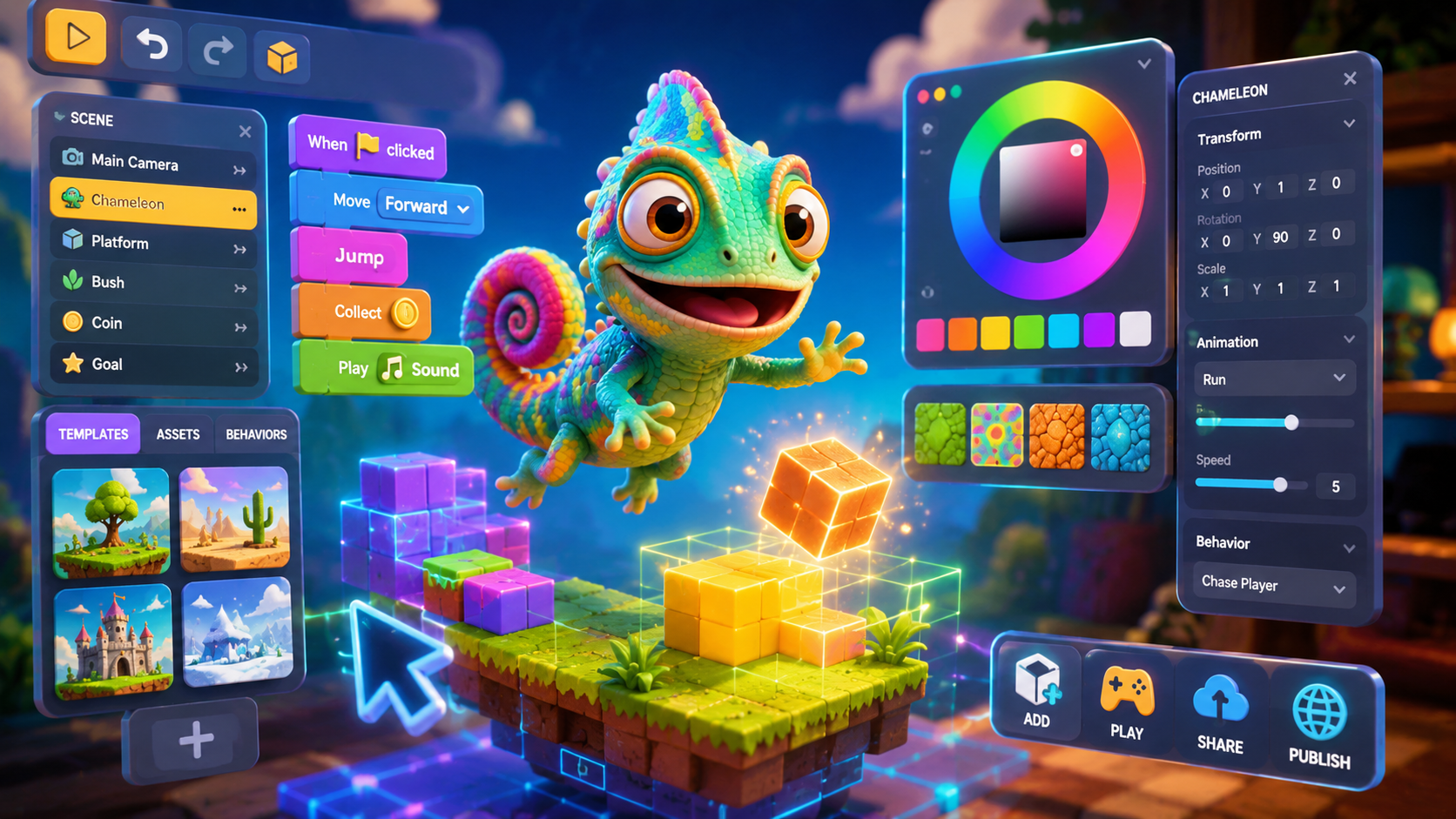
Meccha Chameleon proved something exciting: a two-person indie team built a 10-million-selling hide-and-seek hit in about two months. You don't need a studio, a budget, or years of engine experience to make a game in this genre — you can build your own Meccha Chameleon-style game for free, with no code, using AI. Here's how.
What makes a Meccha Chameleon game tick
Before you build, it helps to understand the core systems you're recreating:
- Two roles: chameleons (hiders) and a hunter (seeker), with opposite goals.
- A blend mechanic: hiders change their color/texture to match the surface they're hiding against.
- Maps with hiding spots: rooms full of props, corners, shelves, and surfaces where a small shape can disappear.
- A round timer: hiders win by surviving; the hunter wins by finding everyone in time.
- Multiplayer: the magic is real people outsmarting each other.
Nail those five and you have the loop.
Build it with no code using Rosebud
Rosebud lets you create 3D browser games by describing what you want in plain English. Instead of writing engine code, you tell the AI what to build and refine it conversationally. To make a chameleon hide-and-seek game:
- Start from the idea. Describe your game: "A multiplayer hide-and-seek game where players paint themselves to blend into the environment and hide from a hunter."
- Add the blend mechanic. Ask for a paint/color tool so players can match nearby surfaces.
- Design your maps. Request rooms with plenty of props and corners — a mansion, a sewer, a candy land, whatever fits your theme.
- Turn on multiplayer. Add real-time multiplayer so friends can hide and hunt together.
- Playtest and tweak. Adjust round length, hunter speed, and map layouts until matches feel tense and fair.
See a finished example first
The fastest way to understand the target is to play one. Camo Chameleon is a free, browser-based chameleon hide-and-seek game with working multiplayer and multiple maps — built on Rosebud.
👉 Play Camo Chameleon to study the loop, then remix or build your own.
Tips for your first build
- Start small. Get one map and the core hide/seek loop working before adding modes.
- Make hiding spots believable. The fun comes from spots where a small shape naturally belongs.
- Tune the timer. Too long is boring; too short feels unfair. Playtest until rounds breathe.
- Add personality. Custom maps, taunts, and poses are what made the original go viral.
That's it — no engine license, no code, no team required. Want to play before you build? Grab a free Meccha Chameleon game, see games like Meccha Chameleon, set up multiplayer matches, or read what is Meccha Chameleon for the full backstory.
Frequently asked questions
Can I make my own Meccha Chameleon game for free?
Yes. Using a no-code AI game maker like Rosebud, you can build a chameleon hide-and-seek game by describing it in plain English — no coding or engine experience needed, and it runs in the browser.
How long does it take to make a game like Meccha Chameleon?
The original was built by a two-person team in about two months. With an AI game maker, you can have a basic playable hide-and-seek prototype running in a single session and refine it from there.
Do I need to know how to code?
No. Rosebud generates the game from your text descriptions, so you can build, playtest, and tweak a Meccha Chameleon-style game without writing code.
Can my game have multiplayer?
Yes. You can add real-time multiplayer so friends hide and hunt together — exactly like Camo Chameleon, which has working multiplayer and multiple maps.

Andi Bucescu
Andi is the Head of Marketing at Rosebud, where she writes about the intersection of AI, creativity, and brand storytelling. She explores how generative AI is reshaping marketing strategies and creative workflows, with a focus on making complex technology accessible and cutting through the noise of modern campaigns. Her perspective is informed by undergraduate research on effective social media content and consumer psychology.