


YouTube Recap 2025: What It Is and How You Can Create Your Own Version with Rosebud AI
YouTube has finally launched YouTube Recap 2025, a personalized year-in-review that turns your watch habits into a clean, story-style experience. For the first time, this recap lives directly inside the main YouTube app, not just YouTube Music.
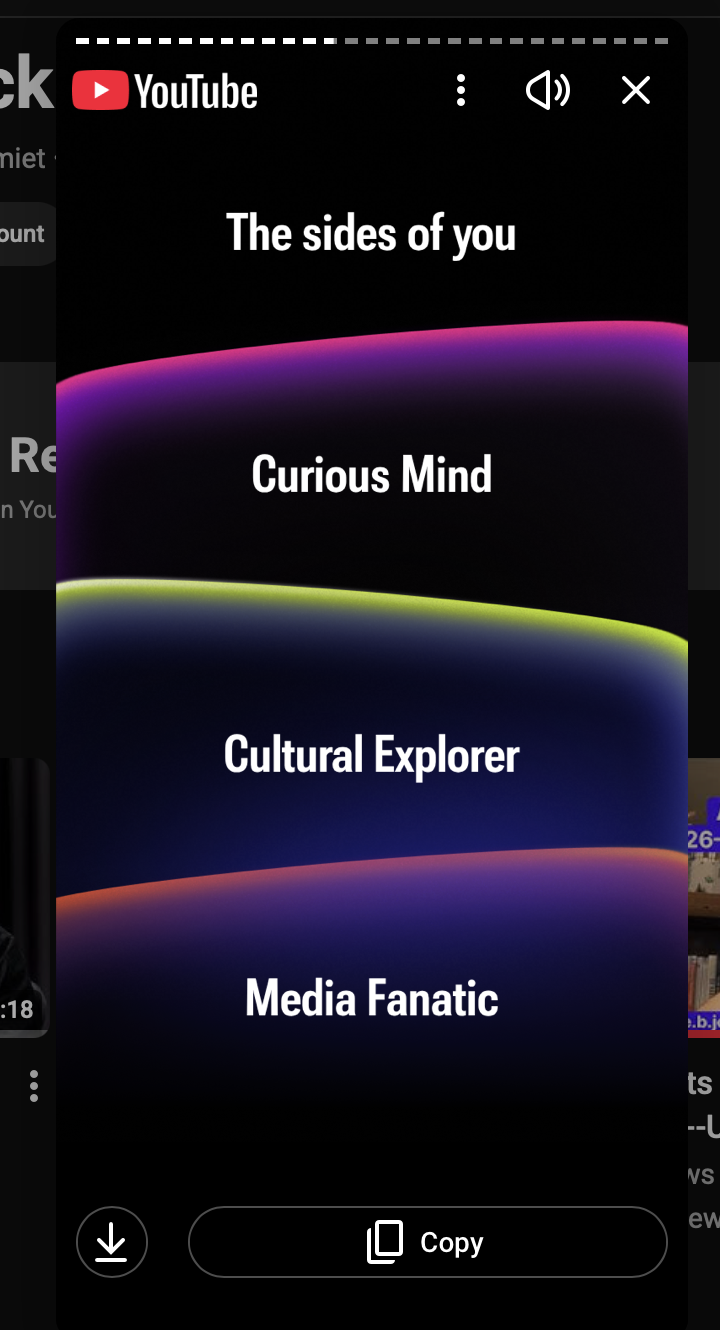
It shows your top creators, categories, how your tastes changed, and even assigns you a viewing personality type. It’s simple, fun, and built for sharing.
YouTube Recap includes:
- Personalized recap cards
- Top channels and categories
- A clean story-like flow
- A viewing personality type
- Easy sharing options
You can access it on mobile or desktop.
How to Find YouTube Recap 2025 (Simple Tutorial)
Many people don’t know where the Recap is hidden. Here’s how to find it:
Method 1 — Inside the YouTube App
- Open the YouTube app
- Go to the “You” tab (bottom right)
- Scroll and you should see a section called “Your Recap”
- Tap it to open your full 2025 YouTube Recap
This works on iPhone and Android.
Why These Recaps Matter
Yearly recaps work because they turn thousands of watch hours into a personal story. They’re nostalgic, fun, and make you feel understood by the platform. They also create a cultural moment—people compare their stats, share them online, and turn online habits into personal identity.
But you don’t need to wait for YouTube’s official version. You can create your own custom recap any time.
How to Create Your Own YouTube-Style Recap Using Rosebud AI
With Rosebud AI, you can make your own recap as a mini interactive game, a slideshow, or a card-based story. No coding, no technical work. Just vibe coding.You can start building right away on Rosebud AI: https://rosebud.ai. If you prefer a ready-made foundation, feel free to remix the game I created — it’s fully customizable in our editor: https://rosebud.ai/p/e049f953-8ba8-4338-b433-13cee85cccc8
1. Choose the Format
You decide the style:
- A scrolling story
- A set of recap cards
- A mini interactive experience
- A recap narrated by a character
- A simple animated slideshow
Rosebud AI builds it based on your description.
2. Ask Rosebud AI to Build the Recap
You can prompt:
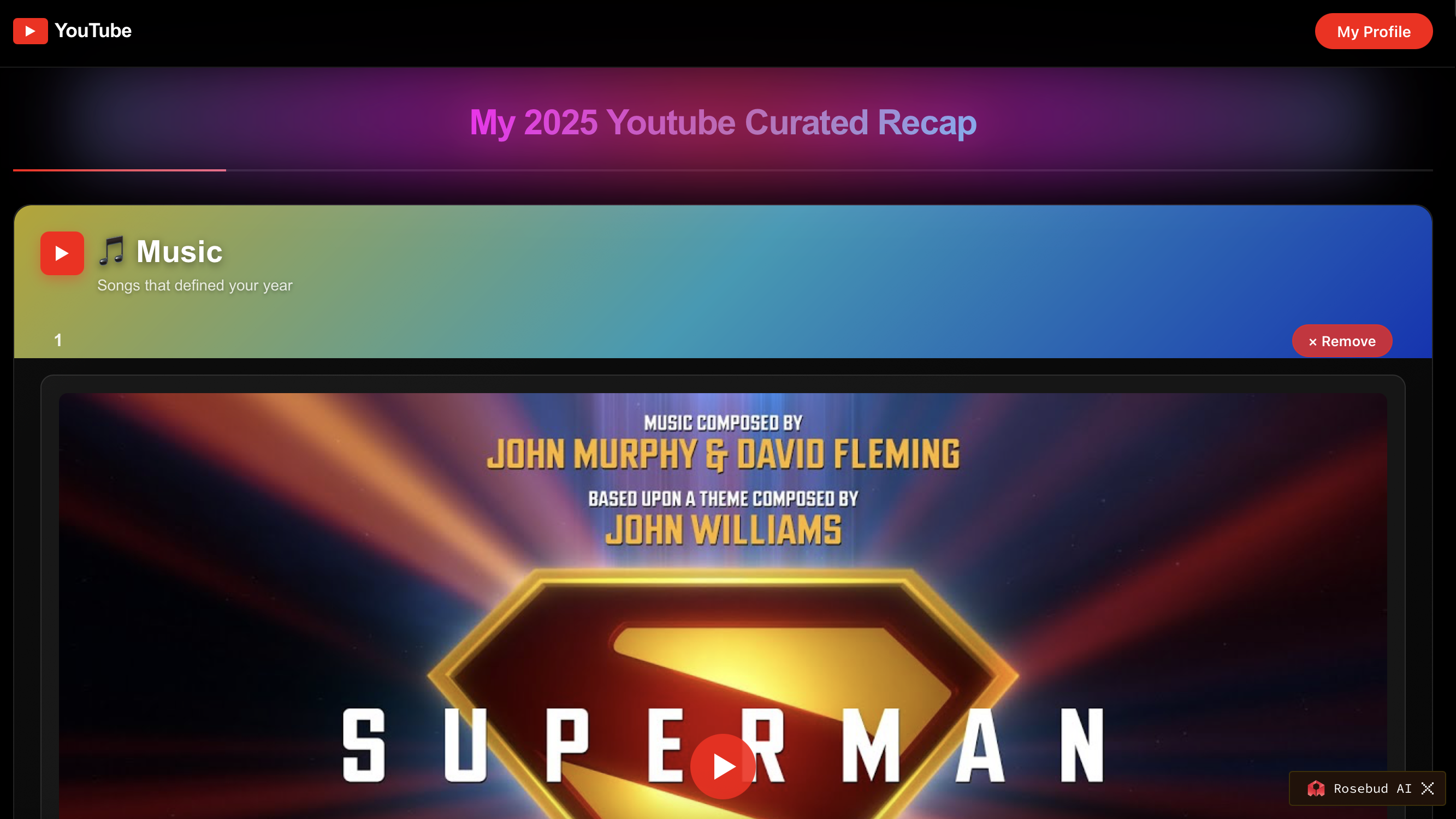
“A mobile-friendly YouTube Recap app where the player can personalize each category of their recap by attaching a YouTube link.
For example, in the Movies category, the user can add links for their Top 3 movies, and the game will automatically display each video’s thumbnail and include a clickable link to that specific video.
The app supports multiple recap categories — Music, Games, Movies, Creators, Most-Watched Content, and more — each allowing the user to drop in their own YouTube links to generate a fully customized recap experience.
3. Customize the Aesthetic
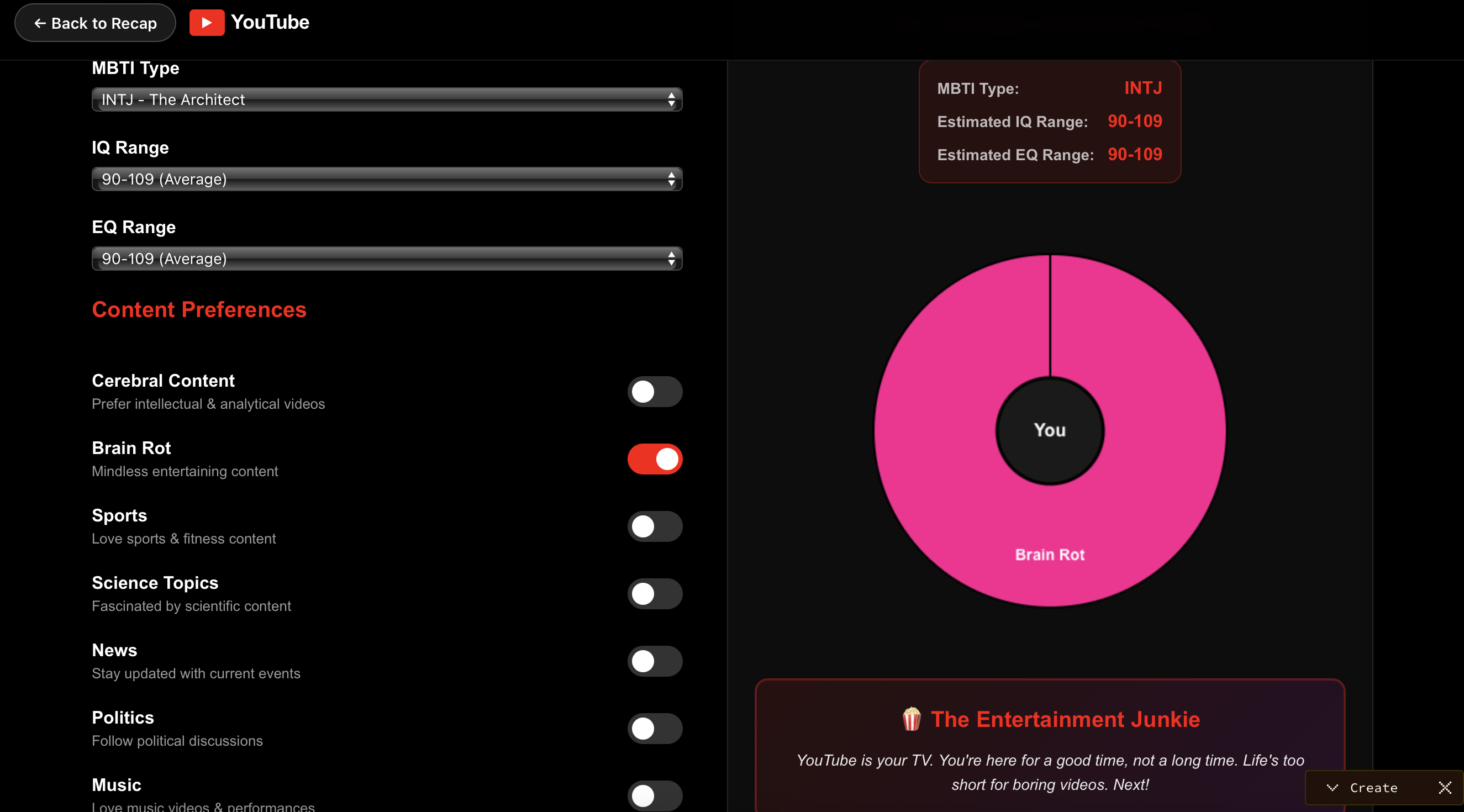
You can adjust everything simply by describing it:
- Colors
- Vibes
- Layout
- Transitions
- Characters
- Typography
Rosebud AI updates your recap instantly.
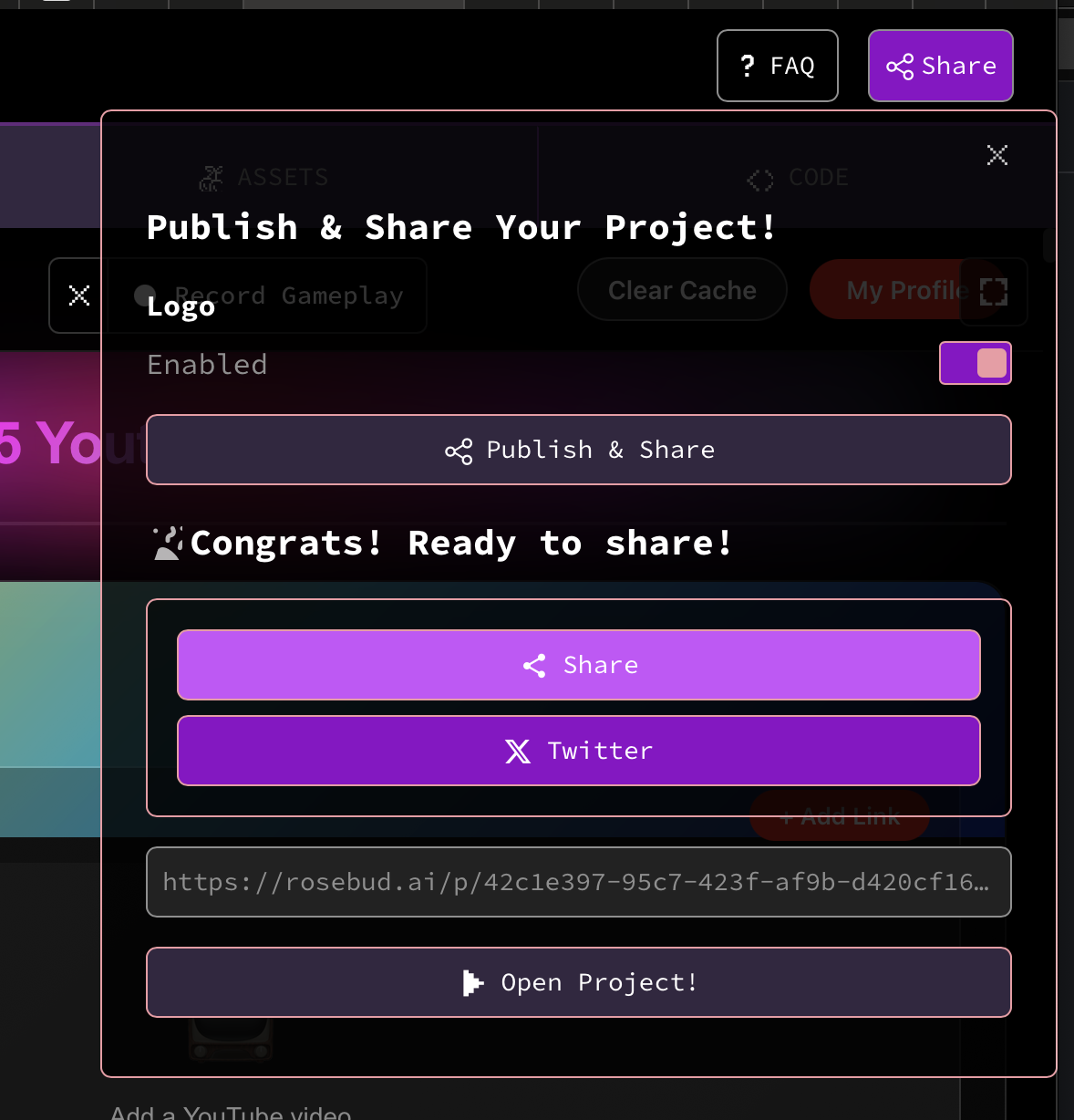
4. Share It Anywhere
Once you like it, you can output it as:
- A shareable link to your recap game
Your recap becomes its own piece of content.
Why Build Your Own Recap with Rosebud AI
YouTube gives you one recap per year. With Rosebud AI, you can control fully what you think what the most important for you, it is not alogorytmic choses but you are choosing, its feel personalized and true to your own vision and taste:
- Monthly recaps
- Aesthetic recaps
- Recaps just for fun
- Fictional character recaps
- Creator recaps for your audience
- A recap of your year in projects, moods, goals, workouts, or anything
It turns the recap format into a creative toy, not just a data summary.
Conclusion
YouTube Recap 2025 is a clean, visual, and fun year-in-review that finally gives users a shareable story of their year on the platform.
But with Rosebud AI, you can take the same idea and make your own recap anytime you want: more creative, more personal, more aesthetic, and totally customized. No technical setup, just simple instructions and creative vibes.
If you want, I can create a ready-to-use Rosebud prompt that instantly builds a YouTube-style recap experience.

Patrick Moumiet
Patrick is a marketer at Rosebud with a background as a content creator and social media strategist. He has launched courses and coaching programs in social media marketing and content creation, coaching 500+ large-scale influencers customers. On the Rosebud blog, he writes about consumer AI and how to make money with AI, exploring ways to combine state-of-the-art models with Rosebud’s creative tools.