


Spotify Wrapped: Your Year in Sound — What It Is, How It Works, and How to Use It
Every year in early December, Spotify releases Spotify Wrapped, a personalized recap that highlights your listening habits over the past year. It’s a playful, immersive experience that millions of users look forward to — a moment where everyone shares their top artists, songs, genres, and quirky audio stats.
What Is Spotify Wrapped?
Spotify Wrapped is an annual feature that turns your listening data into a visual story. It usually includes:
- Your top artists, songs, albums, and genres
- Total minutes listened
- A breakdown of your listening personality
- Playlists like “Your Top Songs”
- Shareable cards for social media
- Fun, interactive story slides summarizing your year in music
Your Wrapped reflects your behavior between January and mid-November. Spotify analyzes what you’ve listened to and transforms it into a personalized narrative.
How Spotify Wrapped Works
Throughout the year, Spotify records your plays, skips, and repeat listens. Using this data, it:
- Ranks your most listened-to artists and songs
- Calculates total listening time
- Tracks genre preferences
- Identifies patterns like “music moods”
- Generates a multimedia story with animations and stats
The result is a colorful, playful recap designed for social sharing and self-expression.
How to Find and Use Your Wrapped
Finding your Wrapped is simple once it launches:
1. Open the Spotify app on mobile
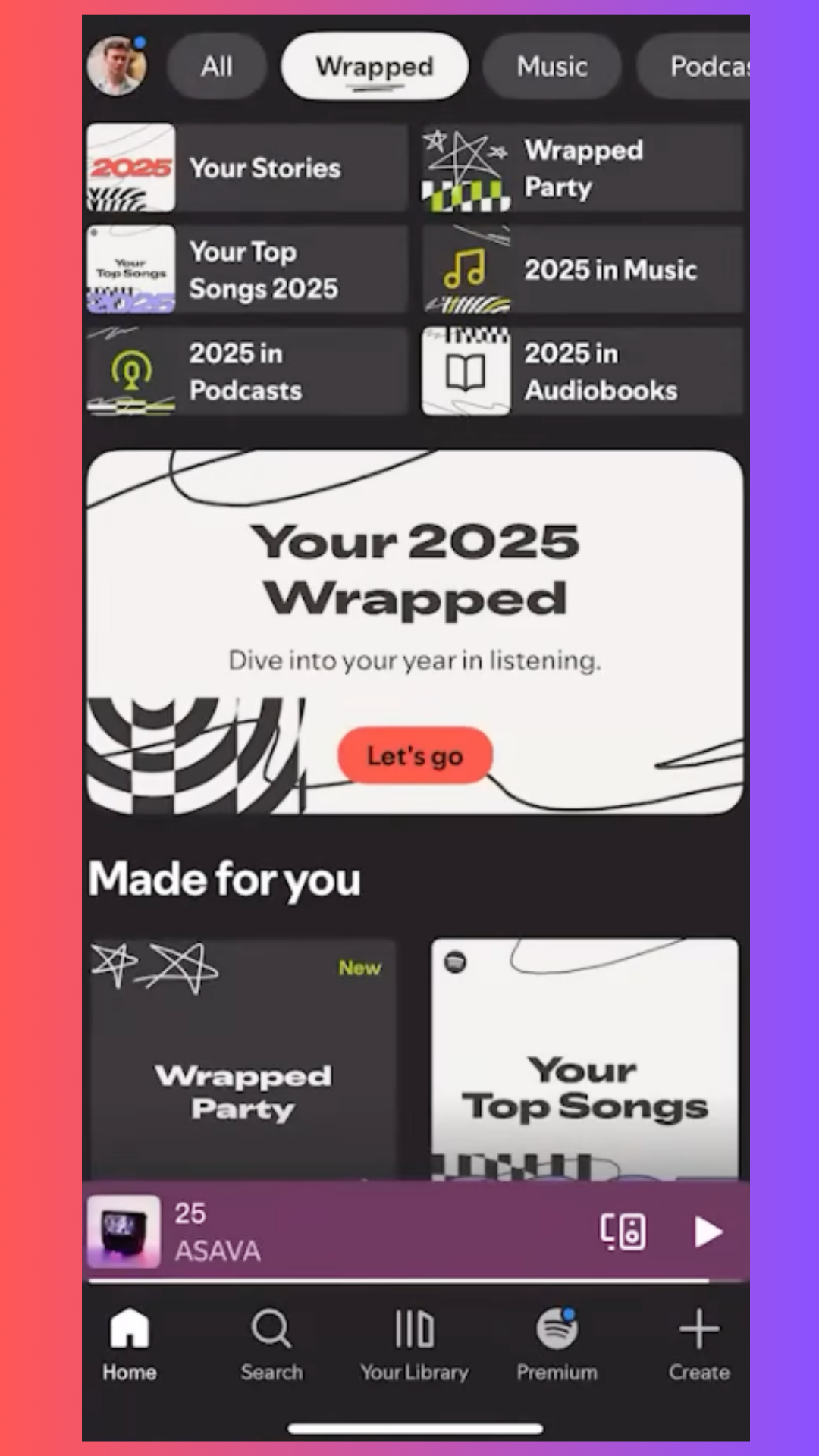
Wrapped usually appears on the Home screen as a large banner. If you don’t see it:
- Refresh your home screen
- Ensure your app is updated to the latest version
- Search for “Wrapped” in the app
Spotify Wrapped is designed primarily for the mobile app experience.
2. Explore Your Wrapped Story
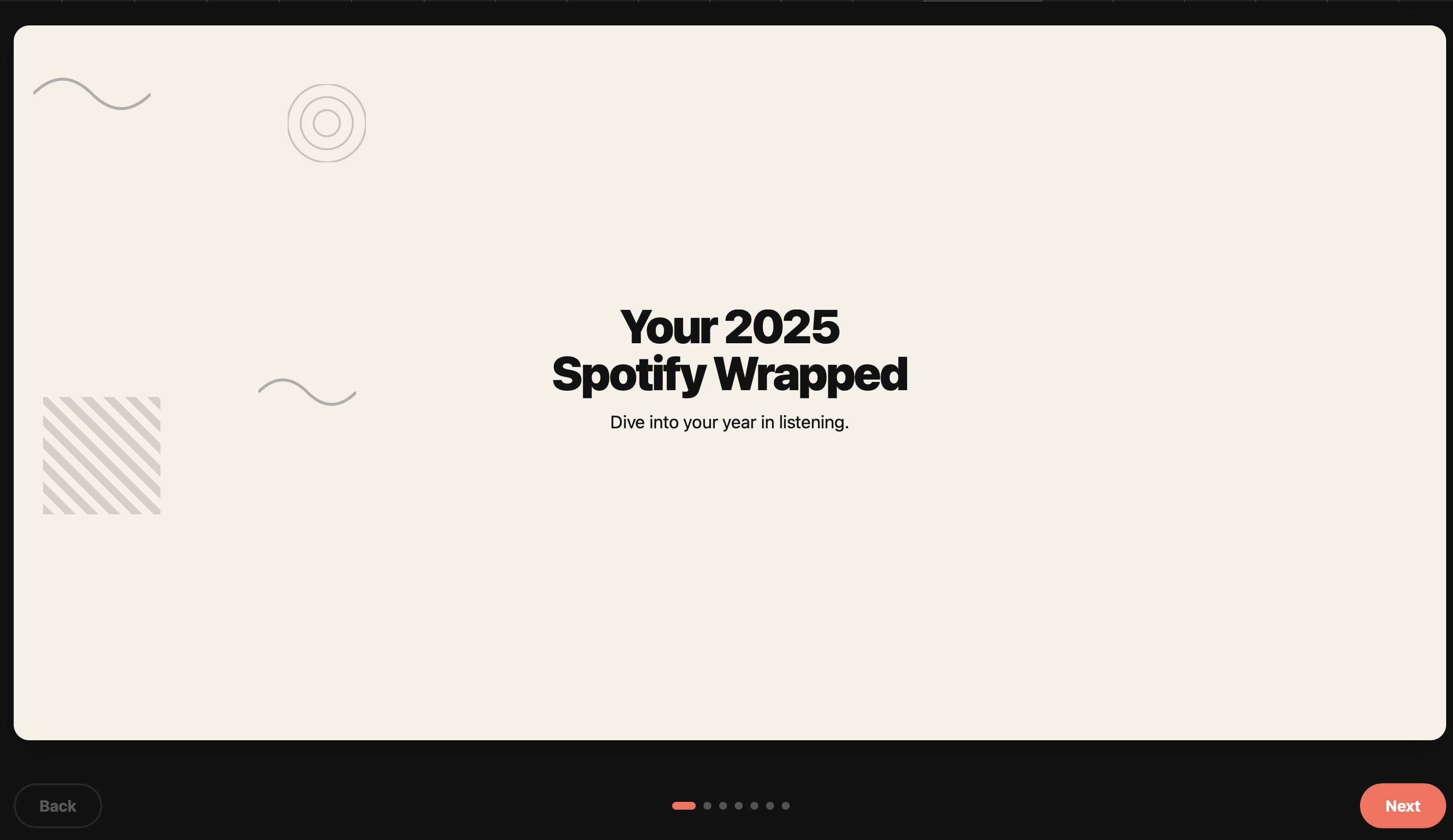
Once you’re in, you’ll be guided through an animated story that includes:
- Your top songs and artists
- Genre-shaped visuals
- Listening milestones
- Special features like quizzes or badges
- Shareable recap cards
3. Save Your Personal Playlists
Most users get playlists such as:
- Your Top Songs
- Missed Hits
- Your Artists Revealed
Save them directly to your library to revisit your year anytime.
How to Create Your Own Spotify Wrapped-Style App Using Rosebud AI
Spotify Wrapped is an iconic experience — but imagine making your own version of it:
- A recap of your workouts
- A monthly recap of your creative projects
- A recap of books or movies you consumed
- A fictional recap for your community or brand
- A gamer recap, mood recap, or creator recap
With Rosebud AI, you can build a personalized recap app without coding. Here’s how:
1. Go to the Rosebud AI Homepage
Start at the main page of Rosebud AI: https://rosebud.ai
Here, you choose what you want to build, a recap app, a mobile app, a mini-game, or any interactive concept.
2. Prompt the App You Want to Create
Describe your idea in natural language.
For example:
“Create a Spotify Wrapped-style app that shows a user’s yearly recap with animated cards, stats, playlists, and personalized visuals.”
Rosebud AI will generate the structure of your app automatically — UI layout, screens, interactions, and logic.
3. Personalize the Design
Once the base app is generated, you can customize:
- Colors and themes
- Fonts and mood
- Layout for each recap card
- Animations and transitions
- Additional categories (movies, fitness, goals, moods, etc.)
- Whether it’s yearly, monthly, or episodic
You can transform it into anything: aesthetic recap, meme recap, productivity recap, fictional character recap — full freedom.
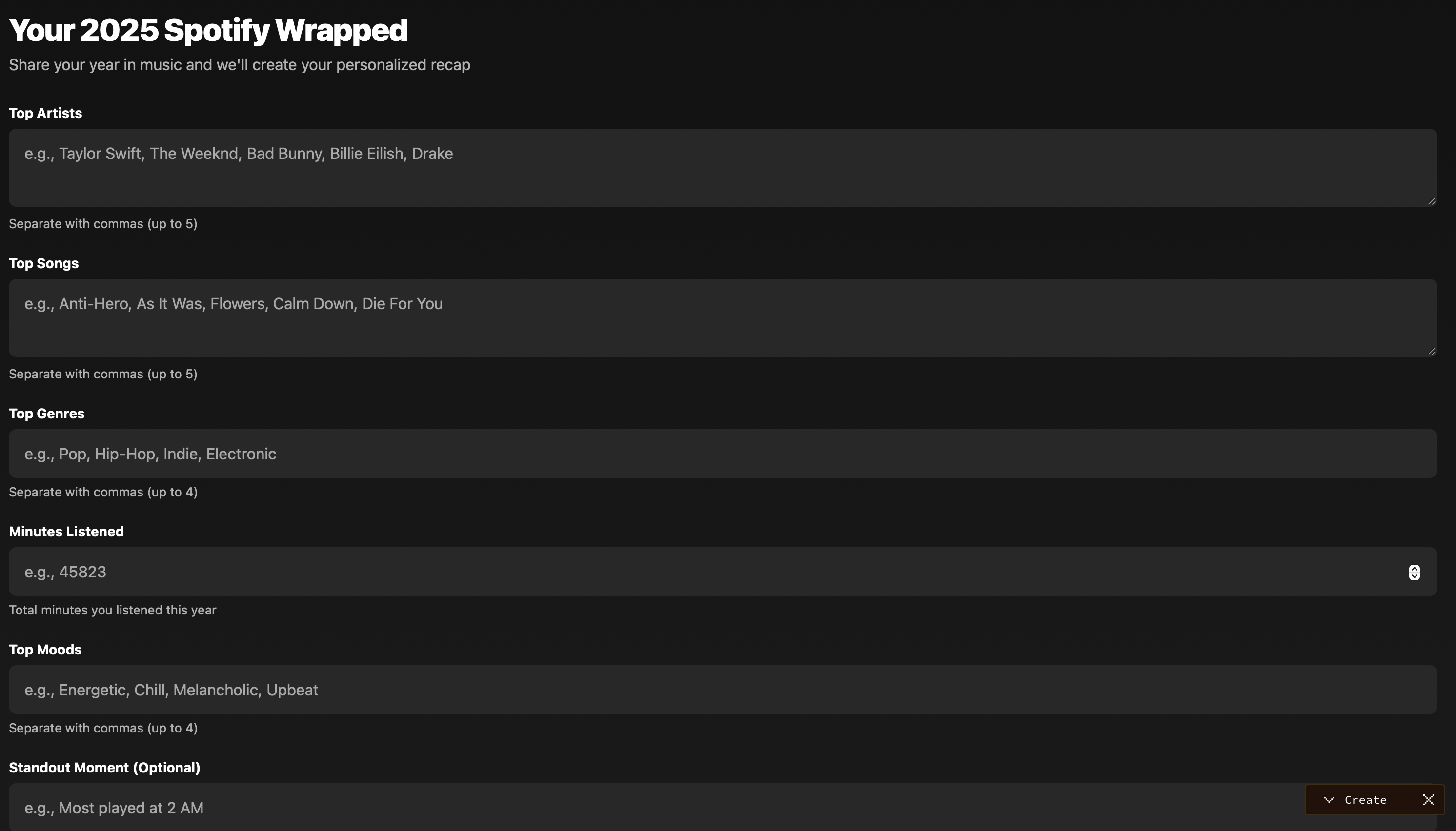
4. Add Your Data or Content
Depending on your goals, your recap app may:
- Use your real user data
- Display fictional or static data
- Pull data from APIs
- Use manually written categories and stats
- Include thumbnails, images, charts, or icons
Rosebud AI can help you automatically generate scripts, logic, and UI elements to display whatever stats matter to you.
5. Preview and Iterate
Rosebud AI lets you preview your app instantly in the editor.
You can:
- Change the flow
- Edit the recap slides
- Add animations
- Tweak text and layout
- Re-prompt the system to refine it
You can also remix the experience, duplicate it, or turn it into a community challenge.
6. Launch or Share Your App
When you’re happy with it, you can:
- Publish the app
- Share the link
- Embed it in your website
- Use it as part of a yearly community event, challenge, or marketing campaign
You’ve created your own version of Spotify Wrapped — fully personal, fully customizable.
Why Make Your Own Wrapped-Style App?
Spotify Wrapped is powerful because:
- It feels personal
- It creates emotional storytelling
- It is beautifully designed
- It’s fun and shareable
- It becomes a yearly ritual
With Rosebud AI, you can bring that magic to any idea, audience, or project. I made my own here take a look: https://rosebud.ai/p/b2926910-7fc1-47cf-b140-d51b6484a953
Use Cases
- Creators making custom recaps for followers
- Brands summarizing a year of content
- Communities producing group recaps
- Fitness or productivity tracking gamified recaps
- Personal diaries or mood journals
- Aesthetic monthly recap apps
- Fandom-based fictional “Wrapped” experiences
It turns data — real or imagined — into a story people want to share.

Patrick Moumiet
Patrick is a marketer at Rosebud with a background as a content creator and social media strategist. He has launched courses and coaching programs in social media marketing and content creation, coaching 500+ large-scale influencers customers. On the Rosebud blog, he writes about consumer AI and how to make money with AI, exploring ways to combine state-of-the-art models with Rosebud’s creative tools.