


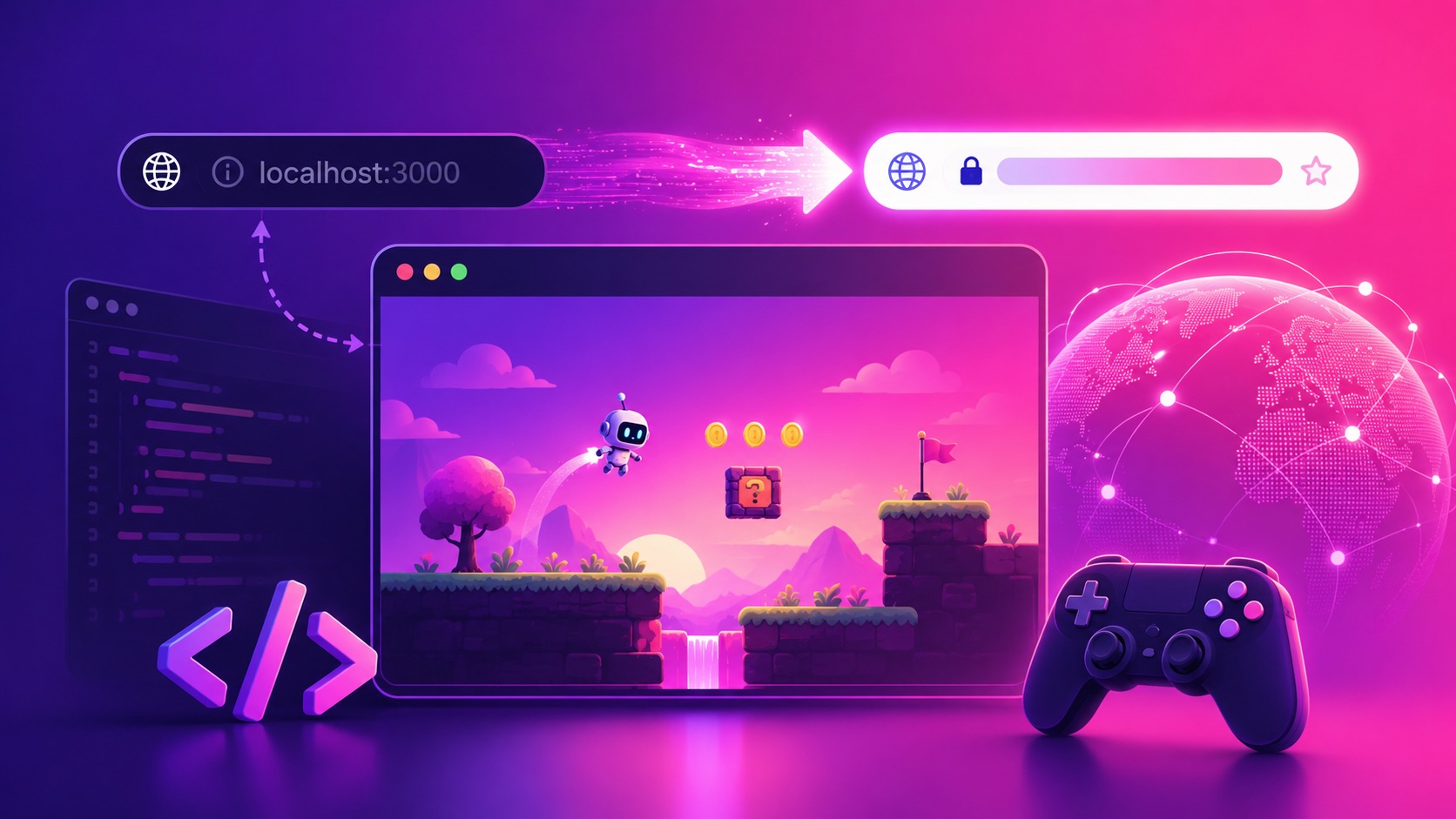
You built a game. Maybe you vibe-coded it with Claude Code or Cursor at 2 a.m., maybe you exported it from Unity or Godot, maybe it’s a single index.html with a canvas and a game loop. It runs. The problem? It runs on localhost — a URL only your laptop can see. The second you want to send it to a friend, post it in a Discord, or drop it in a tweet, you hit the wall: nobody else can open http://localhost:3000.
This guide is about getting over that wall. We’ll cover what “hosting” actually means, why localhost can’t be shared, the usual deploy options and their headaches, and the fastest path we know to turn any vibe-coded or engine-exported game into a real, public, playable link — on Rosebud.
Why your game only works on localhost
When an AI coding tool or a game engine spins up a dev server, it binds to localhost (also written 127.0.0.1) — a loopback address that means “this machine, and only this machine.” It’s perfect for development and completely useless for sharing. A few things people try first, and why they fall short:
- Sending the folder. Zipping up the project and sending it means your friend has to install Node, run
npm install, and start a dev server themselves. Nobody does this. - Opening the HTML file directly. Double-clicking
index.htmloften breaks — browsers block local module imports, asset paths, and fetches under thefile://protocol. - Tunneling (ngrok, localtunnel). These expose your localhost to the internet temporarily, but the link dies when you close your laptop. It’s a demo trick, not hosting.
To get a link that works for everyone, all the time, your game’s files have to live on a server that’s always on. That’s “hosting.”
What “hosting your game” really means
A web game is just files — HTML, JavaScript, assets — served over HTTPS at a public address. Hosting means putting those files somewhere with a stable URL and an always-on server. The catch is that most general-purpose hosts (Netlify, Vercel, GitHub Pages, itch.io) hand you the plumbing but leave you to deal with build configs, base paths, CORS, MIME types for .wasm, and the inevitable “it worked locally but the screen is black in production” debugging session.
If your goal is simply “give me a link I can share so people can play,” a game-native host saves you all of that. That’s the gap Rosebud fills.
The two paths to a playable link on Rosebud
Whatever you built your game in, there are two ways onto Rosebud, and you can use either — or both.
Path 1: Submit your game and get it hosted
The fastest route is to hand us the game and let us host it. Fill out the form with your project — whether it’s a folder of web files, a Unity WebGL build, a Godot HTML5 export, or a repo — and we’ll get it live at a shareable, browser-playable link. No deploy config, no server to keep alive, no base-path archaeology.
Path 2: Rebuild it natively with Rosie
Rosebud runs on the web and Rosie, its AI, speaks Three.js — the standard library for 3D (and plenty of 2D) in the browser. So you can bring your existing code in and convert it: create a code file in Rosebud, paste your game logic, and prompt Rosie to reformat it for Three.js. For HTML5, Phaser, and AI-coded web games, that’s often a near-direct translation. For compiled engine exports like Unity or Godot, it’s a clean way to port the design into a browser-native build you can then publish with one click and keep iterating on by prompting.
Pick the guide for your tool
Every starting point has its own quirks — how the code is structured, what the export looks like, where things tend to break. We wrote a focused walkthrough for each:
- Publish your Claude Code game on Rosebud
- Publish your Cursor game on Rosebud
- Publish your Unity WebGL game on Rosebud
- Publish your Godot web game on Rosebud
- Publish your Phaser game on Rosebud
- Publish your HTML5 game on Rosebud
Why a playable link changes everything
A localhost game is a private toy. A public link is a product. The moment your game has a real URL, you can post it, get feedback, show it in a portfolio, submit it to a jam, or start building an audience. Distribution is the whole game in indie — and it starts with a link anyone can click.
Frequently asked questions
Can I host a game I made with an AI like Claude Code or Cursor?
Yes. If it’s already web code (HTML/JS/Three.js), it can be hosted directly. You can also bring it into Rosebud and have Rosie reformat it for Three.js so it’s browser-native and one-click publishable.
What about Unity or Godot games?
Submit your WebGL or HTML5 export through the form and we’ll host it, or rebuild the game natively in Rosebud with Rosie. Either way you end up with a public playable link.
Do I need to know how to deploy or configure a server?
No. That’s the point — both paths skip the deploy config, hosting setup, and DevOps entirely.
Is it free?
You can start vibe coding and publishing on Rosebud for free. Try it and see your game live in the browser.
Get your game off localhost today
Two ways to go live, and you can do both:
- Fill out the form with your game. Send us your project with this short form and we’ll get it hosted at a real, shareable playable link — no localhost, no deploy config, no server to babysit.
- Try it yourself on Rosebud. Open Rosebud, create a code file, paste in your game, and ask Rosie to reformat it for Three.js. A few prompts later you’ll have a browser-native build you can publish with one click.

Andi Bucescu
Andi is the Head of Marketing at Rosebud, where she writes about the intersection of AI, creativity, and brand storytelling. She explores how generative AI is reshaping marketing strategies and creative workflows, with a focus on making complex technology accessible and cutting through the noise of modern campaigns. Her perspective is informed by undergraduate research on effective social media content and consumer psychology.