


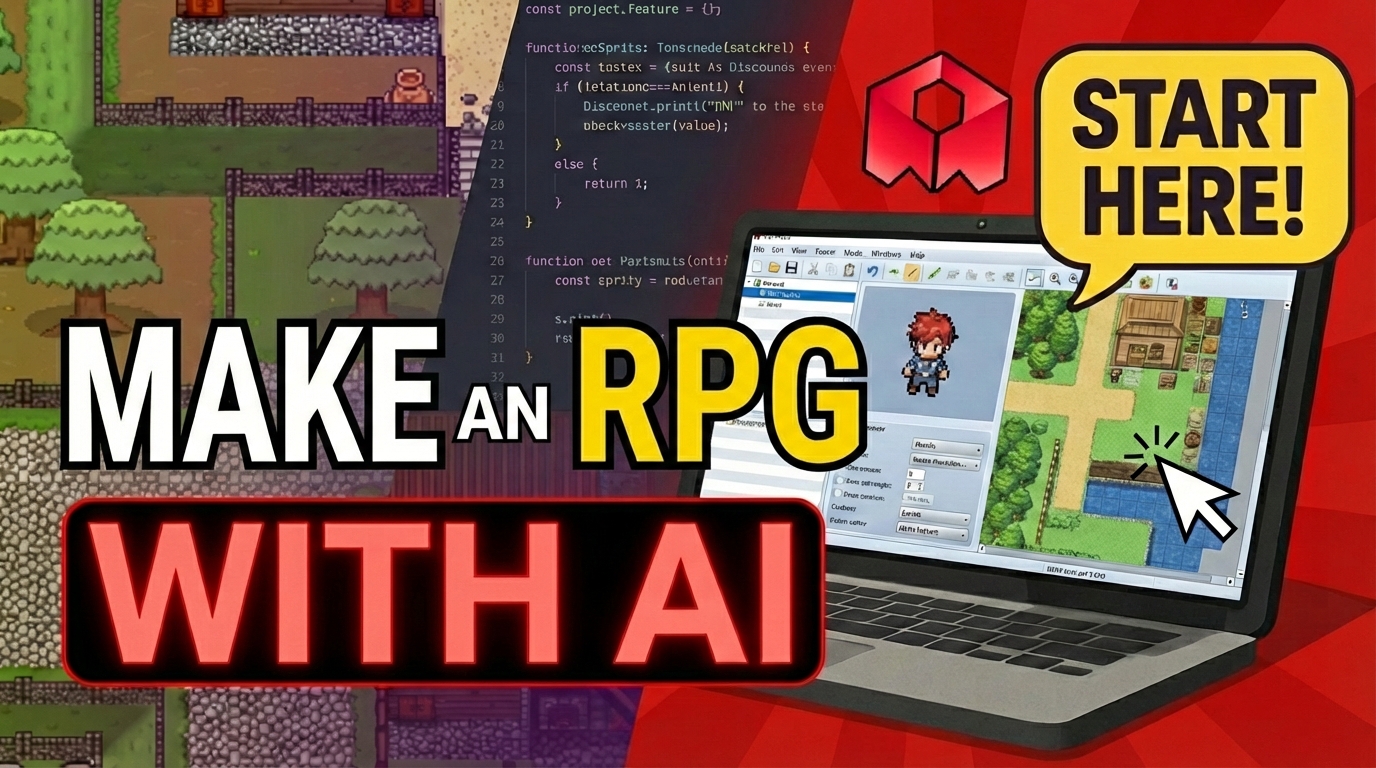
To make an RPG with AI, start with a template, customize characters and assets, define NPC personalities, and publish your interactive world.
Want to make an RPG with AI where characters have real personalities, memories, and dynamic dialogue? With Rosebud AI, you can build interactive RPG worlds where NPCs think, talk, and evolve—without writing code from scratch.
In this guide, you’ll learn how to use an AI RPG maker to customize an RPG town, replace characters, and design unique AI-powered NPC personalities using simple prompts.
What You’ll Build: An AI-Powered RPG Town
In this tutorial, we start with Rosebud’s AI Town–style RPG template, inspired by the open-source AI Town project.
The starting game includes:
- A playable character (an orange cat)
- Multiple NPCs with unique personalities
- AI-driven conversations that change every time you talk
By the end, you’ll transform this town into a completely new RPG experience with talking flower NPCs, each with their own motivations, likes, dislikes, and secrets.
Step 1: Clone an RPG Template in Rosebud
From Rosebud’s home screen, head to the Trending Projects section.
You can:
- Click Play to try a project
- Click Clone to instantly create your own editable version
After cloning:
- Rename your project using the title box
- Open it in the game editor
- Prepare to customize the world step by step
Step 2: Understand the RPG Creation Workflow
When using an AI RPG maker, it’s best to work iteratively.
For this project, the process looks like:
- Upload or select a new character asset
- Replace an existing NPC
- Resize and animate the character
- Define a new personality using AI prompts
Each change is done by sending instructions to Rosie, Rosebud’s AI coding assistant.
Step 3: Upload and Replace RPG Characters
Open the Assets tab to upload a custom asset—in this case, a flower character.
Once uploaded:
- Go to the Chat tab
- Use
@asset-nameto reference your new character - Ask Rosie to replace an existing NPC with it
- Click Apply, then Play to see the change
You can resize the character simply by prompting again:
- “Make the flower character bigger”
- “Resize the NPC to be more noticeable”
Step 4: Add Movement and Animation
To bring your RPG world to life, add subtle movement to NPCs.
Example prompt:
- “Give the flower NPC a slight movement animation”
You can repeat this process for each character, gradually transforming all NPCs in the town.
Step 5: Create AI-Powered NPC Personalities
This is where Rosebud really shines as an AI RPG maker.
Each NPC has a personality description that controls:
- How they talk
- What they like or dislike
- What they remember or care about
You can change personalities by prompting Rosie, or, if needed, editing the NPC description directly in the Code tab.
Example NPC Personality Changes
- A flower who loves water and frogs but dislikes cats and dogs
- A purple flower who dreams of becoming a tree and loves dinosaurs
- A red flower who is friends with birds and bees and knows secrets about the town
Once updated, NPC dialogue instantly reflects the new personality, with no scripting required.
Step 6: Test Conversations and RPG Depth
After updating personalities, talk to the NPCs in-game.
You’ll notice:
- Completely different dialogue styles
- New motivations and opinions
- Fun facts, secrets, and lore
Because the NPCs are AI-powered, conversations are dynamic and replayable, which is ideal for RPGs.
Step 7: Publish and Share Your RPG Game
Once your RPG town is ready:
- Click Publish
- Get a shareable game link
- Share it with friends or in the Rosebud community
You can also post your game in the Rosebud Showcase or Discord, where creators share feedback and inspiration daily.
Why Rosebud Is a Powerful AI RPG Maker
With Rosebud, you can:
- Build RPGs using natural language
- Design AI-driven NPCs with memory and personality
- Modify assets, movement, and dialogue easily
- Learn from real JavaScript code generated under the hood
- Publish and remix RPGs instantly
This makes it one of the fastest ways to make an RPG with AI, whether you’re a beginner, educator, or indie creator.
Still looking for inspiration? Play some of our best RPG games on Rosebud, or head straight to DinosaurGoRawr RPG, a featured cozy RPG on the Rosebud Showcase.
Start Making an RPG with AI Today
If you’ve ever wanted to create an RPG where characters truly feel alive, an AI RPG maker like Rosebud makes it possible—without complex engines or scripting.
👉 Try it yourself on Rosebud AI
Build your own AI-powered RPG town today.

Andi Bucescu
Andi is the Head of Marketing at Rosebud, where she writes about the intersection of AI, creativity, and brand storytelling. She explores how generative AI is reshaping marketing strategies and creative workflows, with a focus on making complex technology accessible and cutting through the noise of modern campaigns. Her perspective is informed by undergraduate research on effective social media content and consumer psychology.