


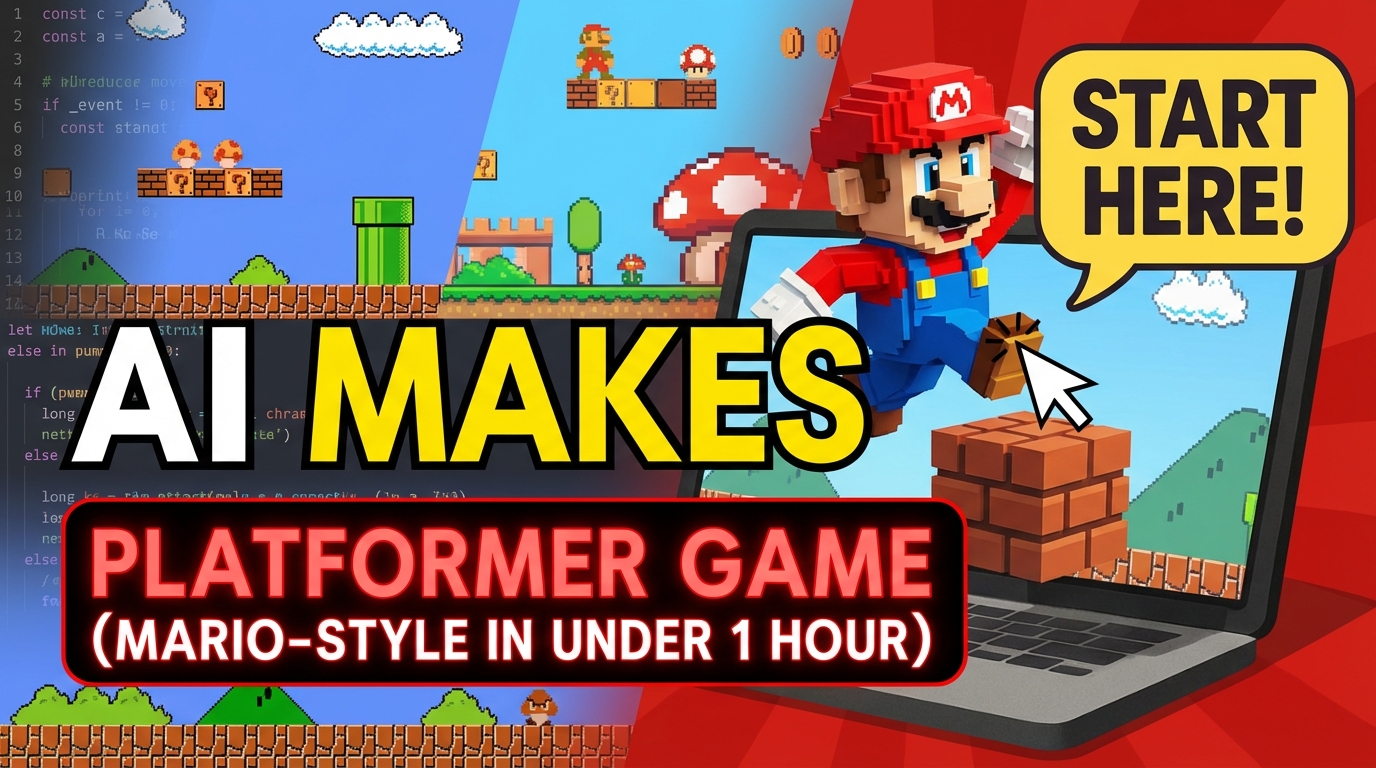
Want to build a platformer game without downloading an engine or learning to code first? With Rosebud AI, you can create a Mario-style platformer just by describing what you want—platforms, enemies, coins, levels, and win conditions.
In this step-by-step guide (built for Hour of Code or self-learning), you’ll create a complete platformer from scratch in under an hour using Rosie, Rosebud’s AI coding assistant. Your game updates in real time as you apply changes.
What You Need to Build a Platformer Game
You don’t need a game engine install, Unity setup, or coding experience.
All you need is:
- An internet connection
- A browser
- Rosebud AI (open it, click Create, and start a new game)
Once you’re on the game editing page, you’ll see a prompt box where you can type what you want to build. Rosie generates JavaScript code under the hood, and when you click Apply, your game updates instantly.
Why Rosebud Is Different From Typical No-Code Tools
Rosebud feels like no-code because you can build by describing your game in plain language, but it’s more powerful than most no-code builders because:
- Rosie generates real JavaScript code
- You can learn coding concepts by seeing how changes map to code
- You can create many genres (platformers, RPGs, adventure games, even 3D games)
This makes Rosebud great for:
- Beginners who want quick results
- Students learning game dev through Hour of Code
- Creators who want to iterate fast
Lesson Overview: What You’ll Build
By the end of this lesson, you’ll have a playable platformer where you can:
- Leap across platforms
- Jump with gravity and controls
- Collect coins and score points
- Stomp or avoid enemies (like spiders)
- Pick up keys and unlock progress
- Win the level and move to the next one
Each section is designed to be completed in about 15 minutes, but you can stretch it to a full class lesson, a workshop, or a week-long project.
Step 1: Build the Level (Background, Platforms, Player)
Start by creating the basic game world:
You’ll add:
- A background / scene
- Platforms the player can stand on
- A player character spawn point
This step is all about getting a playable “stage” on screen. Once this is done, you should be able to see your world and your character placed into it.
Tip for prompts:
Describe what you want clearly, like:
- “Create a Mario-style platformer level with platforms and a simple background.”
- “Spawn a player character at the start of the level.”
Step 2: Add Player Movement (Gravity + Jumping)
Next, make the game feel like a real platformer by adding:
- Left/right movement
- Gravity so the character falls naturally
- Jump mechanics
This is the moment your project transforms from a scene into a game.
Prompt ideas:
- “Add gravity so the player falls onto platforms.”
- “Add jumping with a spacebar press.”
- “Make movement feel like a classic platformer.”
Step 3: Add Gameplay Features (Coins, Enemies, Score)
Now you’ll build the core platformer loop:
Add:
- Coins to collect
- Walking enemies (like spiders)
- A scoreboard to track points
This introduces challenge + reward, which is what makes platformers addictive.
Prompt ideas:
- “Add coins placed across platforms and increase score when collected.”
- “Add walking enemies that patrol platforms.”
- “Create a scoreboard UI at the top of the screen.”
Step 4: Finish the Game (Animations, Win Condition, Levels)
In the final section, you’ll polish and complete the experience by adding:
- Player animations
- Winning conditions (like reaching a goal)
- Keys / unlocking the next level
- Switching levels when the player wins
This turns your prototype into a complete, shareable platformer.
Prompt ideas:
- “Add a key item that unlocks the exit.”
- “Add a win condition when the player reaches the goal.”
- “Switch to the next level when the win condition is met.”
For Teachers: Flexible Hour of Code Lesson Plan
This tutorial is designed for classroom use:
- Each section can be completed in ~15 minutes
- Students can explore variations (different themes, enemies, art styles)
- You can run it as:
- A single one-hour session
- Or a multi-day/week project
Rosebud also provides slides + a detailed lesson plan you can share with students so they can follow along independently.
Build Your Platformer Game with AI Today
Rosebud’s mission is to shift creation from passive consumption into active building—because through creation, we learn best.
If you want to build a platformer game quickly, learn game logic as you go, and publish something real, this is one of the fastest ways to start.
👉 Try it yourself on Rosebud AI
Build your Mario-style platformer in under an hour.

Andi Bucescu
Andi is the Head of Marketing at Rosebud, where she writes about the intersection of AI, creativity, and brand storytelling. She explores how generative AI is reshaping marketing strategies and creative workflows, with a focus on making complex technology accessible and cutting through the noise of modern campaigns. Her perspective is informed by undergraduate research on effective social media content and consumer psychology.