


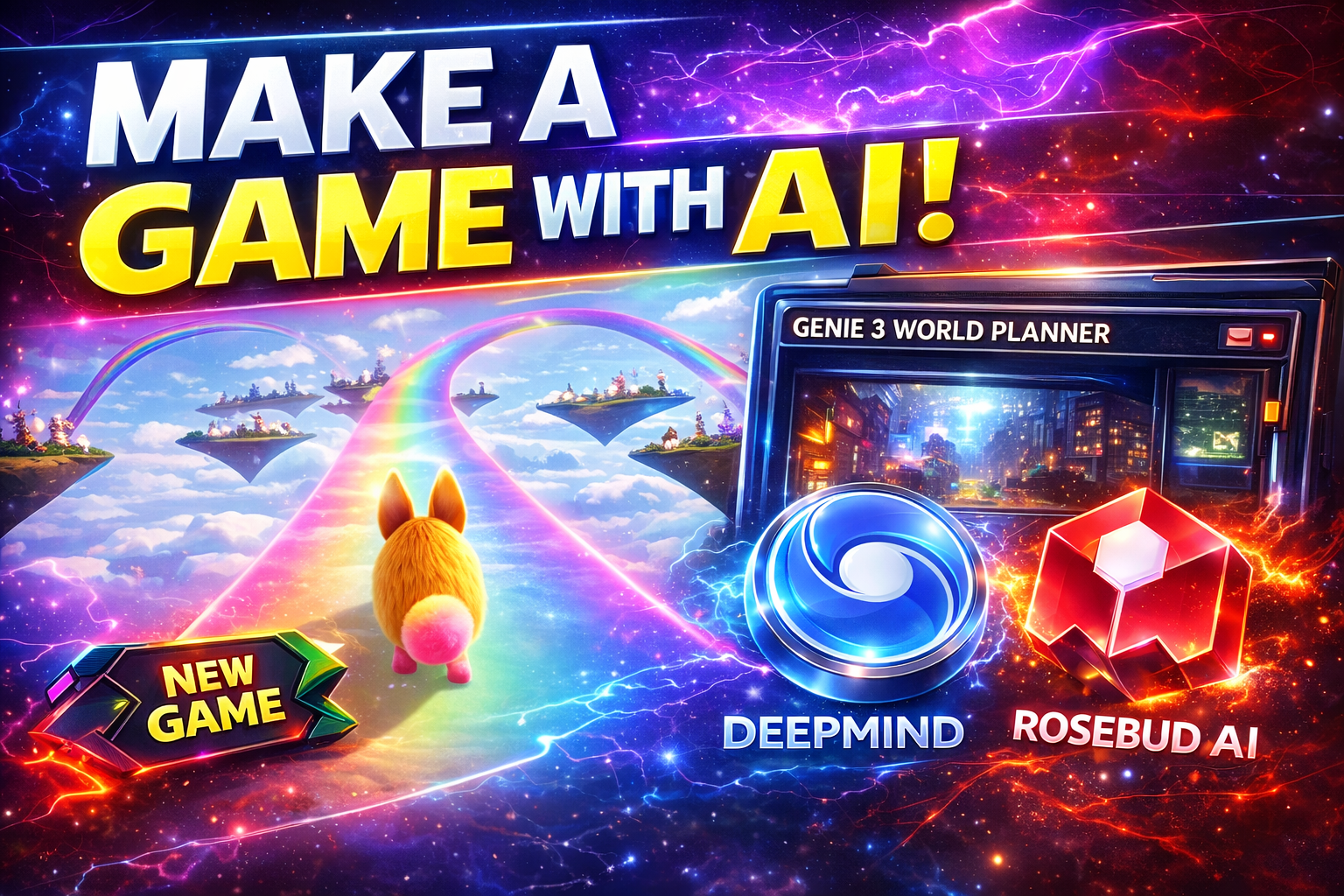
Google Genie 3: the “world model” that turns prompts into playable worlds (and how to plan one with a Rosebud AI game)
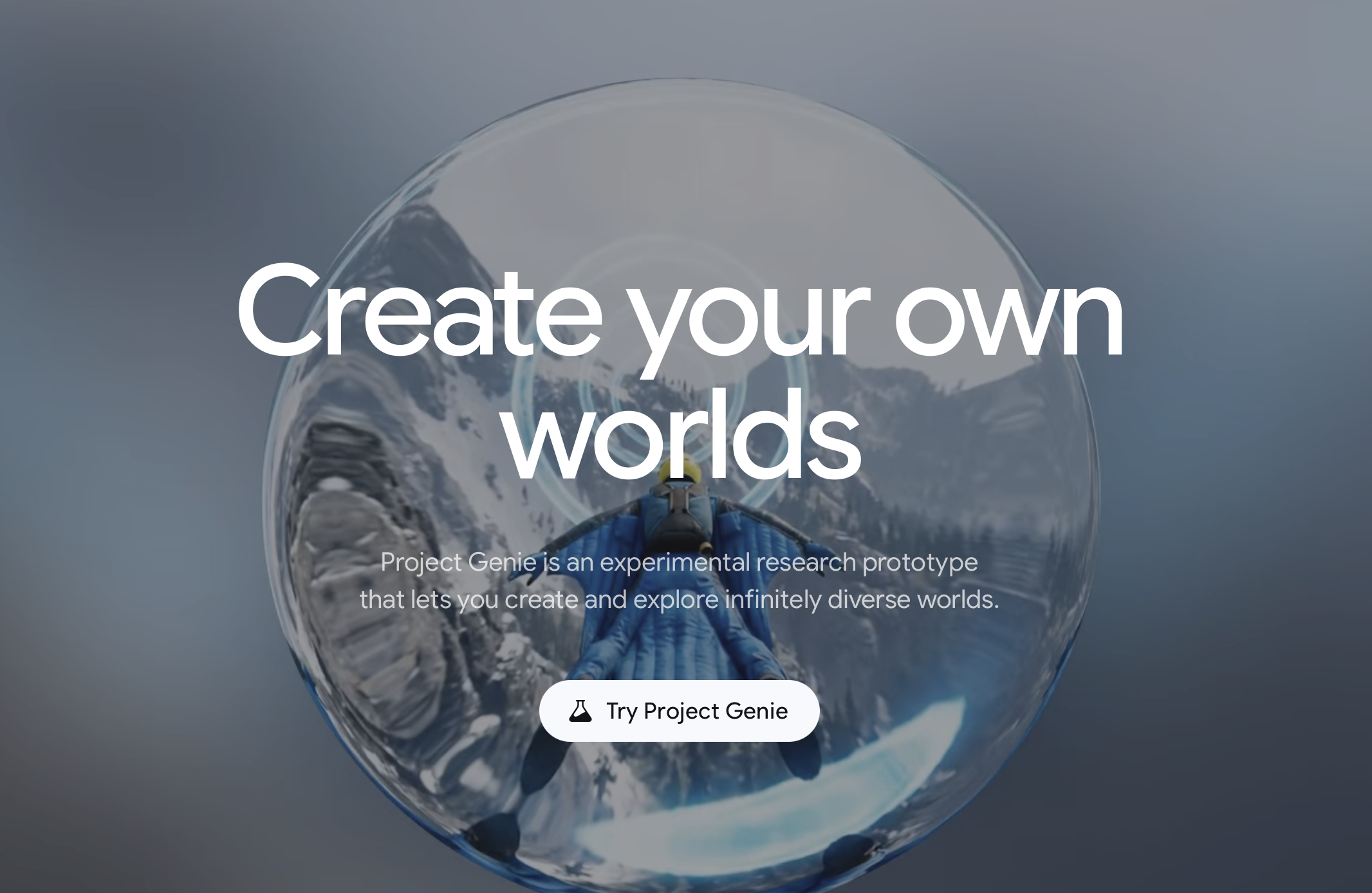
Part 1 — What is Genie 3, What It Does & How to Use It
What is Genie 3?
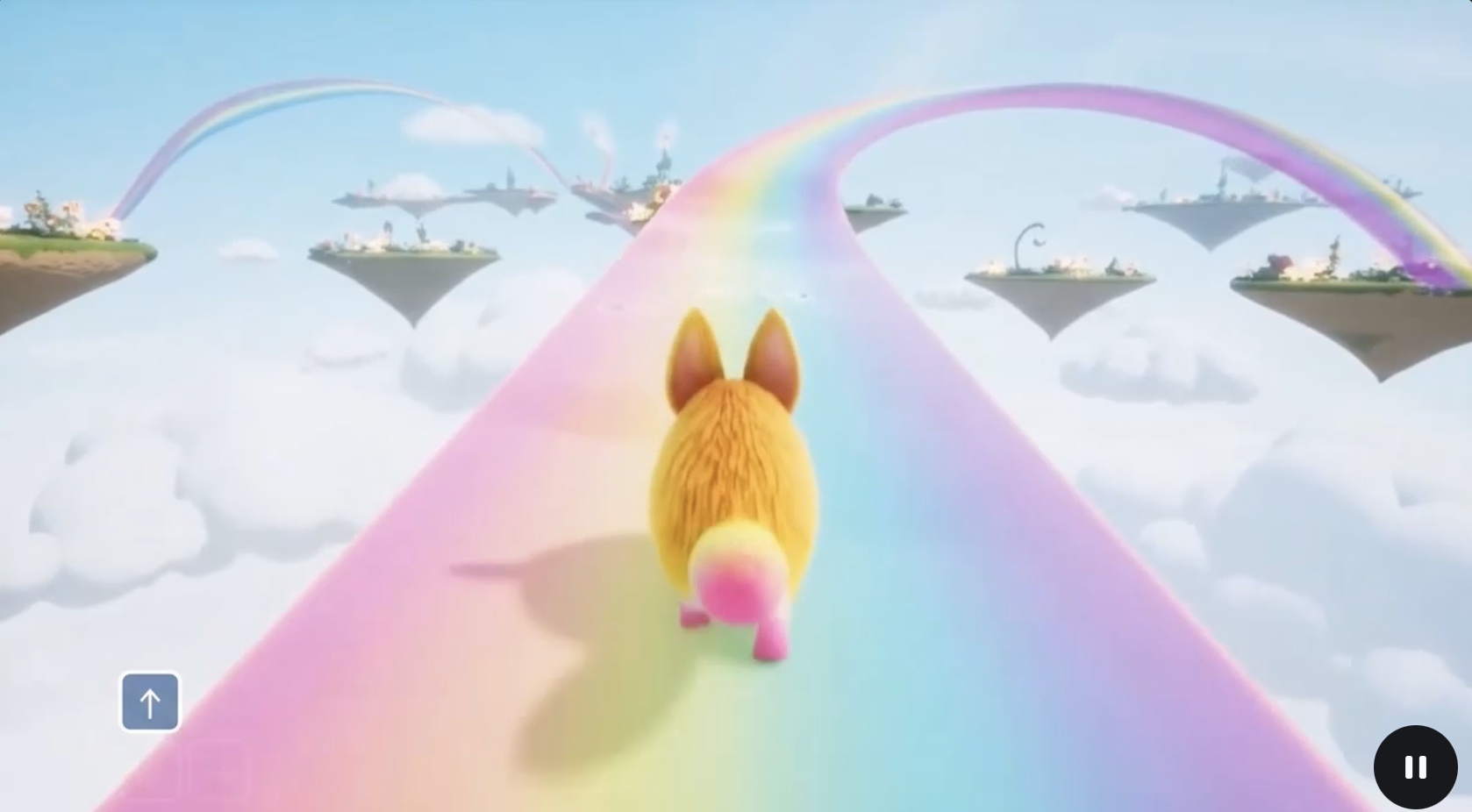
Genie 3 is Google DeepMind’s latest AI world model that generates interactive, navigable 3D environments from simple text descriptions. This isn’t just static images or video — you can explore the spaces it creates in real time, with dynamic responses to your actions.
📌 Key points:
- Interactive worlds from text prompts — terrain, objects, weather, characters.
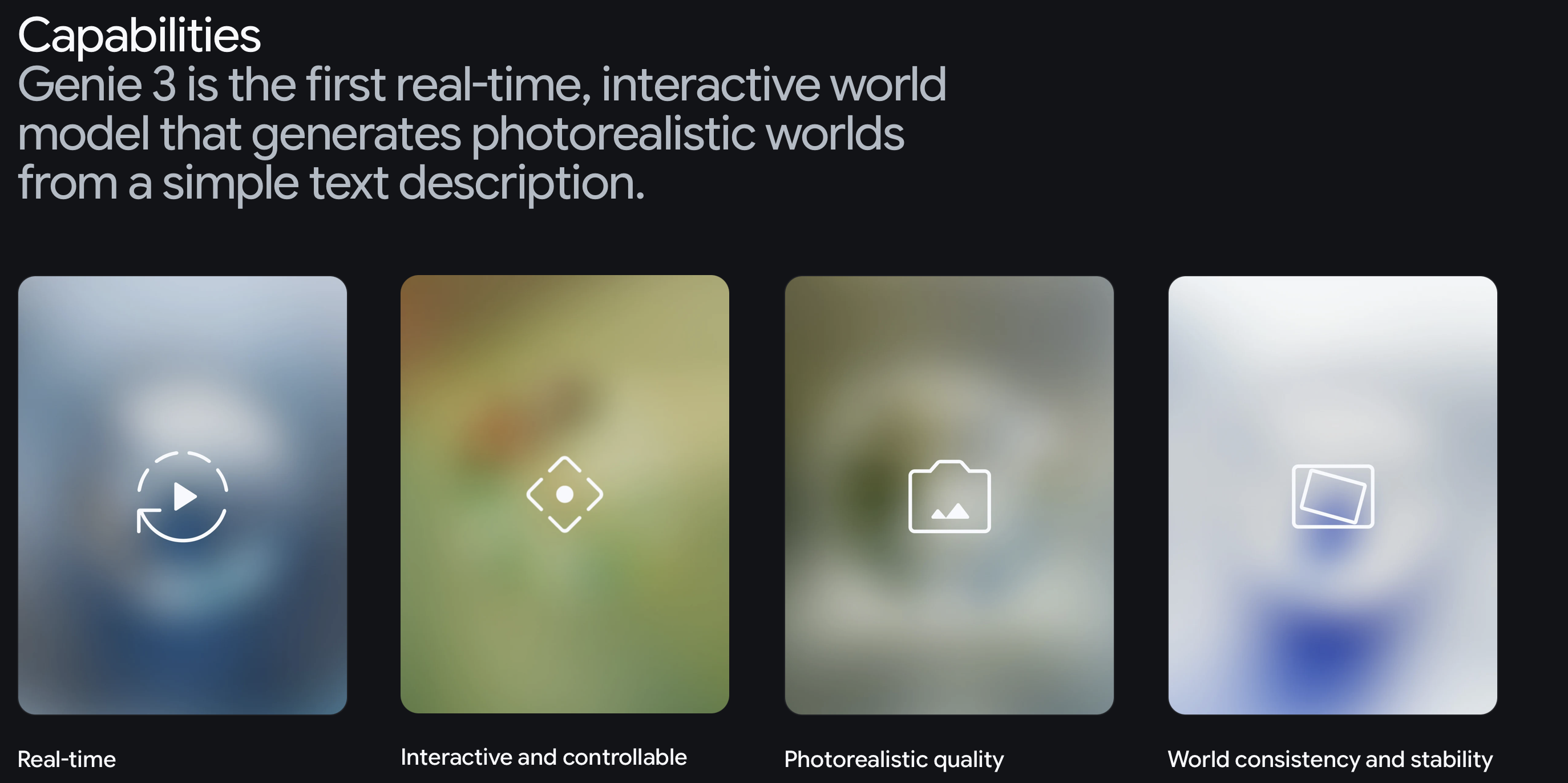
- Real-time navigation at ~24 fps, around 720p quality.
- Maintains consistency over time — objects and changes stay persistent while you explore.
How It Works
Genie 3 uses an AI “world model” that learns physical rules and environment patterns from data to simulate explorable 3D spaces — not just images or scripted animations.
You provide:
✔ a text prompt (e.g., “mystic forest with floating lanterns”),
✔ optional images for style/mood — then the model builds a world you can move through.
This technology goes beyond static video, blending game-like interactivity with photoreal scenes that adapt as you interact.
How to Access Genie 3
Google is currently testing Genie 3 through Project Genie, a prototype that lets testers create, explore, and remix worlds — available to a limited group of users (e.g., Google AI Ultra subscribers) while the tech matures.
Part 2 — Build a Genie 3 Game with Rosebud AI
Game Concept – “Genie 3 World Planner”
Instead of writing prompts in a text box, what if prompt creation was a game?
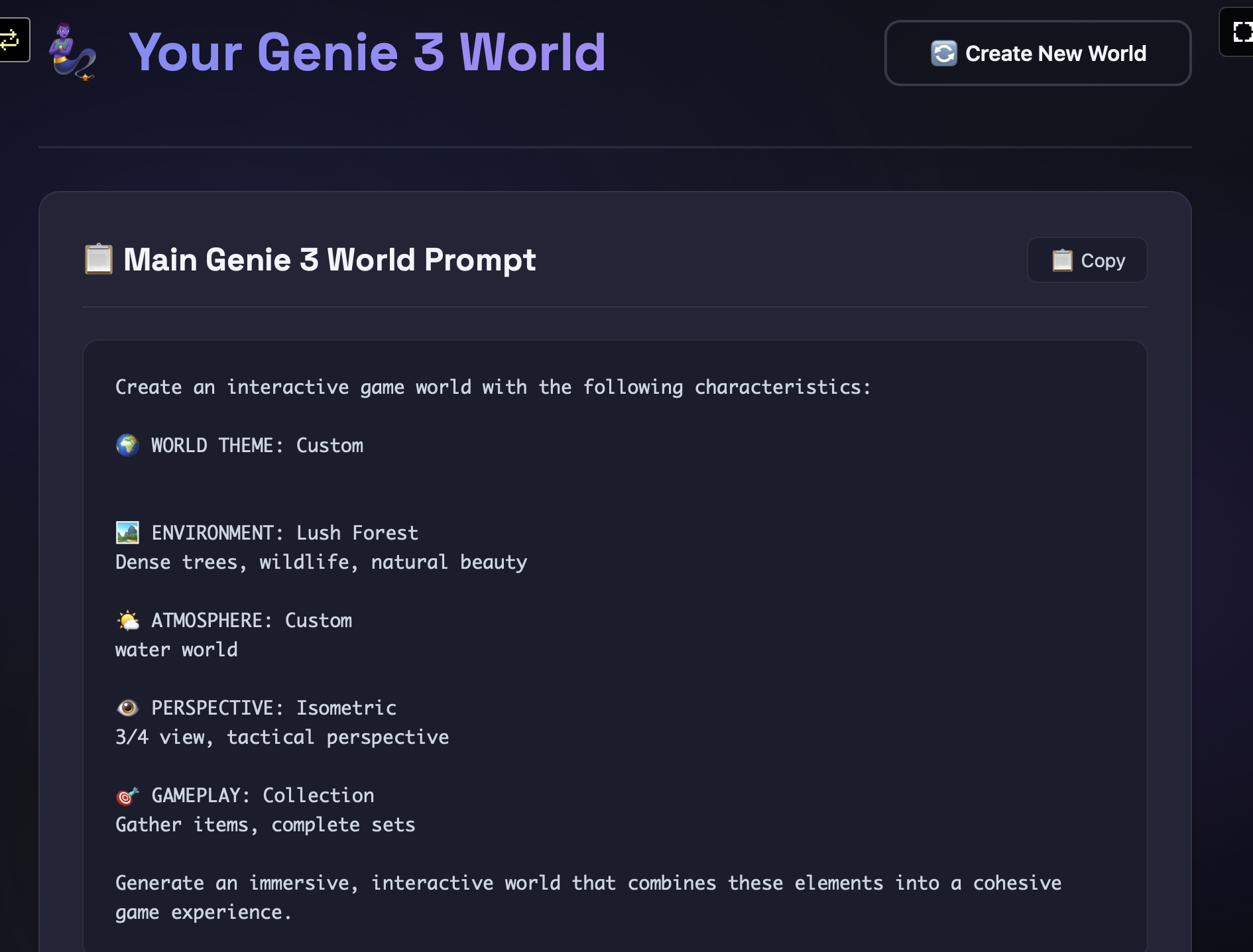
Genie 3 World Planner (built with Rosebud AI) is a creative game tool that helps users design text prompts, scenarios, quests, and world features — then outputs Genie 3-ready prompt packs you can share.
How the Planner Works
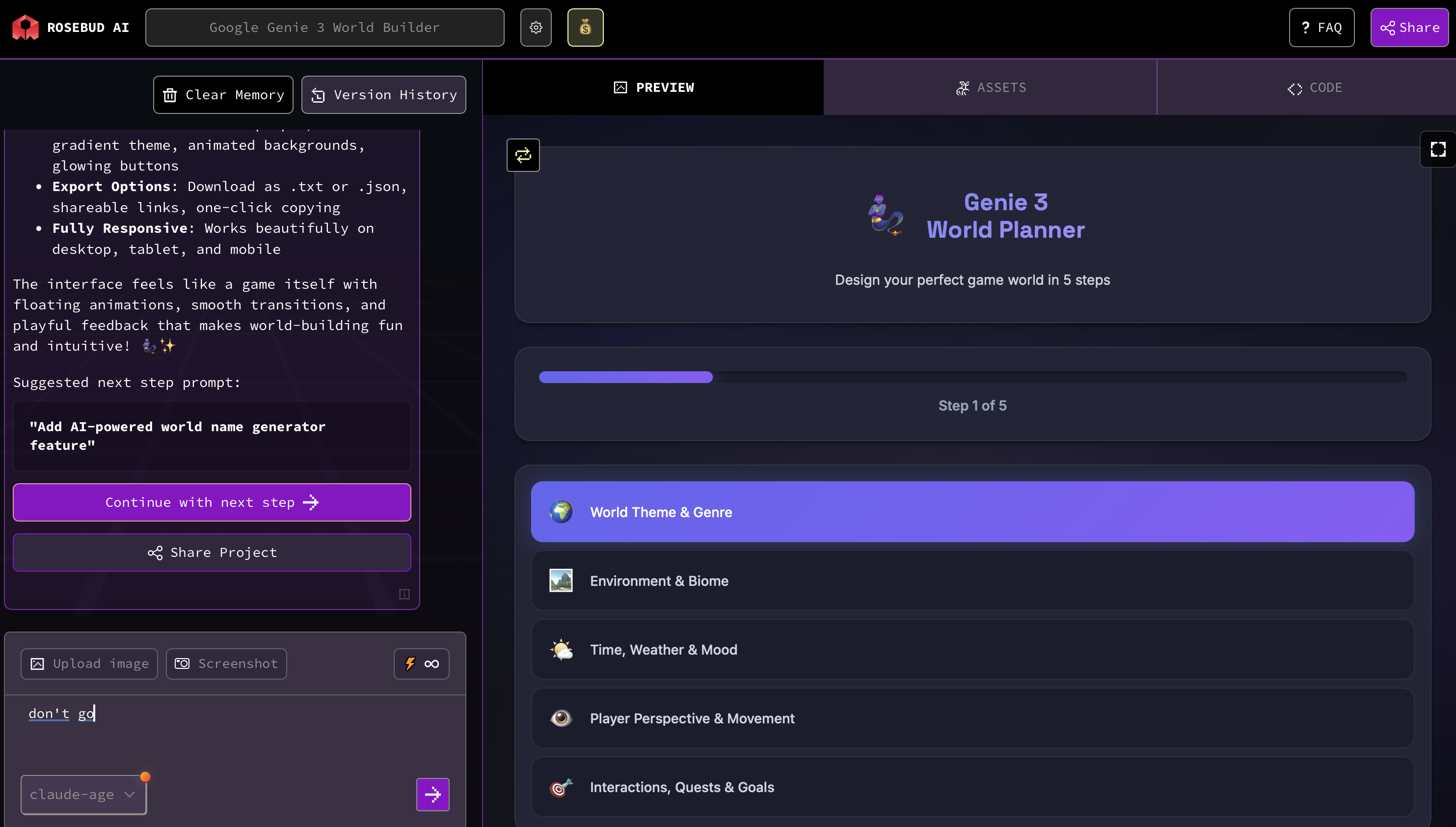
Players go through game-like steps:
- Choose a Genre
Fantasy, survival, sci-fi, mystery — sets the theme. - Pick Biomes & Mood
Desert, forest, city, weather, time of day. - Define Actions & Interactions
What can happen — doors, weather shifts, hidden caves. - Set Objectives & Quest Hooks
Simple goals or missions you want the world to support.
As players complete these steps, the game builds a final prompt package for Genie 3.
Output from the Planner
Each completed game session produces:
✔ Main Genie Prompt: A clear, detailed description you can paste into Genie 3.
✔ 5 Remix Variations: Same base world with twist prompts.
✔ Thumbnail Image Prompt: A starter image description to hint mood/style.
✔ Quest List Summary: Optional game flow summary.
Tips for Better Genie 3 Worlds
- Use specific nouns (desert oasis, storm clouds, river bridge) to guide the model.
- Keep interactions simple and physical (doors open, weather changes, NPC paths).
- Focus your world on a short playable loop (start, challenges, reveal).
- Remix ideas to generate multiple world variants and share with friends.
Conclusion — Genie 3 & AI Game Creation
Google’s Genie 3 is a leap toward AI-driven world building: from text to playable environments. Pairing it with a Rosebud AI game planner makes world creation fun, structured, and social — turning prompts into shareable adventures.

Patrick Moumiet
Patrick is a marketer at Rosebud with a background as a content creator and social media strategist. He has launched courses and coaching programs in social media marketing and content creation, coaching 500+ large-scale influencers customers. On the Rosebud blog, he writes about consumer AI and how to make money with AI, exploring ways to combine state-of-the-art models with Rosebud’s creative tools.