


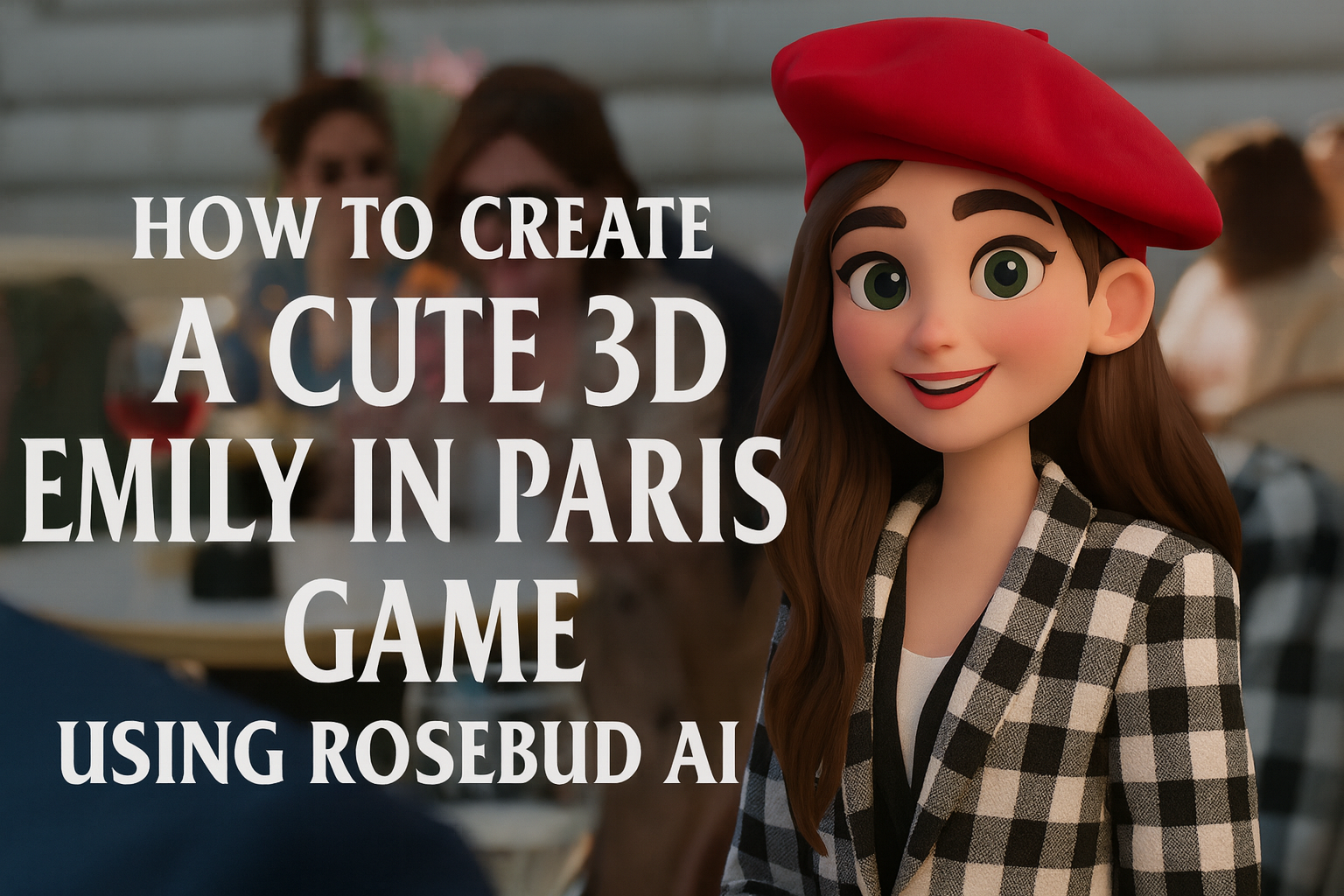
Emily in Paris: How to Create a Cute 3D Cinematic Game Using Rosebud AI
Why Emily in Paris Is Perfect for a 3D AI Game
Emily in Paris is full of adorable Parisian vibes, colorful fashion, romantic tension, cafés, iconic streets, and stylish drama.
It’s basically a game-ready world already:
- Beautiful scenery (Eiffel Tower, Montmartre, cafés)
- Fashion outfits and customization
- NPC interactions (Gabriel, Camille, Mindy, coworkers)
- Choices, drama, dating branches
- Cute story arcs and mini-scenes
- Lots of cinematic moments
This makes it ideal for creating an interactive cute 3D world—and now, thanks to Rosebud AI, you can build it without needing any professional game engine skills.
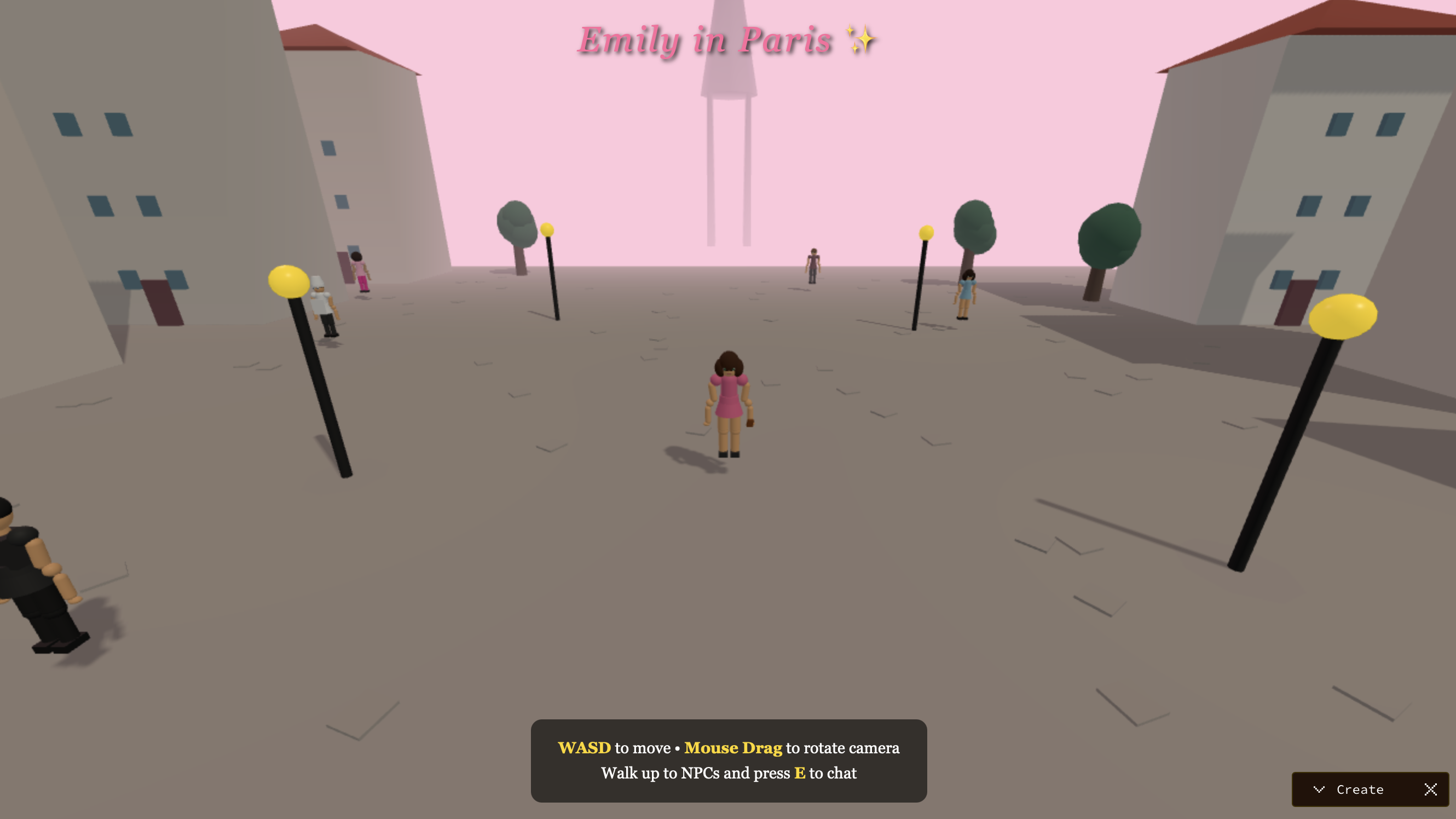
Build Your Own Parisian Adventure With Rosebud AI
Rosebud AI now allows you to generate:
- 3D game worlds
- Cute stylized characters
- NPC dialogue systems
- Clickable objects and scenes
- Video Gen cinematic clips
- Mini cutscenes triggered by actions
- Full playable prototypes
You simply describe the idea, and Rosebud builds the entire game structure for you.
Imagine walking around a stylized 3D Paris, chatting with characters, unlocking fashion moments, and triggering short videos for cinematic events.
How It Works
Step 1 — Start a New 3D Game Project
Go to Rosebud.ai and start a fresh project.
Describe the game you want, for example:
“Create a cute, stylized 3D Emily in Paris–inspired game where the player walks around a Paris neighborhood, talks to NPCs, enters cafés, and unlocks mini cinematics.”
Rosebud will generate the base world + characters.
Step 2 — Add NPC Conversations
You can make any character talk using simple instructions:
- Emily
- Mindy
- Gabriel
- Camille
- Sylvie
- Antoine
Example prompt:
“Add NPC dialogue options. When the player clicks on Gabriel, open a dialogue box with 3 choices: friendly, flirty, or professional.”
Step 3 — Add Clickable Cards & Objects
Rosebud lets the player interact with objects to branch the story:
- Fashion cards
- Café menus
- Instagram posts
- Rings, gifts, perfume bottles
- Tickets and travel items
Each card can trigger an action, video, or dialogue.
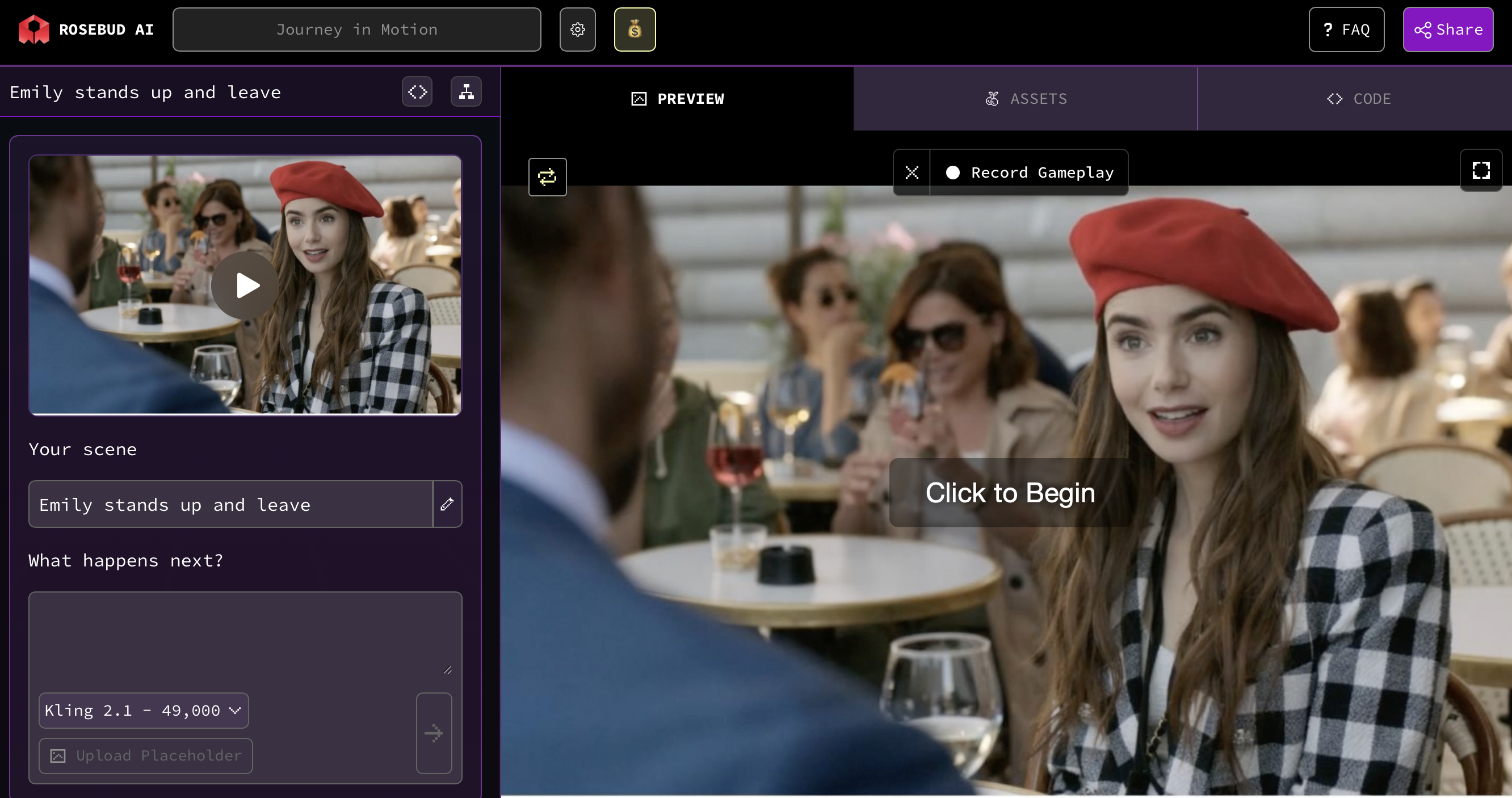
Step 4 — Generate Cinematic Moments Using Video Gen
Using https://rosebud.ai/gen, you can create:
- Romantic mini-scenes
- Paris skyline shots
- Fashion runway sequences
- Café conversations
- Dramatic confrontations
- Funny montage sequences
Then, inside the game:
When the player clicks an object or completes a task →
Play the Video Gen cinematic directly in-game.
It feels like a mix of:
🎮 Gameplay
🎥 Mini episodes
💬 Chat / Choice system
— all combined into a playable “Emily in Paris” experience.
Game Ideas You Can Build Today
1. Emily’s Paris Adventure (3D RPG Lite)
A cute exploration game where players walk around a pastel-colored Paris, visiting cafés, boutiques, and work meetings.
2. Fashion Quest: Outfit Challenges
Find items → unlock Video Gen fashion scenes.
3. The Love Triangle Story Game
Choices affect which Video Gen cinematic plays (Gabriel or Alfie moments).
4. Instagram Influencer Simulator
Take photos → unlock cutscenes → gain “followers.”
5. Paris Café Manager
Serve customers, chat with NPCs, build relationships — with cinematic moments between levels.
Conclusion: Bring Your Own Parisian Fantasy to Life
With Rosebud AI + Video Gen, it has never been easier to:
- Build a full 3D Paris
- Add cute characters
- Chat with NPCs
- Trigger cinematic mini-scenes
- Create your own “Emily in Paris” world
- Share it with friends or followers
It’s like turning the show into an interactive visual novel + sandbox game — powered entirely by your creativity.
✨ Start building your Emily in Paris–inspired game today.
Paris is waiting — and it looks even cuter in 3D.

Patrick Moumiet
Patrick is a marketer at Rosebud with a background as a content creator and social media strategist. He has launched courses and coaching programs in social media marketing and content creation, coaching 500+ large-scale influencers customers. On the Rosebud blog, he writes about consumer AI and how to make money with AI, exploring ways to combine state-of-the-art models with Rosebud’s creative tools.