


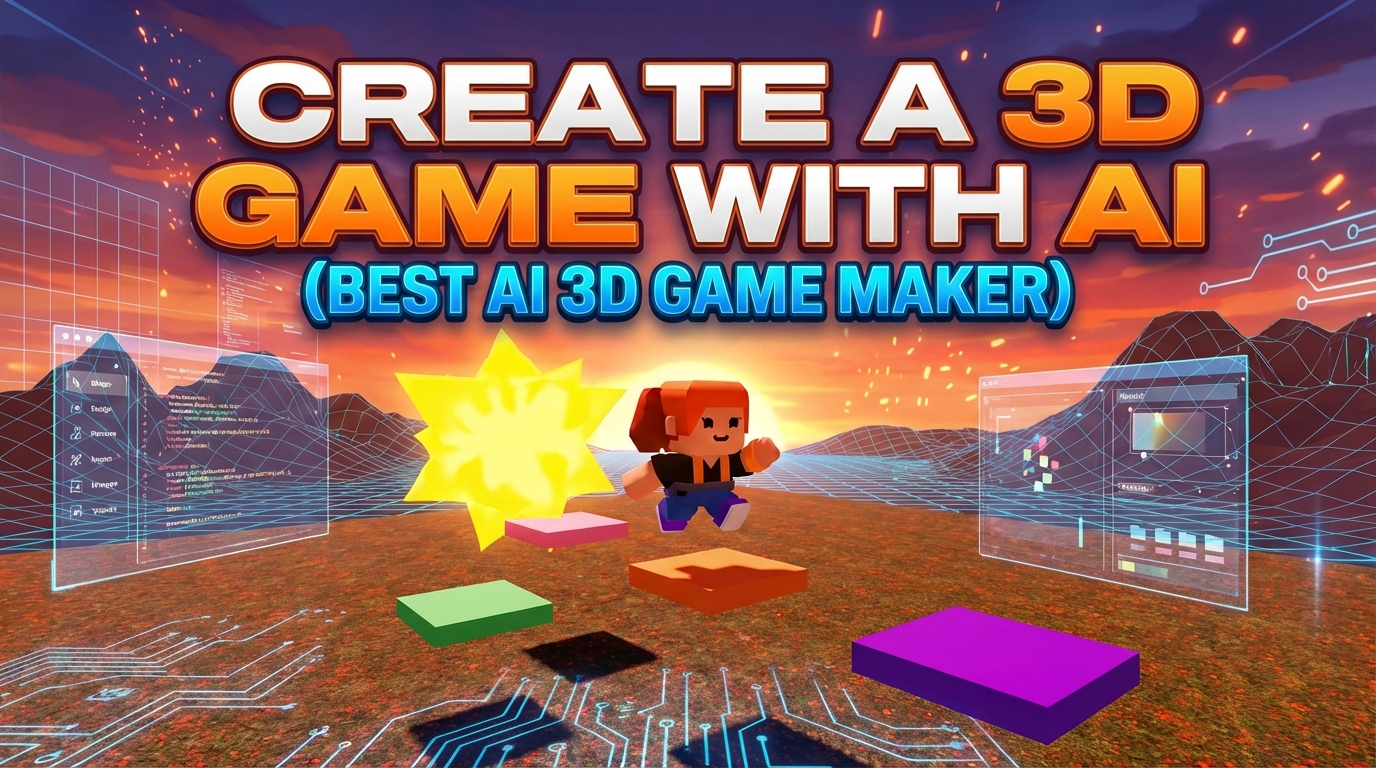
To create a 3D game with AI, start with a simple prompt, add platforms and player movement, enhance the environment with effects, and define a clear goal for the level. Good news! You can do this all with Rosebud AI.
Building a 3D game used to mean complex engines, long setup times, and lots of trial-and-error. With Rosebud AI, you can create a fully playable 3D game just by describing what you want.
In this guide, you’ll learn how to use an AI 3D game creator to build a 3D platformer step by step, adding movement, effects, platforms, collectibles, and custom 3D assets using simple prompts. Here's a sneek peek at how easy this is:
What You’ll Build with This AI 3D Game Creator
By the end of this tutorial, you’ll have a 3D platformer featuring:
- A playable character with jump mechanics
- A dynamic sky that changes over time
- Floating platforms at multiple heights
- Special effects triggered by player actions
- A collectible goal object (like a star)
- Custom 3D assets generated inside Rosebud
- A published game you can share instantly
No engine installs and no manual coding required.
Step 1: Start a 3D Game from a Simple Prompt
To begin, open Rosebud AI and click Create.
In the prompt box, start with something simple, like:
“Make a 3D platformer.”
Rosie, Rosebud’s AI coding assistant, will generate a playable 3D scene with a character and basic movement, and even add in platforms! From here, everything becomes an iteration loop: describe changes, apply them, and instantly see the result.
Alternatively, you can try creating a 3D world first with your initial prompt, then use prompts to build out the platformer environment.
Look for more inspiration about 3D games on our 3D Showcase!
Step 2: Add a Dynamic Sky to Your 3D World
To make the environment feel alive, start enhancing the atmosphere.
Example prompt:
“Make the sky of this scene smoothly cycle through different colors.”
This adds motion and mood to your game world, helping it feel more polished and immersive. Because Rosebud updates the game in real time, you can immediately see how lighting and color changes affect the experience.
Step 3: Add Player Effects for Better Game Feel
Next, improve how the game feels by adding visual feedback to player actions.
Example prompt:
“Add a cool special effect to the player after they jump. Make sure the effect resets so it can happen again.”
This creates satisfying feedback every time the player jumps (an important detail in any good platformer). Effects like this make movement feel intentional and fun.
Step 4: Build a Real Platforming Environment
Now it’s time to design the actual level.
Example prompt:
“Add floating platforms at different heights to create a platforming environment.”
Rosie generates platforms positioned so players can jump, climb, and explore vertically. You can continue refining this by asking for:
- More spacing
- Tighter jumps
- Easier or harder layouts
This is where your 3D game design starts to take shape.
Step 5: Add a Goal Object Players Can Reach
Every platformer needs a clear objective.
Example prompt:
“Add a spinning star at the top of each level so that players can use the platforms to reach it.”
This creates a visual goal that players naturally want to reach. The spinning animation makes it stand out and signals completion clearly.
Step 6: Generate Custom 3D Assets with AI
One of the biggest advantages of using Rosebud as a 3D game maker is built-in asset generation.
From the Assets tab, you can:
- Generate 3D models using AI
- Choose styles that match your game
- Insert assets directly into the scene
You can then turn these assets into:
- Power-ups
- Collectibles
- Obstacles
- Decorations
All without leaving the editor.
Step 7: Turn Assets into Power-Ups
Once assets are added, you can give them gameplay meaning.
Example prompts:
- “Make this asset a power-up that boosts jump height.”
- “Give the player a temporary effect when they collect this item.”
- “Remove the power-up after it’s collected.”
This is where your game moves from a demo into a real system-driven experience.
Step 8: Publish and Share Your 3D Game
When your game is ready, click Publish.
You’ll be able to:
- Add a title
- Write a description
- Upload a hero image
- Generate a shareable game link
Anyone can play your 3D game instantly in their browser, no downloads required.
Why Rosebud Works as an AI 3D Game Creator
Rosebud is designed specifically for games, not generic code generation. It lets you:
- Create 3D worlds using natural language
- Iterate quickly without breaking your game
- See exactly what code is being changed
- Learn by observing real JavaScript under the hood
- Publish and remix games easily
That’s what makes it a powerful AI 3D game creator, not just a prototype tool.
Create Your Own 3D Game with AI
If you’ve ever wanted to build a 3D game but felt blocked by tools or complexity, Rosebud AI removes those barriers.
👉 Try it yourself on Rosebud AI.
Create a 3D game with AI in minutes.

Andi Bucescu
Andi is the Head of Marketing at Rosebud, where she writes about the intersection of AI, creativity, and brand storytelling. She explores how generative AI is reshaping marketing strategies and creative workflows, with a focus on making complex technology accessible and cutting through the noise of modern campaigns. Her perspective is informed by undergraduate research on effective social media content and consumer psychology.