


ChatGPT 5: How to Use ChatGPT to Create Games (And Why Rosebud AI Is Better)
ChatGPT 5 can generate simple games through text and code.
Rosebud AI builds full playable games, with assets, levels, characters, and environments.
If you want the best AI game creator, Rosebud AI is the stronger tool.
Use ChatGPT 5 to Create Simple Games
What ChatGPT 5 can do:
- Game ideas
- Storylines
- Basic scripts
- Simple 2D code (HTML, JS, Python)
- Logic, UI text, level descriptions
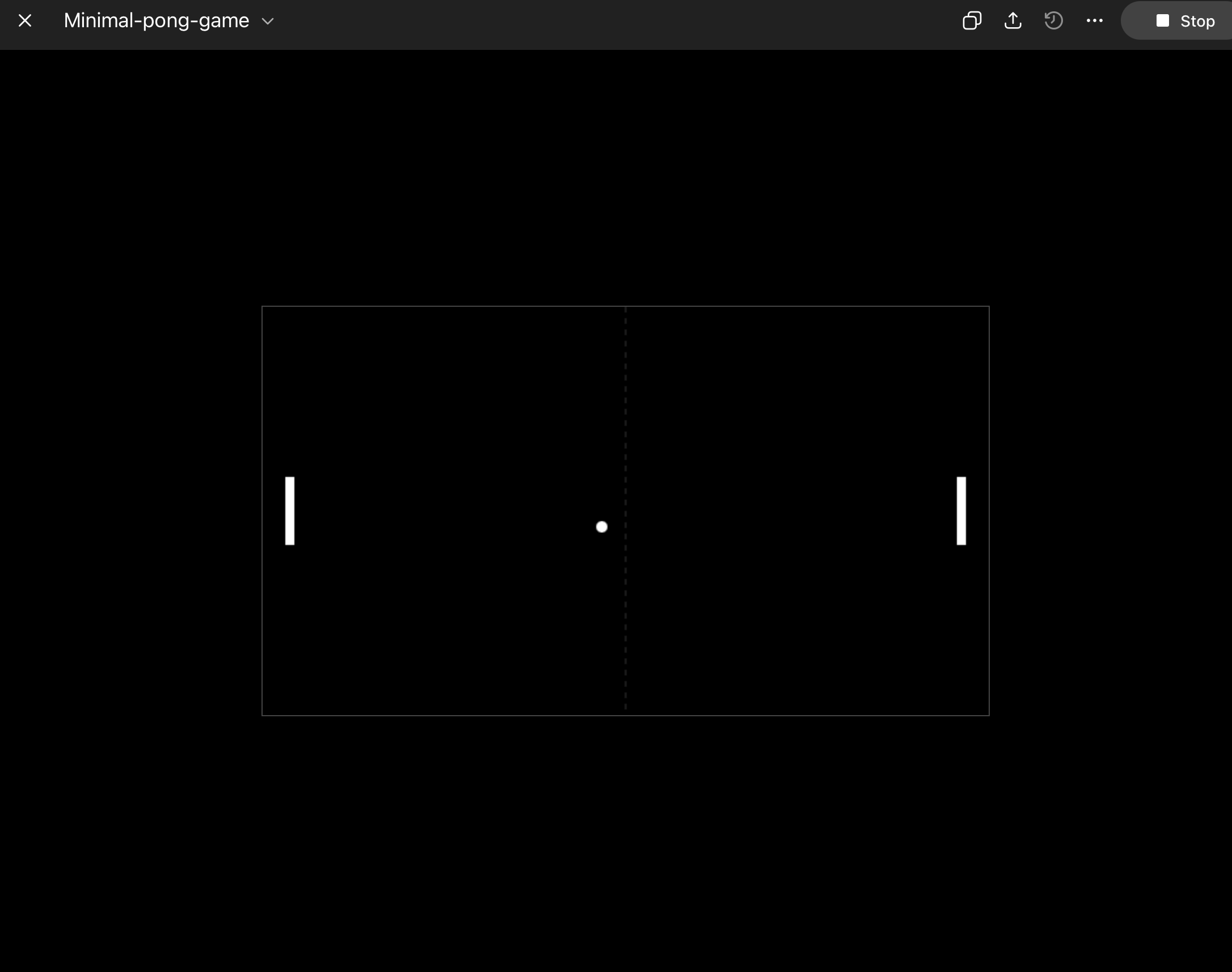
How to make a basic game with ChatGPT 5:
- Describe your game.
- Ask for code (ex: “2D shooter in HTML canvas”).
- Ask for improvements: enemies, score, movement.
- Copy/paste into your editor or use Canvas in ChatGPT.
ChatGPT 5 is great to generate prototypes, but not for real art, full environments or integrated pipeline.
Rosebud AI: Best Tool to Create Full Games with AI
Rosebud AI gives you a complete game-creation system.
Not just text — an AI engine built for game development.
Rosebud AI provides:
- Playable 2D/3D games
- Characters, animations, sprites
- Environments, tilesets, maps
- Combat systems, boss logic
- Cutscenes with AI video
- UI, menus, inventory
- Instant “Remix” editing
Rosebud AI is optimized for creators who want fast output, polished art, and full game loops.
How to Create a Game in Rosebud AI
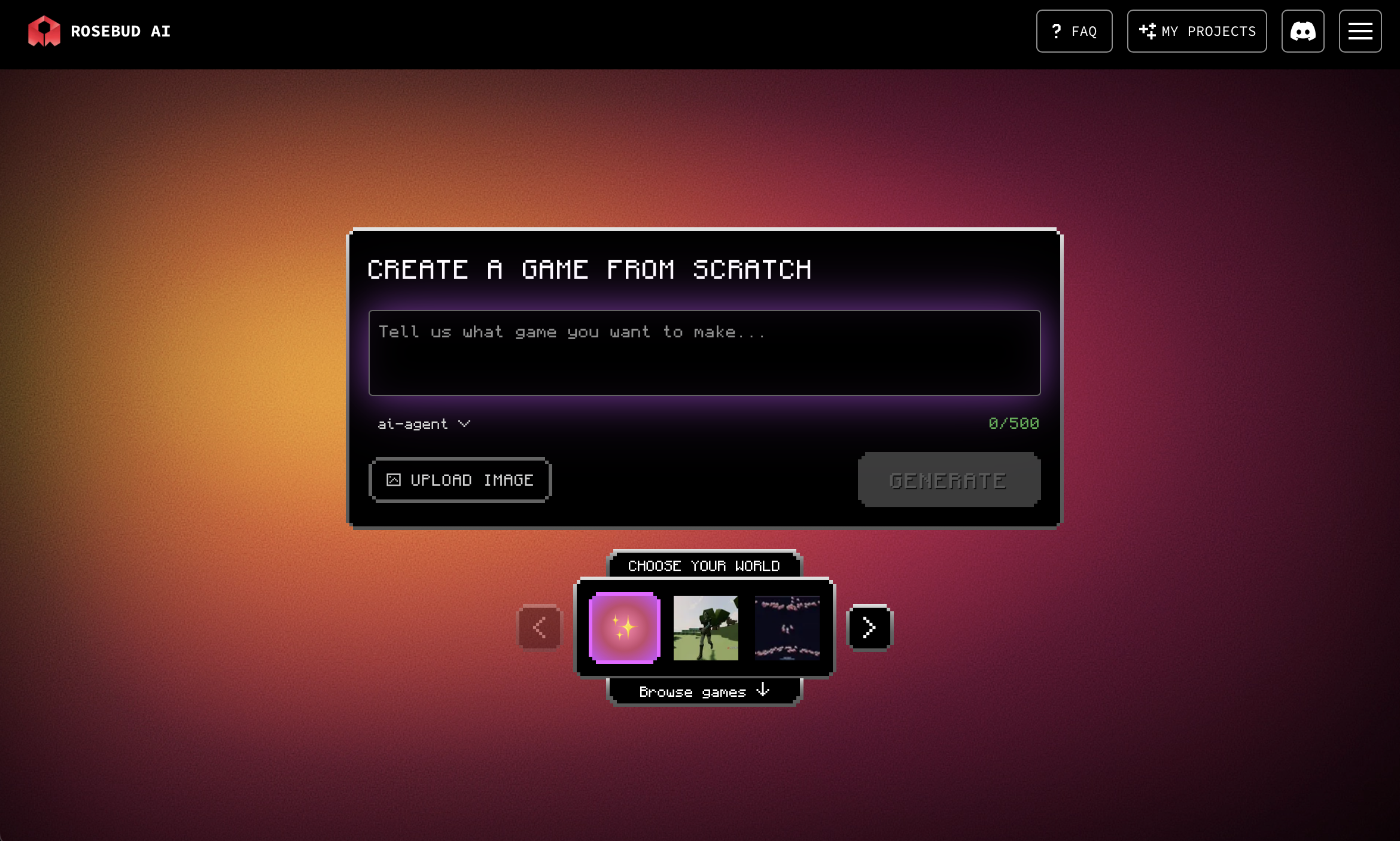
- Go to https://rosebud.ai
- Select the model you want
- Choose the type of game (RPG, shooter, fighter, story game, etc.)
- Generate the first version
- You can also remix templates to customize characters, levels, powers, art, and story
- Publish and share your game
Rosebud AI gives you a full environment, all inside the browser.
ChatGPT 5 vs Rosebud AI
ChatGPT 5 (good for):
- Ideas
- Small prototypes
- Story writing
- Basic code
- Learning game logic
Rosebud AI (best for):
- Complete games
- AI art + sprites
- 3D + 2D environments
- Boss fights + abilities
- Video cutscenes
- Full development workflow
For creators, studios, and solo devs, Rosebud AI delivers better results, faster.

Patrick Moumiet
Patrick is a marketer at Rosebud with a background as a content creator and social media strategist. He has launched courses and coaching programs in social media marketing and content creation, coaching 500+ large-scale influencers customers. On the Rosebud blog, he writes about consumer AI and how to make money with AI, exploring ways to combine state-of-the-art models with Rosebud’s creative tools.