


Basketball Game: How to Create One with Rosebud AI
Basketball games sit at the intersection of sports realism, skill mastery, and fantasy fulfillment. From hyper-real simulations to arcade-style street play, the genre has remained popular for decades because it’s easy to understand yet endlessly deep. In this article, we’ll first look at why classic basketball franchises became iconic, then walk through how to create your own basketball game using Rosebud AI—with a ready-to-use prompt and design advice.
Part 1 — Why Basketball Games Became Legendary
NBA 2K
The NBA 2K franchise set the gold standard for sports simulations. Launched in 1999, its success came from one key insight: basketball is a system game. Movement, spacing, timing, and decision-making matter more than raw stats.
Why players love it:
- Realistic physics and player motion
- Deep modes like MyCareer and MyTeam
- Strong fantasy loop: become an NBA star
- Annual updates tied to real-world NBA culture
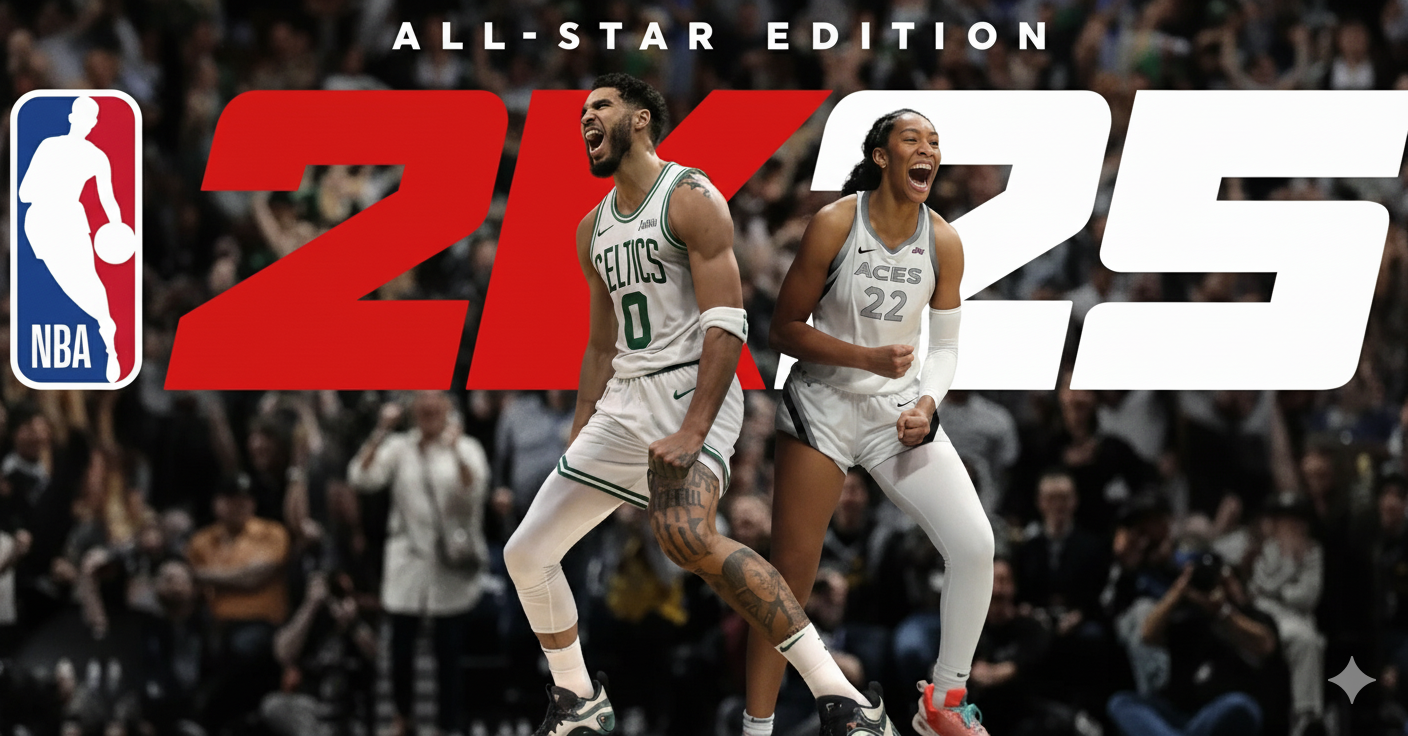
NBA 2K thrives because it rewards mastery. The better you understand basketball, the better you play.
NBA Live
NBA Live helped define basketball gaming in the 90s and early 2000s. While less dominant today, it pioneered:
- Accessible controls
- Fast-paced arcade-feel gameplay
- Couch multiplayer fun
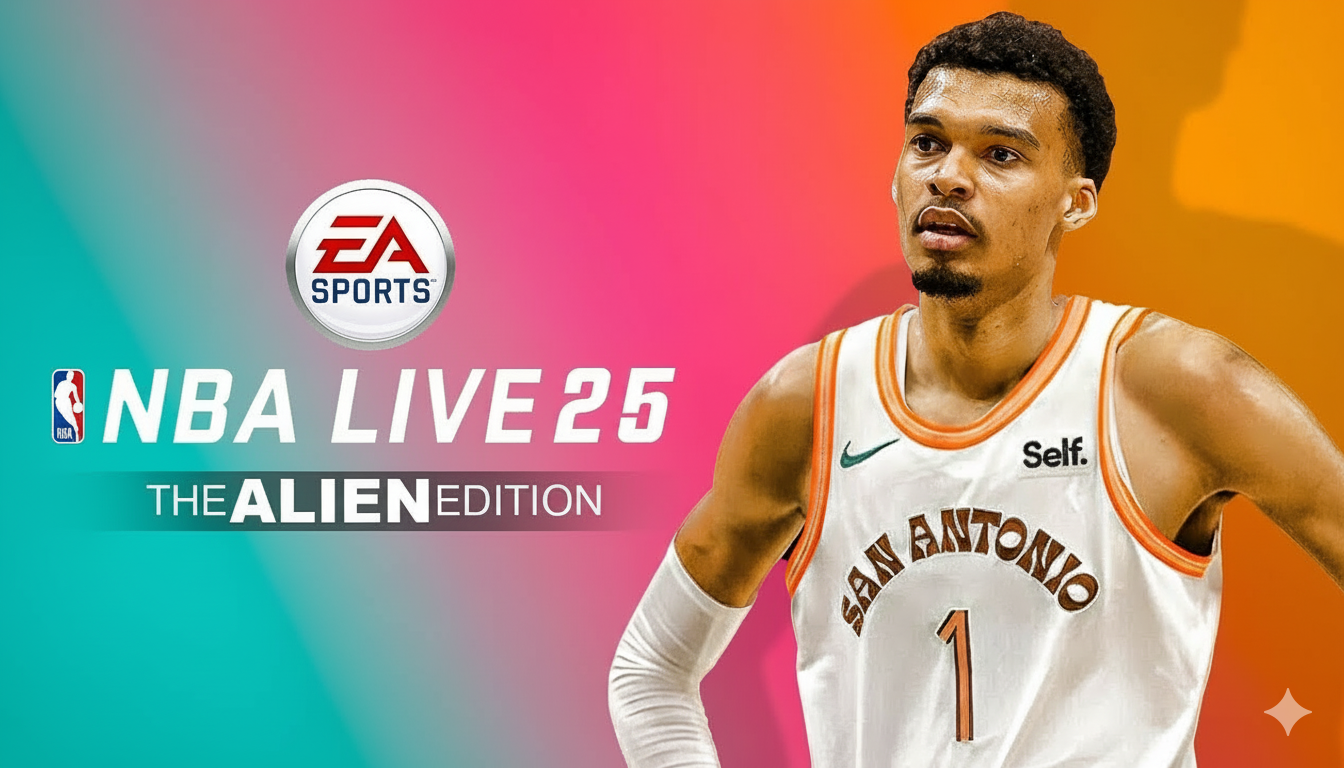
Its appeal came from immediacy—anyone could pick up the controller and feel good quickly.
Street & Arcade Basketball Games
Games inspired by street basketball leaned into:
- Flashy dunks and trick shots
- Smaller courts, fewer players
- Personality over realism
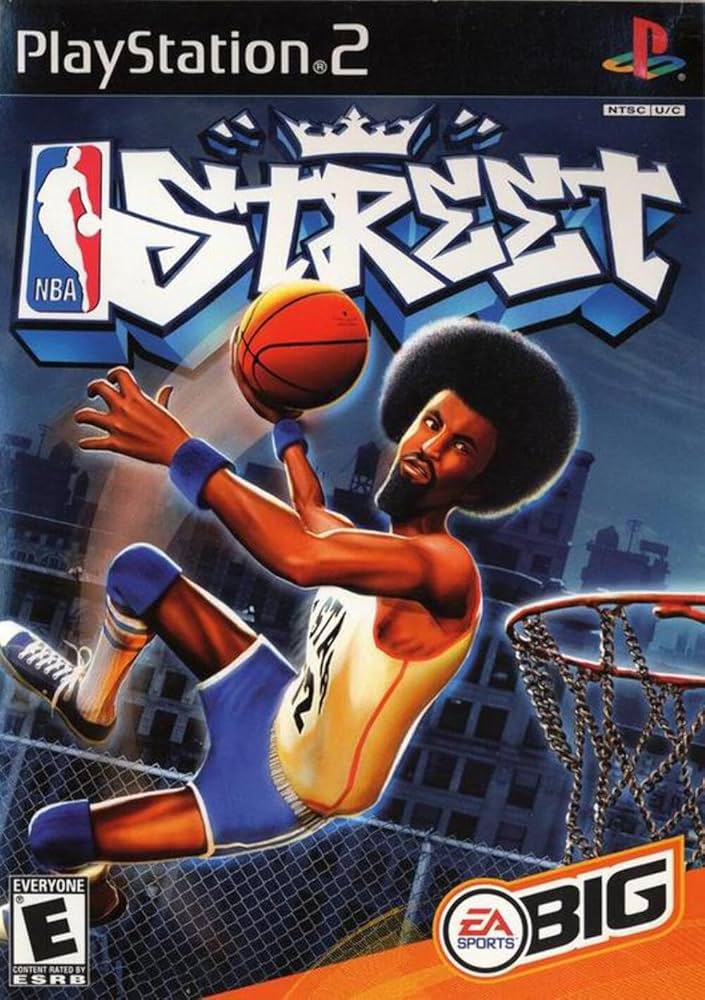
These titles proved basketball games don’t need realism to be fun. They need flow, expression, and style.
Why Basketball Games Are Still Popular
Basketball works perfectly for games because:
- The rules are simple, but the execution is deep
- Every play is a mini decision puzzle
- Progression feels personal (skills, stats, style)
- It blends competition and creativity
That makes it an ideal genre for creators—especially with AI tools.
Part 2 — Create Your Own Basketball Game with Rosebud AI
With Rosebud AI, you describe the experience, then iterate by tweaking systems, logic, and feel.
Core Concept to Decide First
Before generating anything, answer:
- Is your game simulation or arcade?
- 1v1, 3v3, or 5v5?
- Real players or fictional characters?
- Skill-based or stat-based progression?
Clear answers here dramatically improve results.
500-Character Game Creation Prompt
Use this directly in Rosebud AI:
Create a 3D basketball game focused on skill-based gameplay. The player controls one character on a half-court. Core mechanics include dribbling, shooting, passing, defense, stamina, and timing-based shots. Add a practice mode and a challenge mode. Shots depend on timing, distance, and defender pressure. Movement should feel responsive and fluid. Include progression by unlocking new moves, speed, and accuracy upgrades. Use a stylized court and simple UI for clarity.
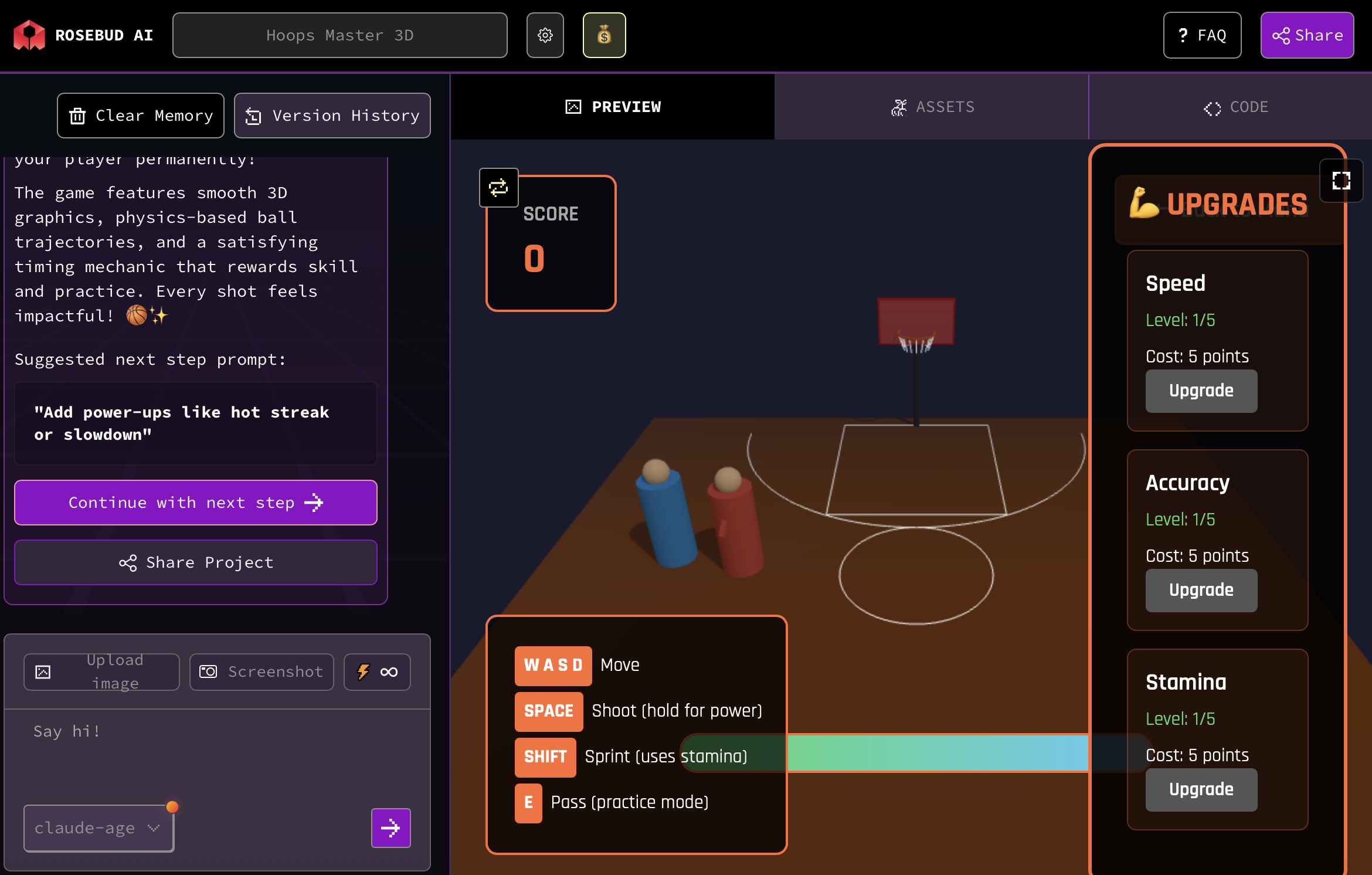
How to Make Your Basketball Game Feel Good
Basketball games succeed or fail based on responsiveness, clarity, and rhythm. Players subconsciously judge whether the game “feels right” within seconds. That feeling comes from systems working together—not visuals alone.
Core Gameplay & Mechanics Design Principles
1. Shot Mechanics & Timing
- Use timing-based shooting with visible and invisible cues (animation apex + input window).
- Early in progression, allow forgiving green windows; tighten them as difficulty increases.
- Factor multiple variables into shots: distance, defender proximity, fatigue, and momentum.
- Reward mastery with perfect-release bonuses (higher arc, cleaner swish, crowd reaction).
2. Movement & Control
- Prioritize instant input response over realism.
- Add subtle acceleration and deceleration to avoid floaty motion.
- Use directional dribbling to give players micro-control in tight spaces.
- Make defensive movement slightly slower than offense to encourage smart positioning over button mashing.
3. Spatial Readability
- Keep the court visually clean: strong line contrast, clear key areas, readable boundaries.
- Defender distance should be obvious at a glance—use body lean, shadows, or indicators.
- Shot arcs should communicate success or failure before the ball lands.
4. Game Loops & Match Structure
- Favor short, repeatable loops: quick games, drills, or score challenges.
- Let players restart instantly—friction kills flow.
- Design modes around improvement, not just winning (accuracy challenges, stamina survival, combo drills).
5. Feedback & Juice
- Every action should talk back to the player:
- Sound cues for clean shots, steals, blocks
- Animation exaggeration for dunks and perfect plays
- Subtle camera shake for high-impact moments
Feedback is what makes mechanics feel satisfying and learnable.
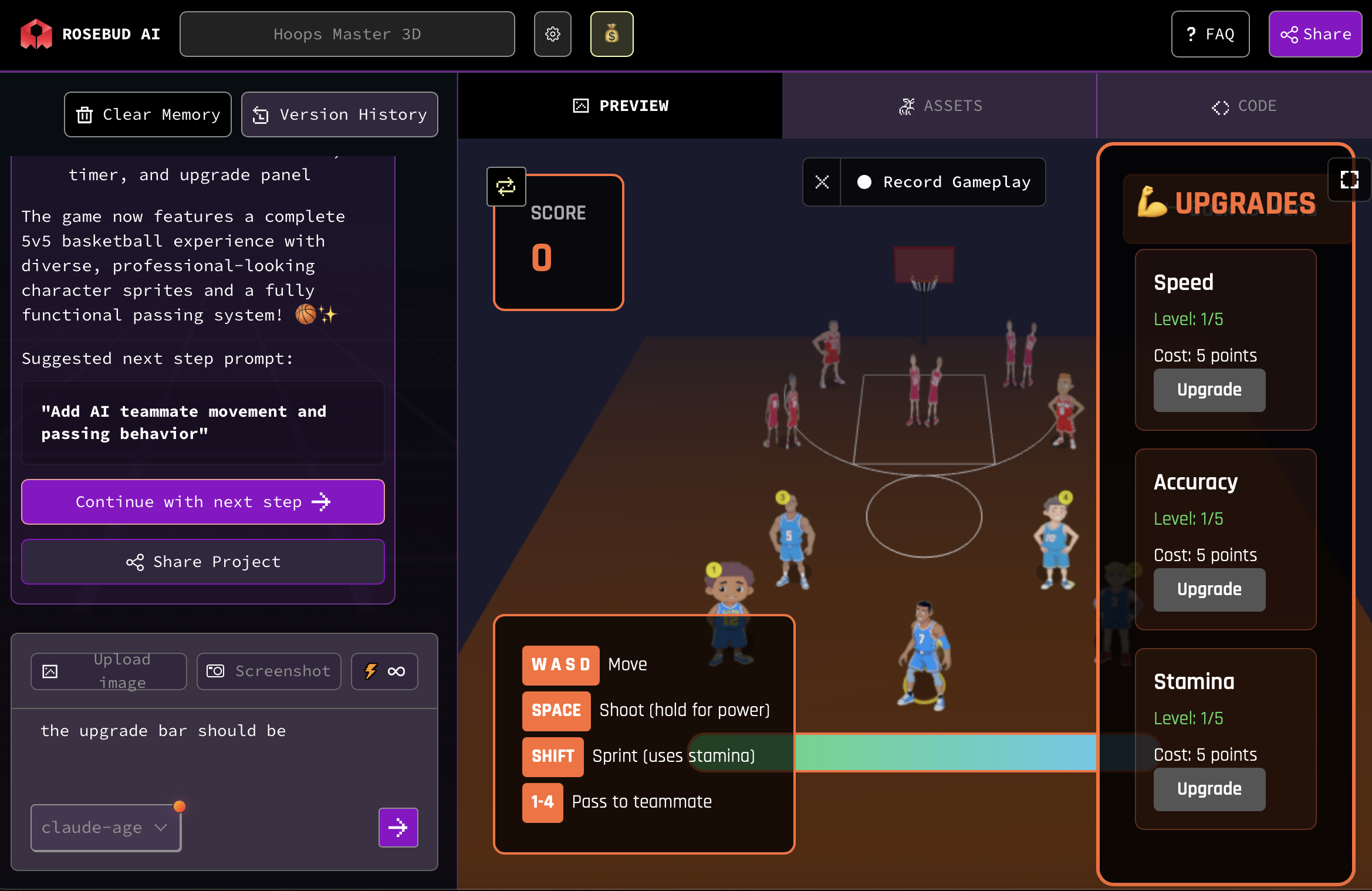
Iterating with Rosebud AI
Once your game is generated, the real work begins—tuning.
- Adjust:
- Shot timing windows
- Movement speed and turn rate
- Stamina drain and recovery
- Defender pressure multipliers
- Playtest in short bursts
- Change one variable at a time
Testing and iterating on this is exactly how professional sports games are built. The difference is speed: Rosebud AI lets you iterate in minutes instead of weeks.
Final Thought
A great basketball game is not about photorealism—it’s about control, clarity, and progression. Players want to feel responsible for success and failure. When a shot goes in, it should feel earned. When it misses, the reason should be obvious.
With Rosebud AI, you’re not just generating a game—you’re designing a system. Start simple, focus on feel, and iterate relentlessly. In a few hours, you can build a playable basketball experience that captures the essence of the sport—and then evolve it into something uniquely yours.

Patrick Moumiet
Patrick is a marketer at Rosebud with a background as a content creator and social media strategist. He has launched courses and coaching programs in social media marketing and content creation, coaching 500+ large-scale influencers customers. On the Rosebud blog, he writes about consumer AI and how to make money with AI, exploring ways to combine state-of-the-art models with Rosebud’s creative tools.