


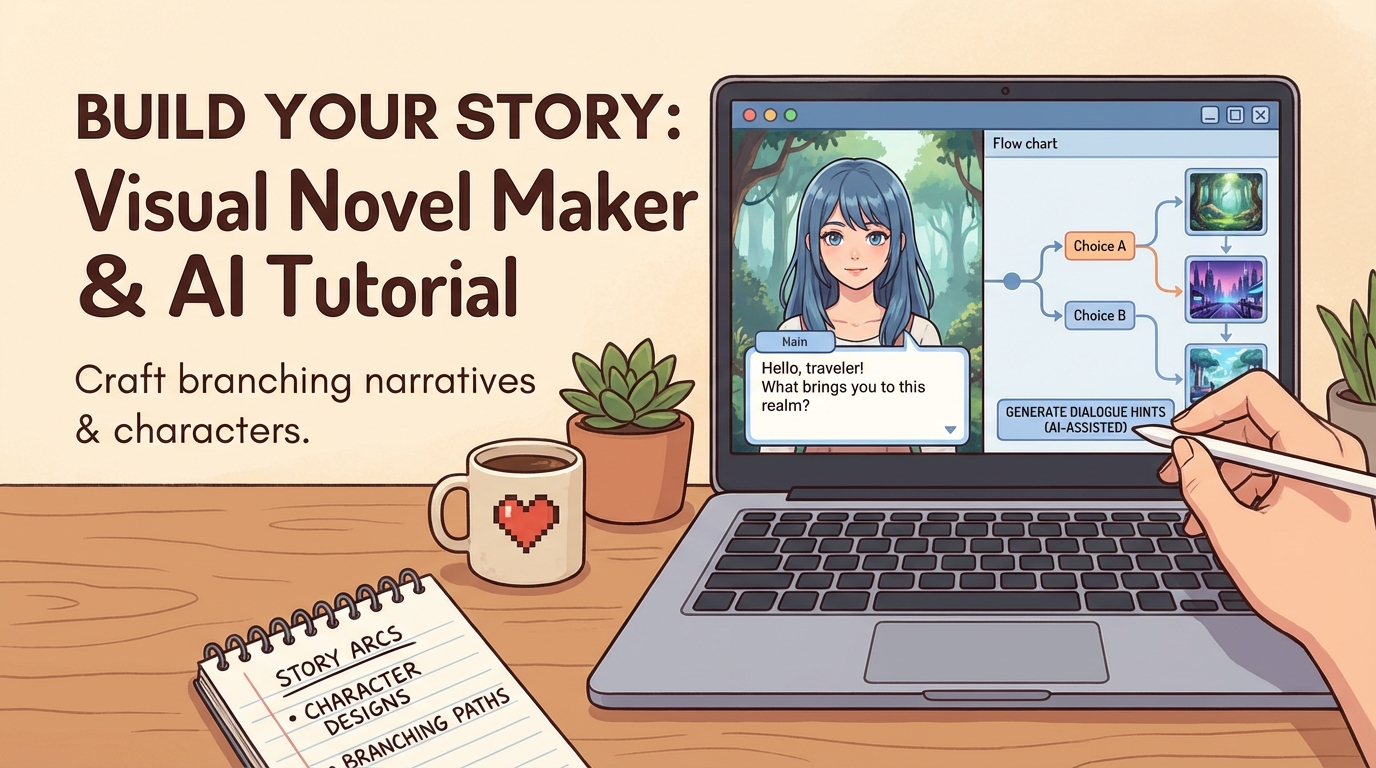
If you want to build a visual novel or story-driven game without writing code, AI makes it possible to go much further than static images and text. With Rosebud, you can combine image generation, video generation, and branching narratives to create a fully playable visual novel that players can click through and explore.
We recently tested this using Google’s new Nano Banana image model alongside video generation models, and the results were surprisingly powerful. It was genuinely fun to build interactive stories this way.
👉 Watch how we tested this:
What follows is a practical visual novel maker tutorial showing how you can approach building your own narrative game step by step.
What You’ll Build in This Visual Novel Tutorial
By the end of this process, you’ll have:
- A story-driven game with animated scenes
- Branching narrative choices
- AI-generated visuals and video
- Editable UI and choice text
- A playable, shareable game link
This works for romance stories, horror, mystery, or experimental narrative games.
Step 1: Start with a Story Concept
Before opening Rosebud, decide what kind of story you want to tell:
- A romance or love story
- A horror mystery
- A slice-of-life drama
- A fantasy or sci-fi narrative
You don’t need a full script. A loose concept is enough.
Some creators like to use ChatGPT or another LLM to generate a story map with:
- An opening scene
- A few major choices
- Possible branching paths
This makes the rest of the process much easier.
Step 2: Generate Visuals with AI (Optional but Powerful)
You can create visuals in two ways:
- Generate everything directly inside Rosebud
- Or use external image models like Nano Banana for highly stylized or animated images
In our test, we used Nano Banana to generate character images and reference scenes, then brought them into Rosebud.
This is optional, but useful if you want:
- A specific art style
- Animated or hyper-realistic characters
- Visual consistency across scenes
Step 3: Create Your First Scene in Rosebud
Once inside Rosebud, start a new project and define your first scene.
You’ll:
- Describe what’s happening in the scene
- Upload a reference image (optional)
- Choose a generation model
After a few seconds, Rosebud generates your first playable scene, including:
- The visual or video shot
- Narrative text
- A structure for player choices
You’ll see both the current scene and a preview of how the full game will play.
Step 4: Add Branching Narrative Choices
This is where your game becomes interactive.
For each scene, you can add choices like:
- “Explore the house”
- “Stay outside and stargaze”
- “Pick up the journal”
- “Leave it alone”
Each choice leads to a new generated scene. You can generate multiple branches at the same time and continue expanding the story in any direction.
The key is to be descriptive so the AI understands tone, pacing, and intent.
Step 5: Refine Choice Text for Players
AI-generated descriptions are great for generation, but players benefit from cleaner UI.
After scenes are generated, you can:
- Rename choice buttons
- Shorten text for clarity
- Adjust wording to match your audience
For example, a long emotional description can become a simple button like:
- “Confront her”
- “Walk away”
- “Ask what she remembers”
This improves readability without changing the underlying story.
Step 6: Iterate on Story and UI with Rosie
If something doesn’t feel right, you don’t need to regenerate everything.
You can talk to Rosie, Rosebud’s AI assistant, to:
- Adjust when choices appear
- Change UI layout
- Refine pacing
- Tweak narrative logic
You can also inspect generated assets and scenes in the Assets tab and make targeted changes through the Code tab if needed.
Step 7: Explore Different Genres with the Same Workflow
The same visual novel workflow works for many genres.
In our internal test, we used it to create:
- A romance-style story
- A hyper-realistic horror narrative
- A mystery with cursed objects and branching outcomes
You can switch generation models depending on whether you want cinematic visuals, lower cost, or faster iteration.
Step 8: Publish and Share Your Visual Novel
Once your story feels complete:
- Publish the game
- Add a title, description, and thumbnail
- Share the link
Anyone can play your visual novel directly in their browser.
Why Rosebud Works as a Visual Novel Maker
Rosebud goes beyond traditional visual novel tools by combining:
- AI-generated images and video
- Branching narrative logic
- Real-time iteration
- Playable links instead of static exports
Create Your Own Visual Novel with AI
If you want to experiment with story-driven games, romance sims, or narrative horror, Rosebud makes it easy to start.
👉 Try it yourself on Rosebud AI
Build a visual novel with AI.

Andi Bucescu
Andi is the Head of Marketing at Rosebud, where she writes about the intersection of AI, creativity, and brand storytelling. She explores how generative AI is reshaping marketing strategies and creative workflows, with a focus on making complex technology accessible and cutting through the noise of modern campaigns. Her perspective is informed by undergraduate research on effective social media content and consumer psychology.