


How to Create a Free AI Sprite Sheet Generator Using AI (with Rosebud AI)
Creating sprite sheets is one of the most time-consuming parts of 2D game development. Every action—idle, walk, punch, jump—requires multiple frames, consistency in style, and careful iteration. AI changes that workflow completely.
In this article, we’ll explore what an AI sprite sheet generator is, and then walk through how to build a fully personalized AI sprite generator using Rosebud AI—without needing advanced art skills or paid asset packs.
Part 1 — What Is an AI Sprite Sheet Generator?
An AI sprite sheet generator is a system that uses AI image generation to create multiple animation frames for a character or object in a consistent 2D style.
Instead of drawing every frame manually, you define:
- The character
- The art style
- The actions or poses
- The visual rules (colors, perspective, proportions)
The AI then generates a set of images that can be arranged into a sprite sheet and used directly in a game engine.
Why this matters for game creators
Traditional sprite creation has three major bottlenecks:
- Skill – You need pixel art or illustration expertise
- Time – Animations require many iterations
- Consistency – Style drift breaks immersion
AI sprite generation solves all three by:
- Lowering the skill barrier
- Generating frames in seconds
- Enforcing consistent visual rules through prompts
For indie developers, solo creators, and rapid prototypers, this means you can move from idea → playable character dramatically faster.
Part 2 — Building a Fully Personalized AI Sprite Generator with Rosebud AI
Rosebud AI lets you go one step further than “generate an image.” You can build a small 2D app that generates sprite prompts, then feed those prompts back into the Rosebud editor to create reusable, game-ready sprite sheets. you can try mine here.
Think of it as a sprite generator that generates its own prompts.
Step 1 — Create a Simple 2D Sprite Prompt App
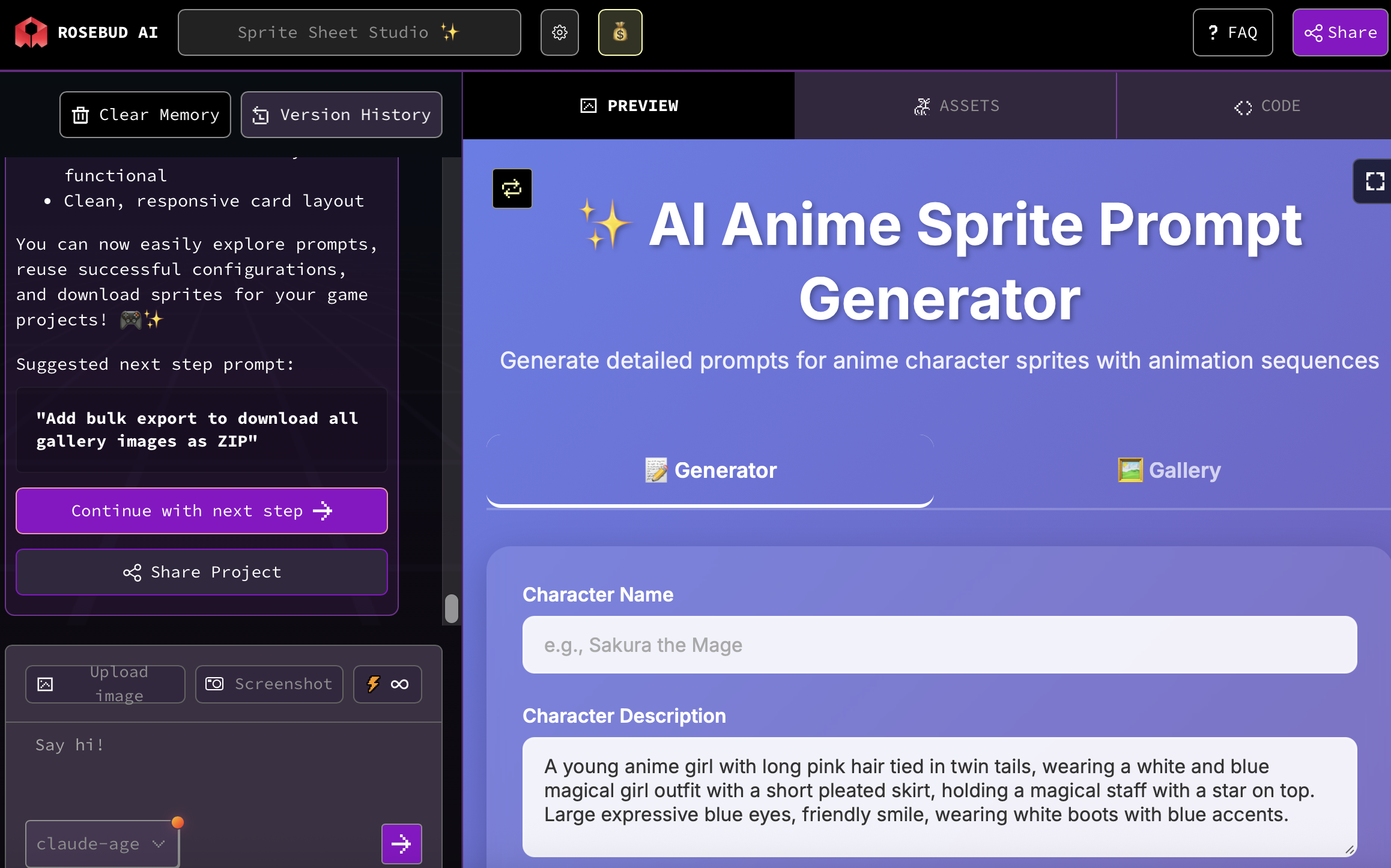
Inside Rosebud AI, you start by creating a lightweight 2D app whose only job is to generate a sprite prompt.
The app doesn’t generate images directly. Instead, it lets you select:
- Character type
- Animation phase (idle, attack, recovery, etc.)
- Visual style preferences
When the user clicks one button, the app outputs a clean, structured prompt.
Step 2 — Make the Sprite Generator Personalized
This is where Rosebud AI shines. Your sprite generator can be personalized across multiple dimensions:
🎨 Art style
- Pixel art (8-bit, 16-bit, modern pixel)
- Hand-drawn cartoon
- Anime-inspired
- Flat minimalist
- Retro arcade
🎨 Color rules
- Fixed color palette
- High-contrast silhouettes
- Dark fantasy tones
- Pastel or cozy palettes
🎭 Character & scene consistency
- Same character proportions across frames
- Same camera angle
- Same lighting
- Optional background or transparent background only
🕒 Animation sequencing
You can explicitly control time-based frames, for example:
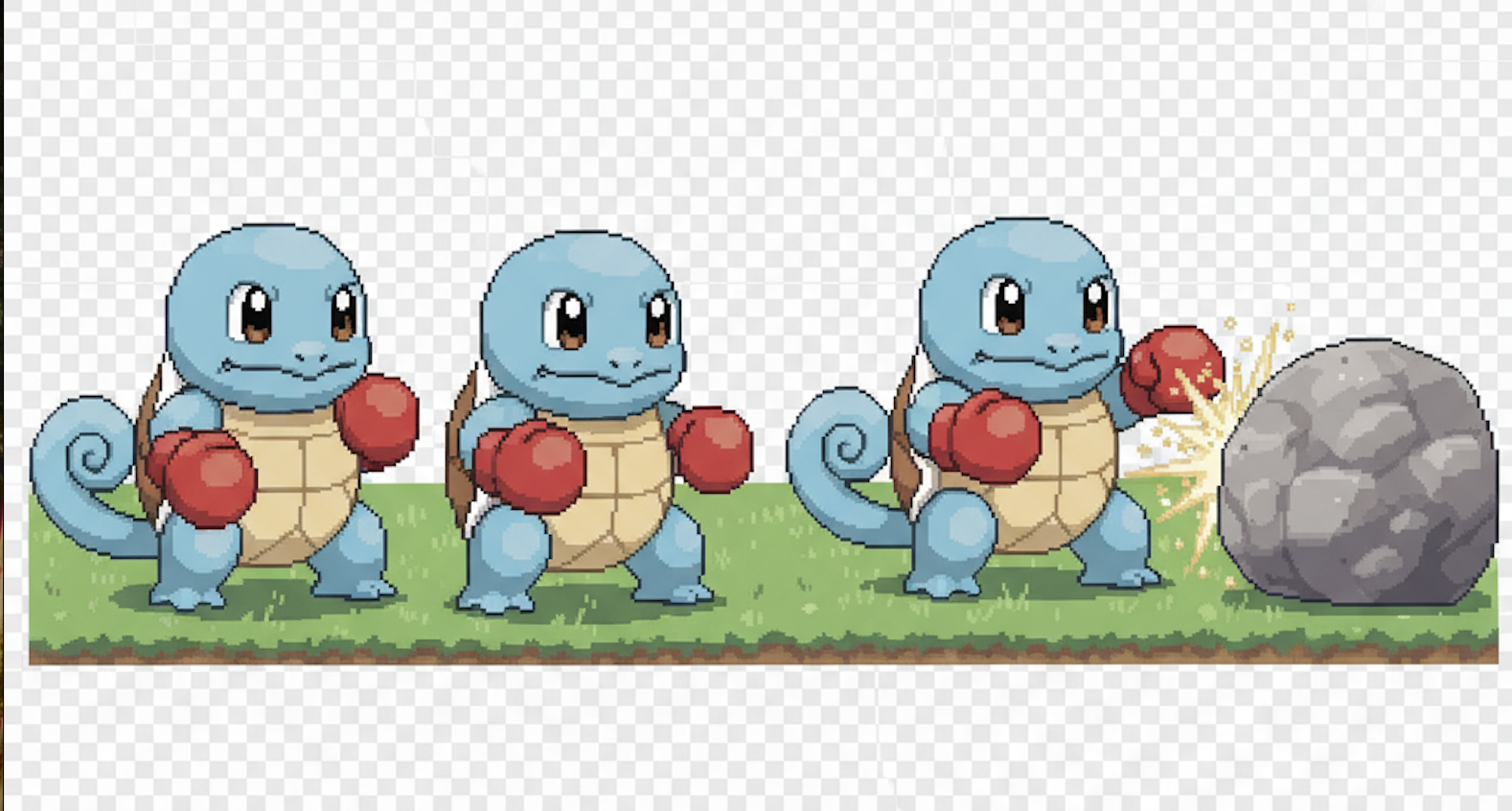
- Frame 1: Idle stance
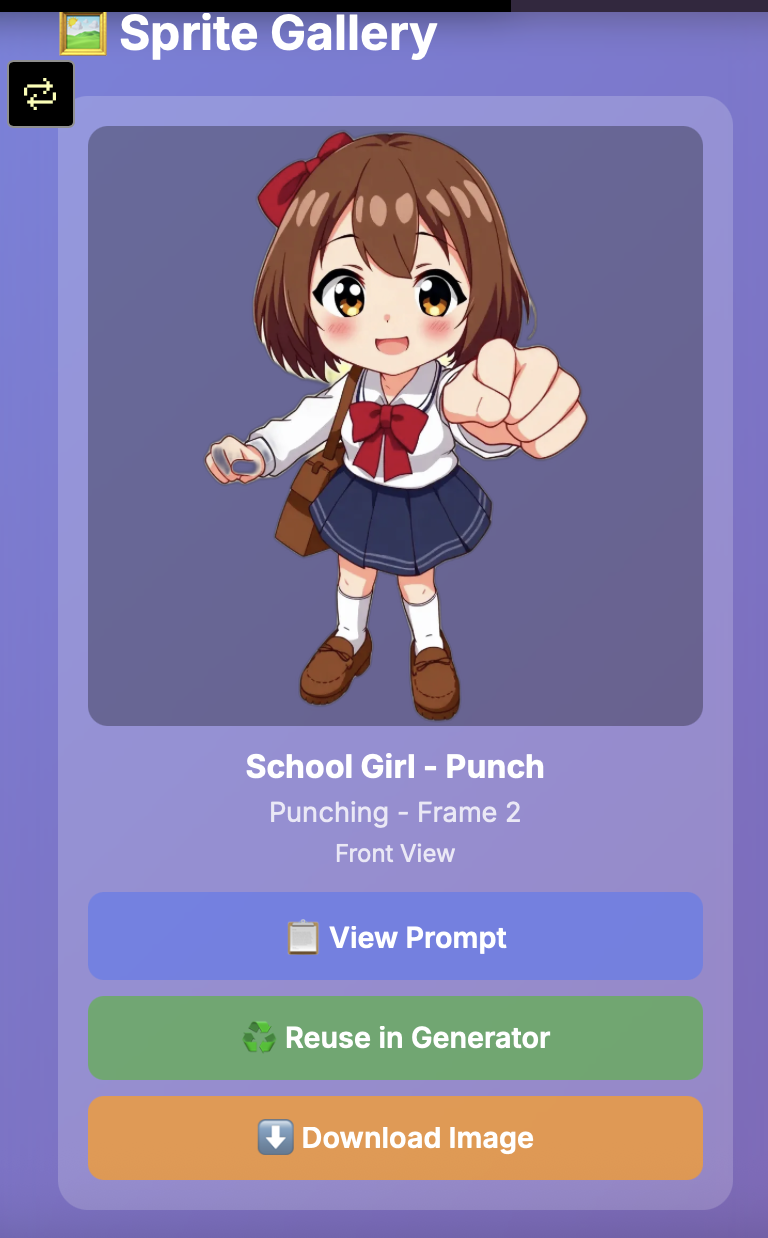
- Frame 2: Punch action
- Frame 3: Recovery pose
This makes the output immediately usable as a sprite sheet, not just concept art.
Step 3 — Generate the Prompt (Not the Image)
Your app’s output might look conceptually like this (in plain text):
“Generate a 2D sprite sequence of a humanoid fighter.
Art style: clean pixel art, 16-bit.
Fixed color palette.
Frame 1: idle stance.
Frame 2: punching forward.
Frame 3: post-punch recovery pose.
Same proportions, same camera angle, transparent background.”
This prompt is the real asset.
You can tweak it endlessly without regenerating images until it’s perfect.
Step 4 — Paste the Prompt into the Rosebud AI Editor
Once the prompt is ready:
- Paste it into the Rosebud AI image generation editor
- Generate the sprite frames
- Export or arrange them into a sprite sheet
- Drop them directly into your game
Because the rules are consistent, you can regenerate:
- New attacks
- New outfits
- New characters
…without breaking style continuity.
Step 5 — Use the Sprite Sheets in Your Games
The final output is game-ready:
- Plug into 2D engines
- Assign frames to animation states
- Iterate quickly when mechanics change
You’re no longer blocked by art production—you can prototype gameplay first and refine visuals later.
Why This Approach Is Powerful
Instead of asking AI for “a sprite,” you’re building:
- A sprite system
- A prompt engine
- A reusable asset pipeline
This fits perfectly with modern game development workflows where iteration speed matters more than perfection on day one.
With Rosebud AI, you’re not just generating art—you’re designing tools that generate art, tailored exactly to your game’s needs.
Final Thought
AI sprite generation isn’t about replacing artists. It’s about unlocking creativity earlier, letting more people build games, test ideas, and iterate fast.
By combining a simple 2D prompt app with Rosebud AI’s generation tools, you can create a free, personalized AI sprite sheet generator that grows with your game—and your imagination.

Patrick Moumiet
Patrick is a marketer at Rosebud with a background as a content creator and social media strategist. He has launched courses and coaching programs in social media marketing and content creation, coaching 500+ large-scale influencers customers. On the Rosebud blog, he writes about consumer AI and how to make money with AI, exploring ways to combine state-of-the-art models with Rosebud’s creative tools.