


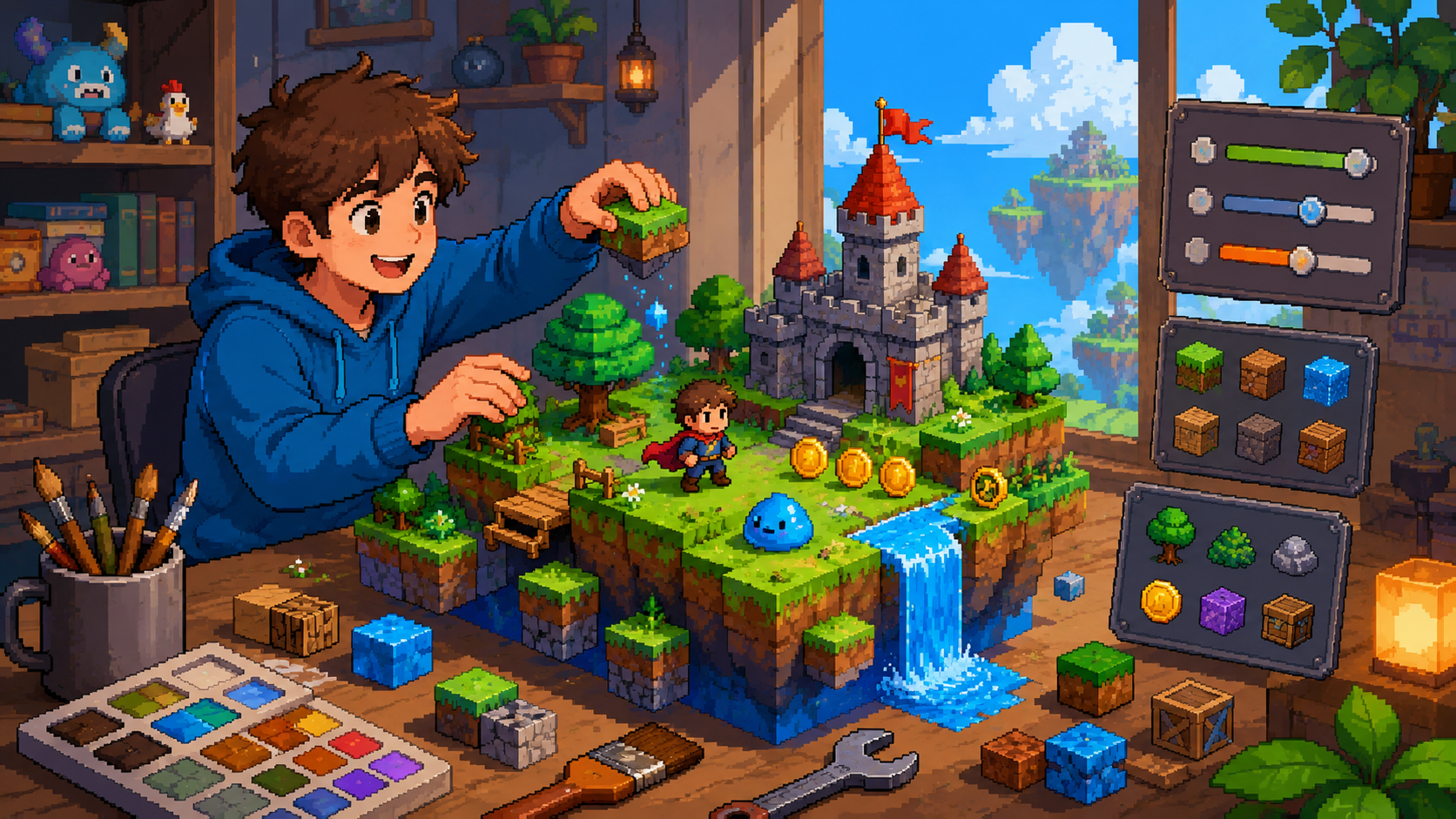
You don't need to learn a programming language to make a video game. In 2026, the fastest path from "I have an idea" to "my friends are playing it" doesn't involve a single semicolon — and it's not a compromise, either. No-code games ship on Steam, rack up millions of plays in the browser, and win game jams.
This guide walks through the whole journey: picking an idea that's actually finishable, choosing the right no-code game maker, building your core loop, playtesting, and publishing. Every step works with free tools.
Can you really make a game without coding?
Yes — and it's never been more true than right now. Game creation tools have evolved along two tracks. Visual editors like GDevelop and Construct replace code with drag-and-drop logic blocks: "when player touches spike, restart level." And a newer generation of tools, like Rosebud, lets you describe your game in plain English and turns that description into a playable browser game you can keep editing the same way.
What "no coding" really means is that the logic is still there — loops, conditions, physics — but the tool writes and manages it for you. Your job becomes the fun part: deciding what the game is, how it feels, and why it's worth playing.
Step 1: Pick an idea you can finish
The number one reason first games die is scope. Your first game should be one mechanic, one level of polish, one sitting to play. Genres that consistently work for first-time creators:
- Clicker and idle games: one satisfying loop, numbers go up, endlessly tunable.
- Horror games: atmosphere does the heavy lifting — a flashlight, a corridor, one good scare beats a hundred features.
- Visual novels: if you can write, you can ship one. Branching choices are the whole mechanic.
- 3D obstacle courses and runners: simple controls, instant fun, easy to share.
Write your idea as a single sentence: "A cozy clicker where you grow a mushroom empire." If it needs a second sentence, cut something.
Step 2: Choose your no-code game maker
There's no single best tool — there's a best tool for the kind of game you want and how you like to work:
- Rosebud — describe your game in plain English in the browser and get a playable game in minutes, then keep refining it conversationally. Free to start, nothing to install, and games get a shareable link instantly. The fastest idea-to-playable of anything on this list.
- GDevelop — free and open source, with event-sheet logic (visual if/then rules). Great for 2D arcade games; exports to web and mobile.
- Construct 3 — polished drag-and-drop 2D editor that runs in the browser. Beginner-friendly, but the full version is subscription-based.
- GameMaker — a step more advanced; you can build visually but its real power unlocks with its scripting language later. Good if you might want to grow into code.
- Scratch — built for learning and younger creators. Block-based, wonderful community, but games stay on Scratch's platform.
If your priority is finishing something today and sharing a link, start with Rosebud. If you want to hand-place every sprite in a 2D editor, GDevelop or Construct will feel natural.
Step 3: Build your core loop first
Don't start with menus, cutscenes, or a settings screen. Build the 15 seconds of gameplay the player will repeat a hundred times — jump the gap, click the cookie, choose the dialogue option — and get that feeling right before anything else.
A practical order that works in any tool:
- Block out the level or scene with placeholder shapes.
- Add the player action and make it feel responsive.
- Add one obstacle or choice that creates tension.
- Add win and lose states.
- Only then: art, sound, and juice.
In a describe-it tool like Rosebud, the same principle applies to your prompts: ask for the core loop first ("a 3D runner where I dodge falling crates"), play it, then layer on requests one at a time.
Step 4: Playtest early and often
Hand your game to someone who has never seen it and say nothing. Where they get confused, that's your next fix. Browser-based makers make this painless — send a link, watch someone play on a call, tweak, send again. Three rounds of this will improve your game more than a week of solo polishing.
Step 5: Publish and share your game
Shipping is a feature. Free places your no-code game can live:
- A shareable web link — Rosebud games publish to the browser instantly, and the best ones get featured on the play page.
- itch.io — the indie standard for web and downloadable games, free to publish.
- Game jams — deadlines are magic for finishing; most jams welcome no-code entries.
Post it, collect feedback, and start game number two — your second game will take half the time.
What kinds of games can you make without coding?
More than you'd think. Guides for the most popular first-game genres:
- 3D games: the 3D game maker page covers building worlds, physics, and multiplayer-style obstacle courses.
- Visual novels and interactive stories: start with the visual novel maker guide.
- Horror games: the horror game maker page plus our step-by-step guide on how to make a horror game.
- Clicker and idle games: see the walkthrough on making a clicker game.
Frequently asked questions
Can I really make a game without knowing how to code?
Yes. Modern game makers handle the programming for you, either through visual logic blocks or by turning plain-English descriptions into working games. Thousands of playable games are shipped this way every week.
Is it free to make a game without coding?
It can be entirely free. Rosebud and GDevelop are free to start, Scratch is completely free, and publishing to the web or itch.io costs nothing. Paid tiers mostly add capacity and exports, not the ability to make a game.
Can you make a 3D game without coding?
Yes. Browser tools can generate and edit full 3D scenes — worlds, physics, and characters — from a description, no engine installation required. See the 3D game maker guide above to start.
How long does it take to make a game without coding?
A playable prototype takes minutes to hours in a describe-it tool, and a polished small game takes days to a couple of weeks. The biggest factor is scope, not skill.
Can I make money with a game made without code?
Yes — no-code games can be sold on itch.io, monetized with ads on web portals, or grown into bigger projects. Players care whether the game is fun, not how it was built.
What's the easiest way for a complete beginner to start?
Pick a one-sentence idea, open a browser-based maker like Rosebud, and build the smallest playable version of it today. Momentum beats preparation.

Andi Bucescu
Andi is the Head of Marketing at Rosebud, where she writes about the intersection of AI, creativity, and brand storytelling. She explores how generative AI is reshaping marketing strategies and creative workflows, with a focus on making complex technology accessible and cutting through the noise of modern campaigns. Her perspective is informed by undergraduate research on effective social media content and consumer psychology.