


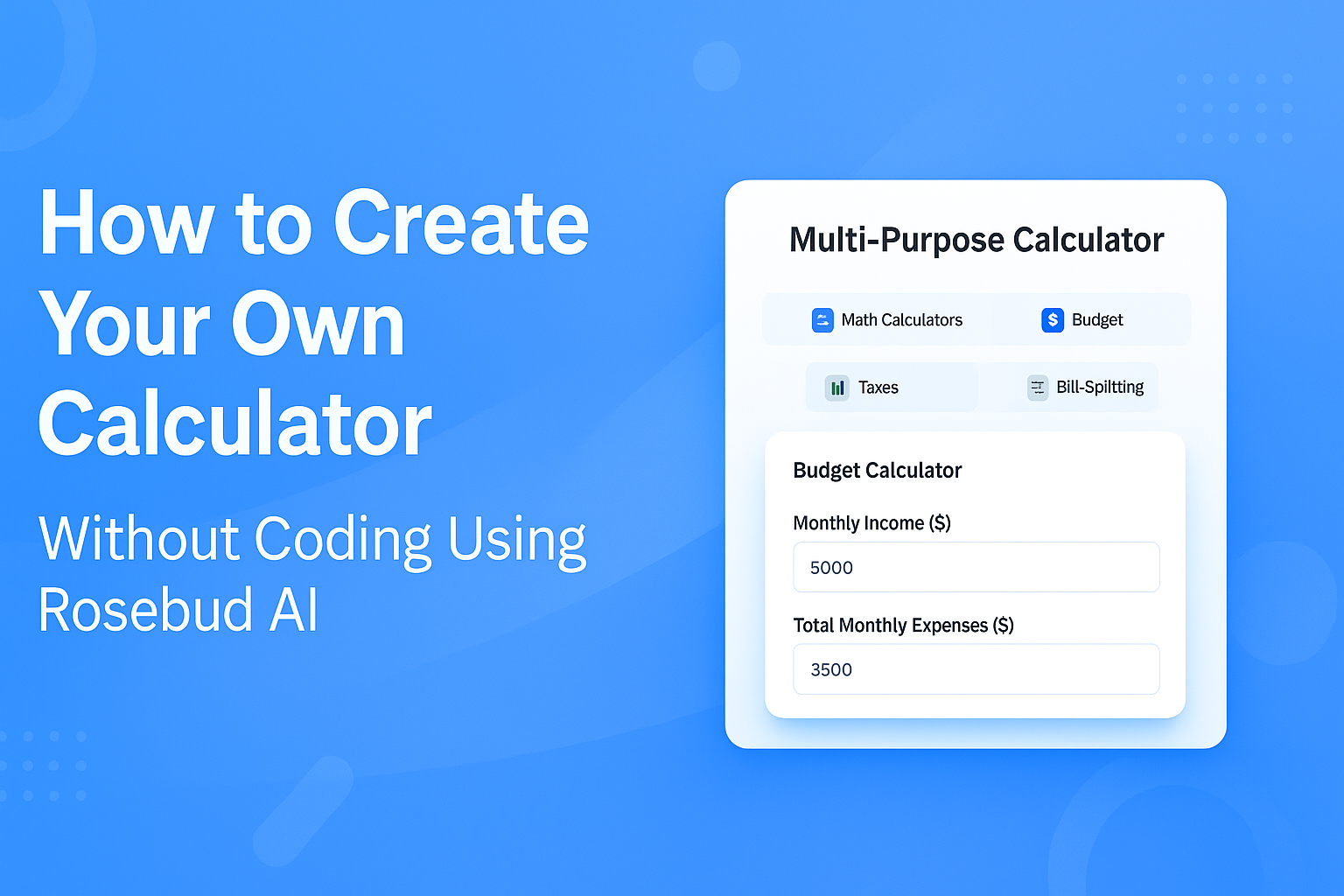
How to Create a Calculator Without Coding: Why Google’s Tool Is Great—but a Personalized Rosebud AI Calculator Is Even Better
Most people use the Google calculator when they need quick math: adding expenses, converting currency, or checking a percentage. It is fast, reliable, and extremely simple. But what if you need a specialized calculator—one that performs your exact recurring calculations, tailored to your personal goals or your specific daily tasks?
That’s where a no-code AI calculator made with Rosebud AI becomes a more powerful option. Instead of using a generic calculator and repeating the same steps over and over, you can instantly create an interactive calculator that fits your life, your workflow, or your project.
Why the Google Calculator Is Good—but Limited to General Use
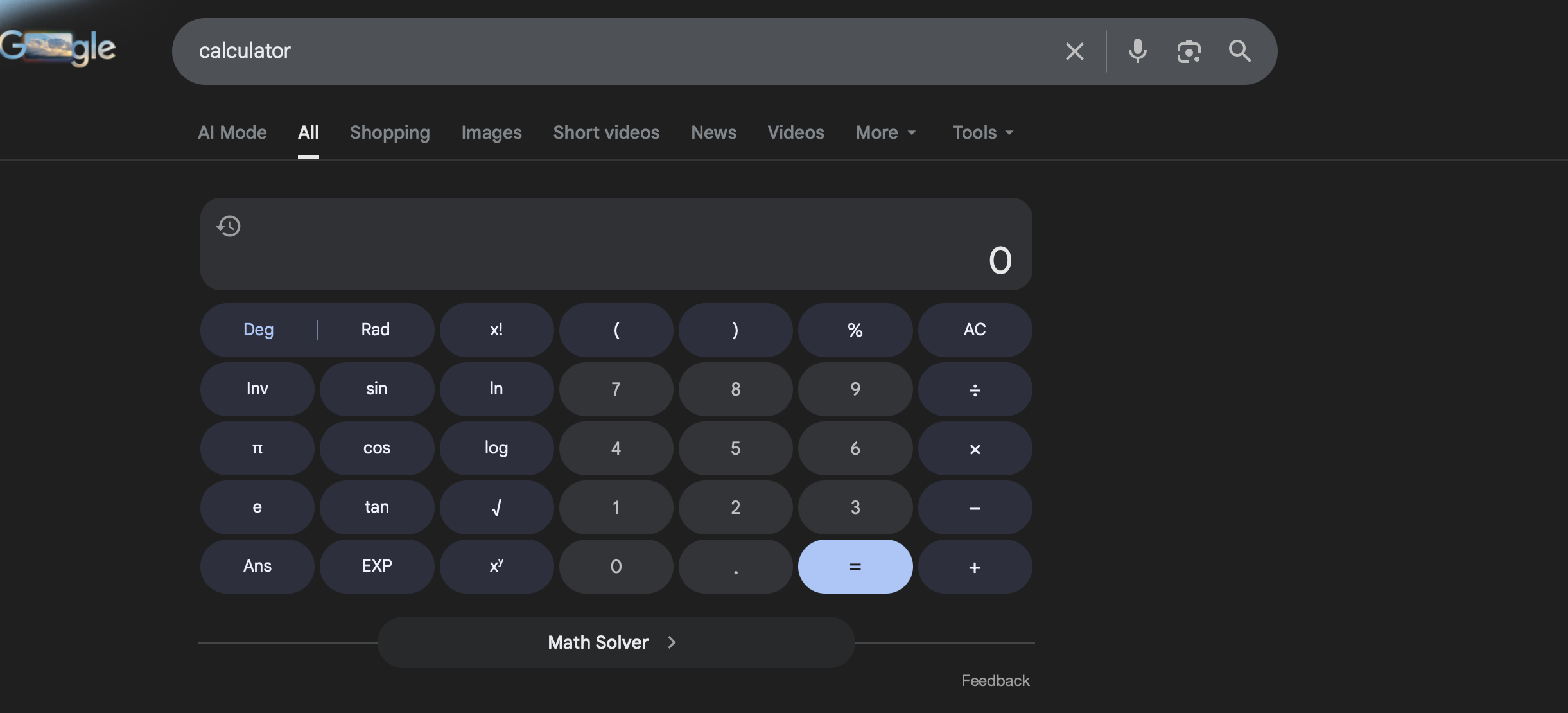
The Google calculator is perfect for:
- Quick arithmetic
- Percentages
- Currency conversions
- Basic equations
- One-off calculations
It’s universal and easy to access. But unless your needs are extremely simple, you’ll eventually hit limits.
A standard calculator does not:
- Remember your custom formulas
- Automate your repeated calculations
- Let you preset categories
- Display results in a custom visual format
- Adjust to your personal rules, budget goals, or workflow
- Allow interactive steps or sliders
If your work or daily life involves recurring calculations, a generic calculator becomes repetitive and inefficient.
This is where AI-powered no-code tools become transformative.
Why Create Your Own Custom Calculator?
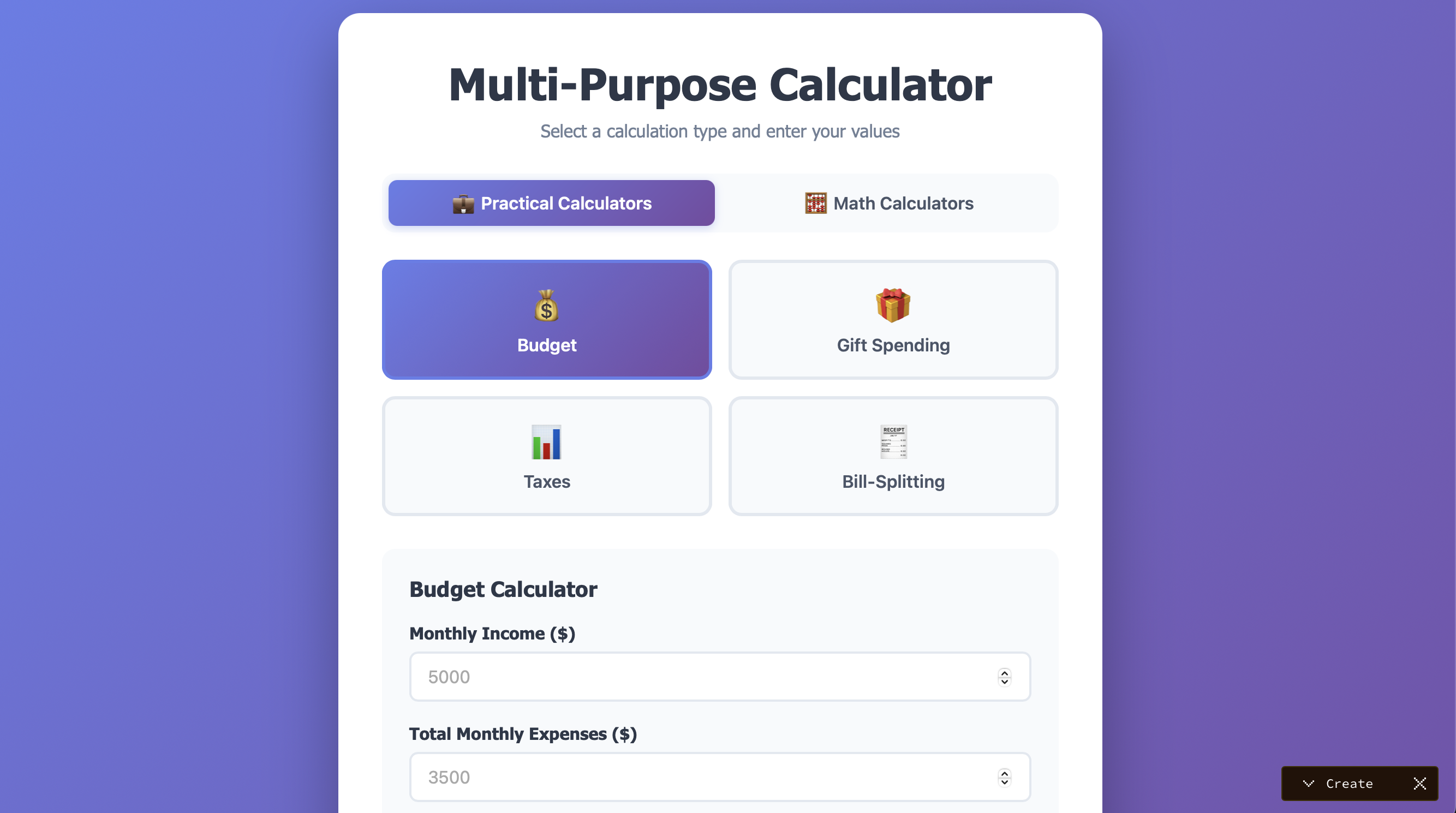
Many people need calculators that match their world, not a generic one. This is the one I created, try it here. Some examples of what you could create:
🎁 A Christmas Gift Budget Calculator
Automatically split gifts by category, spending limits, and number of family members.
💸 A Personal Monthly Budget Calculator
Track rent, meals, subscriptions, and savings goals with one click.
🧾 A Quick Tax Estimator
Apply your region’s tax brackets without having to calculate everything manually each time.
🍽️ A Meals & Grocery Cost Calculator
Estimate weekly meal costs instantly, based on your usual ingredients.
🤝 A Bill-Splitting Calculator for Friends
Add meals, drinks, tips, taxes, and split evenly or by person.
📦 A Shipping Cost Calculator for Small Businesses
Set your own packaging rules, margins, and delivery zones.
You don’t need coding. You don’t need spreadsheets. You don’t need formulas in a complex interface.
You simply describe the calculator you want—and Rosebud AI builds it.
How to Create a Personalized Calculator Using Rosebud AI (No Coding Needed)
Rosebud AI is an AI game maker, but it’s also a powerful tool for creating interactive utilities like custom calculators using natural-language instructions. You type what you want, and Rosebud generates the logic, buttons, inputs, and results instantly.
Here’s how it works:
1. Describe the Type of Calculator You Want
You can start with a single sentence, like:
- “Create a Christmas gift budget calculator where I enter a goal, and it splits recommendations by person.”
- “Make a calculator that helps me plan personal monthly expenses with adjustable sliders.”
- “Build a bill-splitting calculator where I enter meals and taxes, and it divides everything automatically.”
Rosebud handles all the logic.
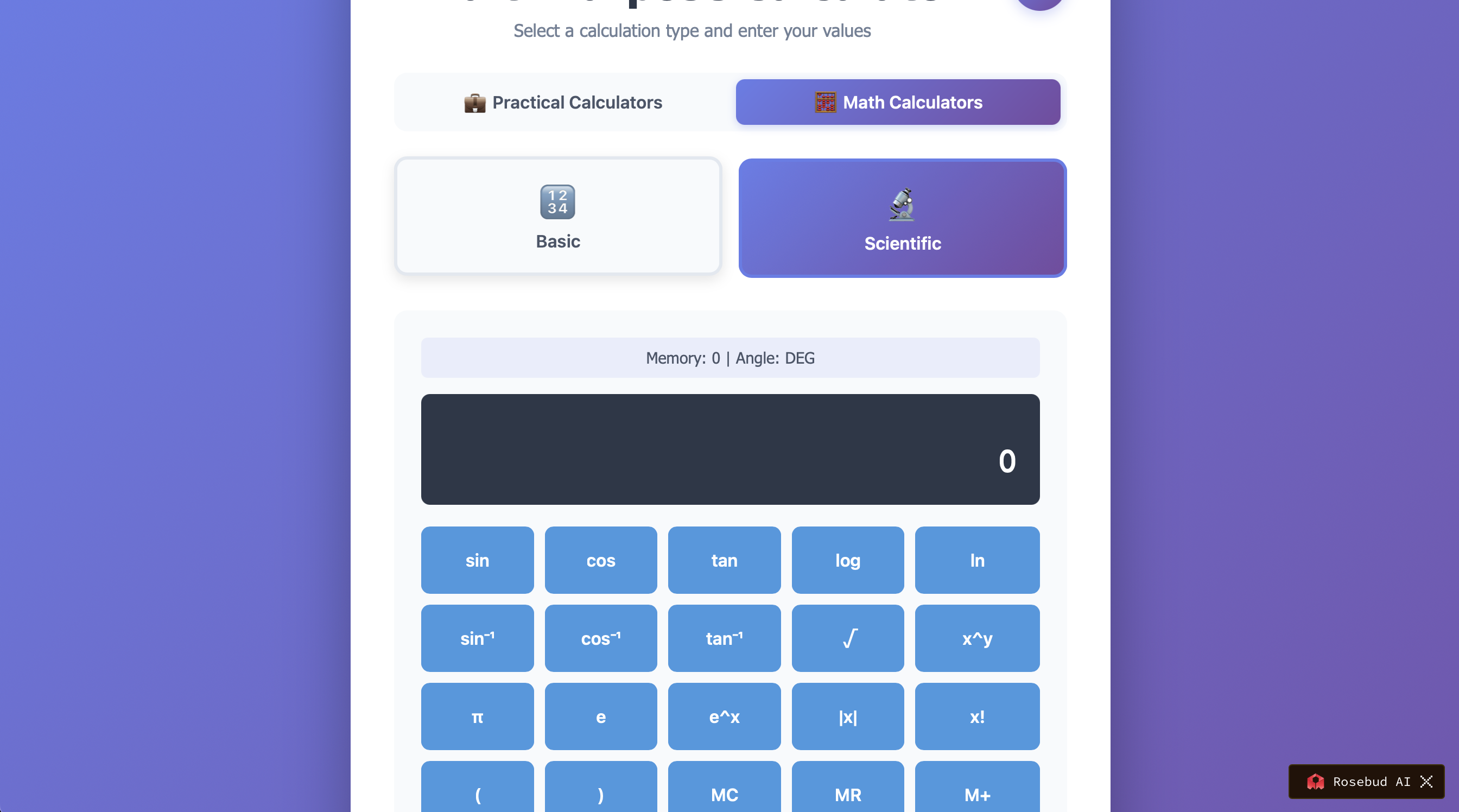
2. Add Your Custom Rules and Formulas
You can ask Rosebud:
- “Add a tip percentage field.”
- “Add a savings goal that automatically updates.”
- “Add a recurring meals cost calculation for weekly groceries.”
- “Add a tax bracket slider and show the final income after tax.”
No coding. No functions. Just plain English.
3. Customize the Look and Experience
Tell Rosebud:
- “Make it clean and modern.”
- “Use holiday colors for the Christmas calculator.”
- “Add buttons instead of text fields.”
It will redesign the UI automatically.
4. Publish or Share It Instantly
Your custom calculator becomes a small interactive app you can:
- Share with friends
- Embed in a website
- Use daily for your own workflow
- Integrate into content, newsletters, or tools
Your calculator is always ready in one click, with your own rules baked in.
Why Rosebud AI Is Better for Personalized Calculators
✓ You don’t need code
Describe your calculator in natural language.
✓ It adapts to your exact needs
Any formula, rule, workflow, or preference.
✓ It saves time on repeated tasks
Your calculator remembers everything.
✓ It’s interactive and fun
Sliders, buttons, colors, categories, steps—completely customizable.
✓ It’s not rigid like a standard calculator
It becomes a personal tool instead of a generic one.
Conclusion
The Google calculator is great for simple tasks—but when you need something personal, repeated, or specific, a standard calculator is not enough.
Using Rosebud AI, you can instantly create:
- A holiday calculator
- A meals budgeting calculator
- A tax calculator
- A bill-splitting calculator
- A personal finance calculator
- A business cost calculator
All without writing a single line of code.

Patrick Moumiet
Patrick is a marketer at Rosebud with a background as a content creator and social media strategist. He has launched courses and coaching programs in social media marketing and content creation, coaching 500+ large-scale influencers customers. On the Rosebud blog, he writes about consumer AI and how to make money with AI, exploring ways to combine state-of-the-art models with Rosebud’s creative tools.