


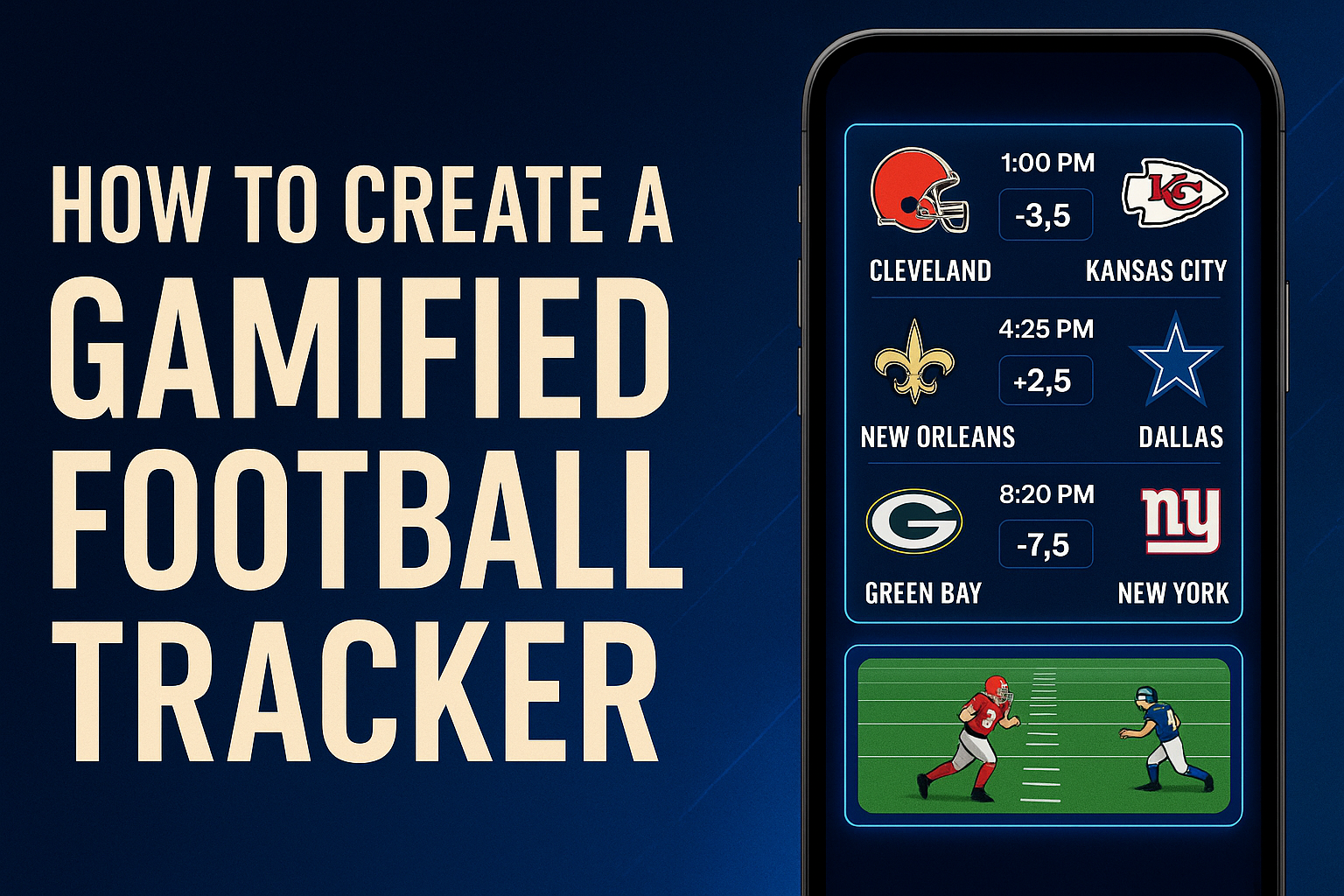
How to Create a Gamified American Football Game Tracker (NFL/NCAA) Using AI
A smarter, more interactive way to follow football games today.
Why Tracking Football Games Today Is Still Annoying
Every football fan knows the struggle: you want to check football games today, but each platform shows information differently.
Common frustrations:
- Too many ads and autoplay videos
- Slow or delayed score updates
- No personalization for your favorite NFL or NCAA teams
- Hard to filter by time, conference, or importance
- Scores feel static — nothing interactive, no fun
- You bounce between ESPN, NFL app, Bleacher Report, Twitter, and Google
Today’s football info is fast, but not personal.
It informs you — but it doesn’t engage you.
A New Concept: A Gamified Football Tracker You Can Create Yourself
Using Rosebud AI, you can turn live game schedules into a playable, interactive mini-game dashboard.
Imagine this:
✔ A football game tracker that looks like a mobile game
✔ Each matchup (NFL or college) appears as a clickable football card
✔ Clicking a card opens a mini football game simulation
✔ The entire interface is customizable to your preferences
✔ You can build it in minutes using AI generation
What the Gamified Tracker Can Do
1. Pull Live Data From Free American Football APIs
You can connect to free API sources such as:
- TheSportsDB (free NFL/NCAA endpoints)
- API-Football Gridiron Mode (free tier)
- CollegeFootballData API
You get structured data for:
- NFL games today
- NCAA games today
- Odds, spreads, and predictions
- Team logos
- Kickoff times
- Real-time scores
2. Turn That Data Into Interactive Match Cards
In Rosebud AI’s game builder, you can prompt:
“Create an NFL-style interface that lists football games today as glowing interactive cards. Each card shows team logos, kickoff time, odds, and a PLAY button.”
The AI generates:
- A clean football dashboard
- Team-themed color cards
- Animated UI elements
- Scrollable game list
- Full screen or mobile-friendly layout
Perfect for content creators, sports fans, or even fantasy football users.
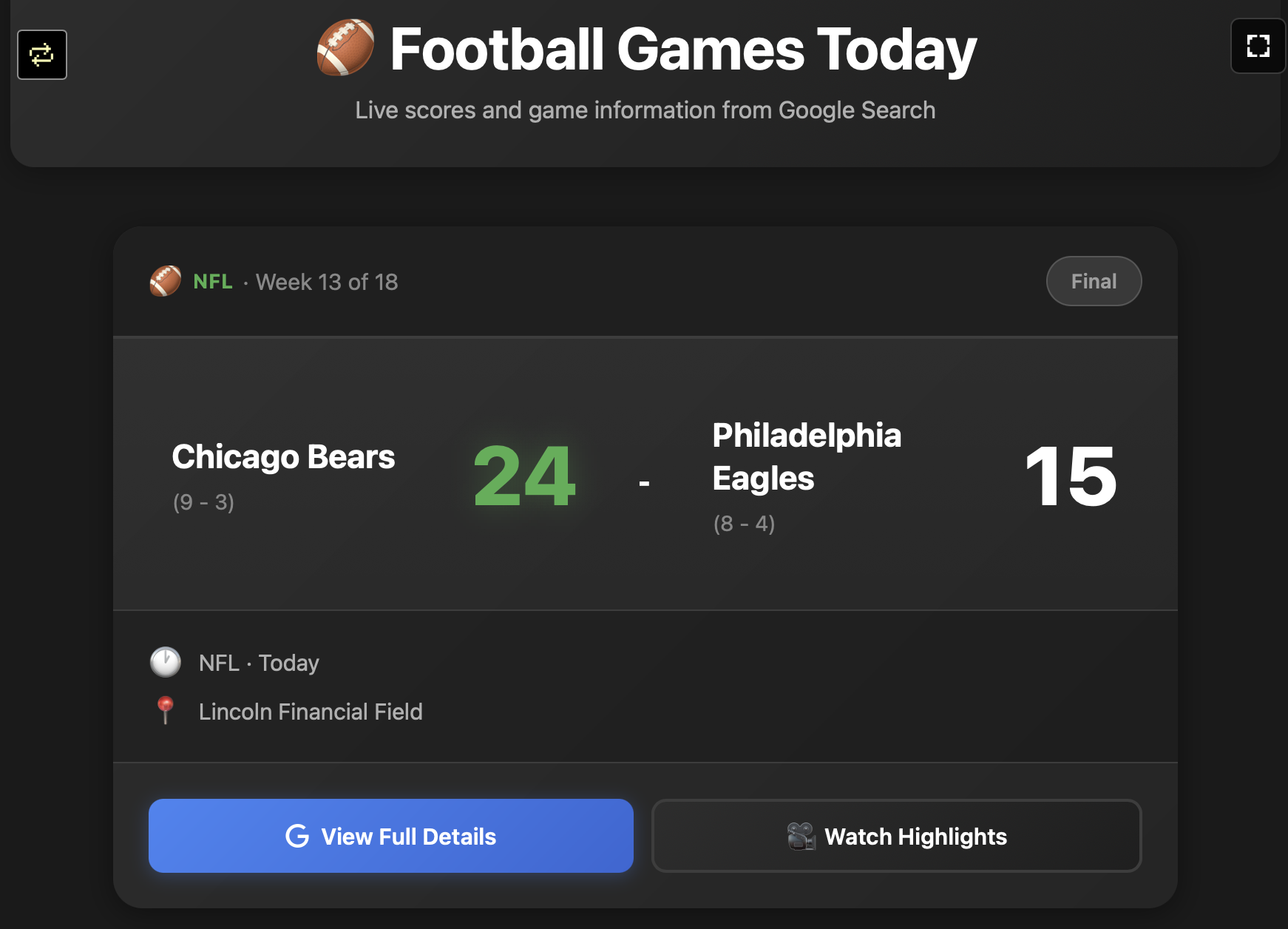
3. Add a Mini Game Simulation for Each Real Match
This is the fun part.
When a user clicks an NFL or NCAA game:
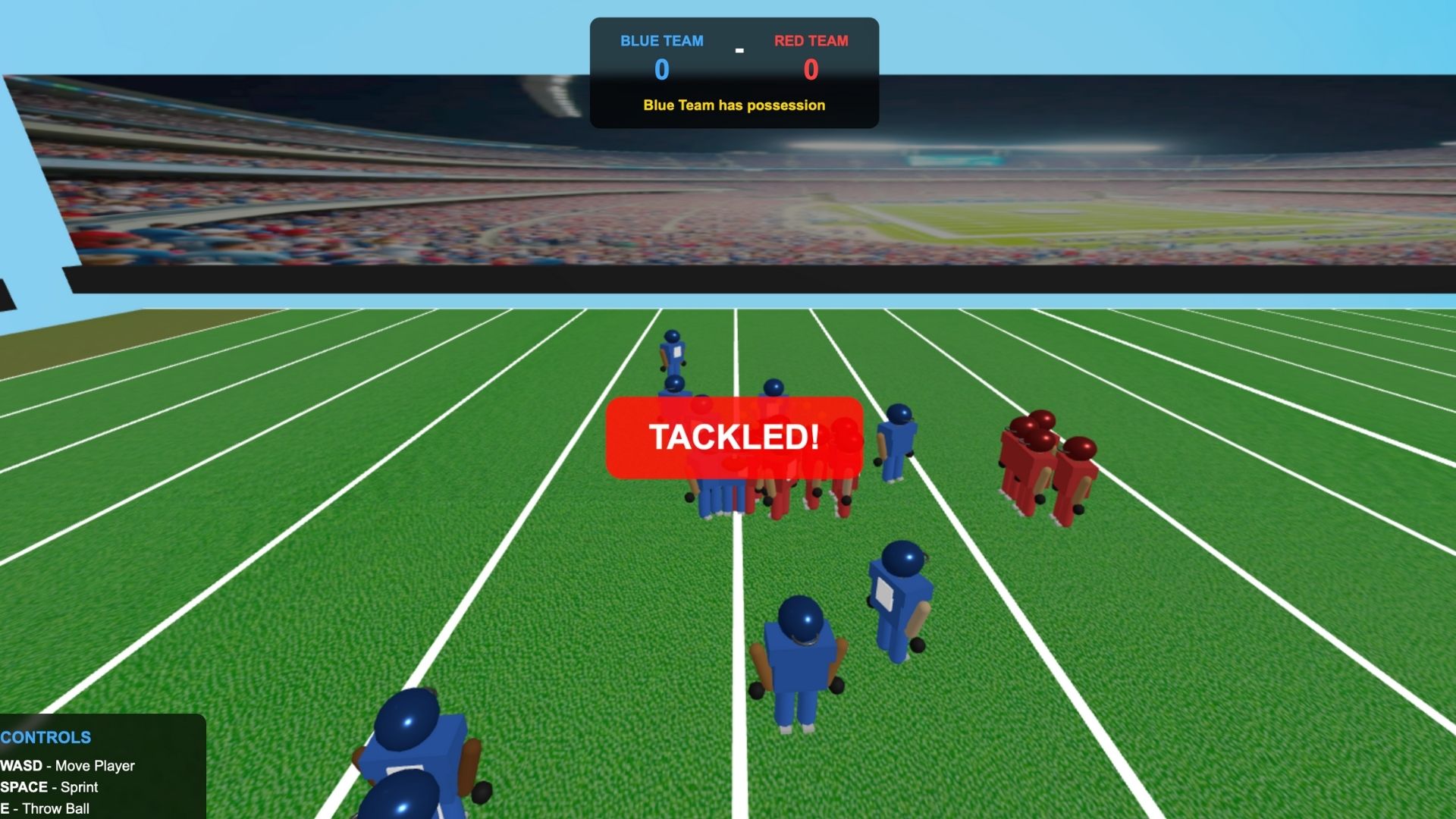
It opens a mini playable football experience, such as:
- A QB throwing challenge
- A running-back breakaway mini-game
- A field-goal accuracy test
- A top-down arcade-style football sim
- A Madden-style simplified drive simulation
- A “predict the play” mini-game
You can generate any game style using Rosebud AI prompts.
This turns every matchup into a tiny football adventure.
4. Customize Everything to Your Preferences
Rosebud lets you modify:
- Art style (cartoon, retro arcade, realistic, neon HUD)
- Animations
- Sound effects
- Field UI
- Icons
- Player avatars
- Game physics
- Data display style
Instead of ESPN telling you what the interface should look like…
you design it.
5. Add AI Commentary, Highlights, and Cutscenes
You can use video-gen to create:
- Hype trailers
- Game-of-the-week intros
- Custom halftime shows
- Quick simulated highlights
Imagine clicking “49ers vs Chiefs” and a cinematic intro plays before the mini-game begins.
🏈 Why This Beats Traditional Football Trackers
Normal football scoreboards give you:
- Text
- Stats
- Ads
- Delayed info
- Zero personalization
With a gamified tracker you get:
⚡ Live data
🎮 Playable mini-games
🧠 Personalized layout
🔥 Cinematics
🔊 Custom commentary
🏟 Your favorite teams highlighted
💻 A unique dashboard no one else has
It makes checking football games today actually fun.
How to Build This in Rosebud AI (Step-by-Step)
1. Go to https://rosebud.ai/
Choose From Scratch.
2. Generate the Football Dashboard
Prompt example:
“Create a 16:9 American football dashboard showing football games today as interactive cards. Each card shows team logos, kickoff time, spread, and a PLAY button. Neon sports game UI.”
3. Add the Mini-Game Logic
Prompt example:
“When a user clicks a game card, load a mini-game: a QB throw challenge with moving receivers. Simple controls: tap to throw.”
4. Plug in Live Football APIs
Add a simple fetch function for:
- NFL
- NCAA
- Live scores
- Times
- Week numbers
- Red zone status
You can group games by:
- NFL Week
- Conference (AFC/NFC)
- NCAA divisions
- Local time
- Rivalry games
5. Publish or Share
You can deploy the tracker as:
- A website
- A mobile mini-game
- A fan hub for your favorite team
- A personal dashboard
- A TikTok/YouTube sports tool
- A community game
Conclusion
Most fans just want one simple thing: to know the football games today without digging through ads, apps, and clutter.
By turning live NFL/NCAA schedules into a gamified, personalized dashboard, Rosebud AI makes football tracking actually fun — interactive cards, playable mini-games, and custom highlights all in one place. Instead of passively checking scores, you experience the games in your own creative way.

Patrick Moumiet
Patrick is a marketer at Rosebud with a background as a content creator and social media strategist. He has launched courses and coaching programs in social media marketing and content creation, coaching 500+ large-scale influencers customers. On the Rosebud blog, he writes about consumer AI and how to make money with AI, exploring ways to combine state-of-the-art models with Rosebud’s creative tools.